Access
Web App | Windows | Mac Sketchup | Mac Vectorworks or ArchiCAD
SketchUp Mac Update Instructions: Updating Veras for SketchUp on Mac
SketchUp Mac First Install Instructions: Installing Veras for SketchUp on Mac
Vectorworks Mac Install and Update Instructions: Getting Started with Veras for Vectorworks
ArchiCAD Mac Install and Update Instructions: Getting Started with Veras for ArchiCAD
 Rotate Image
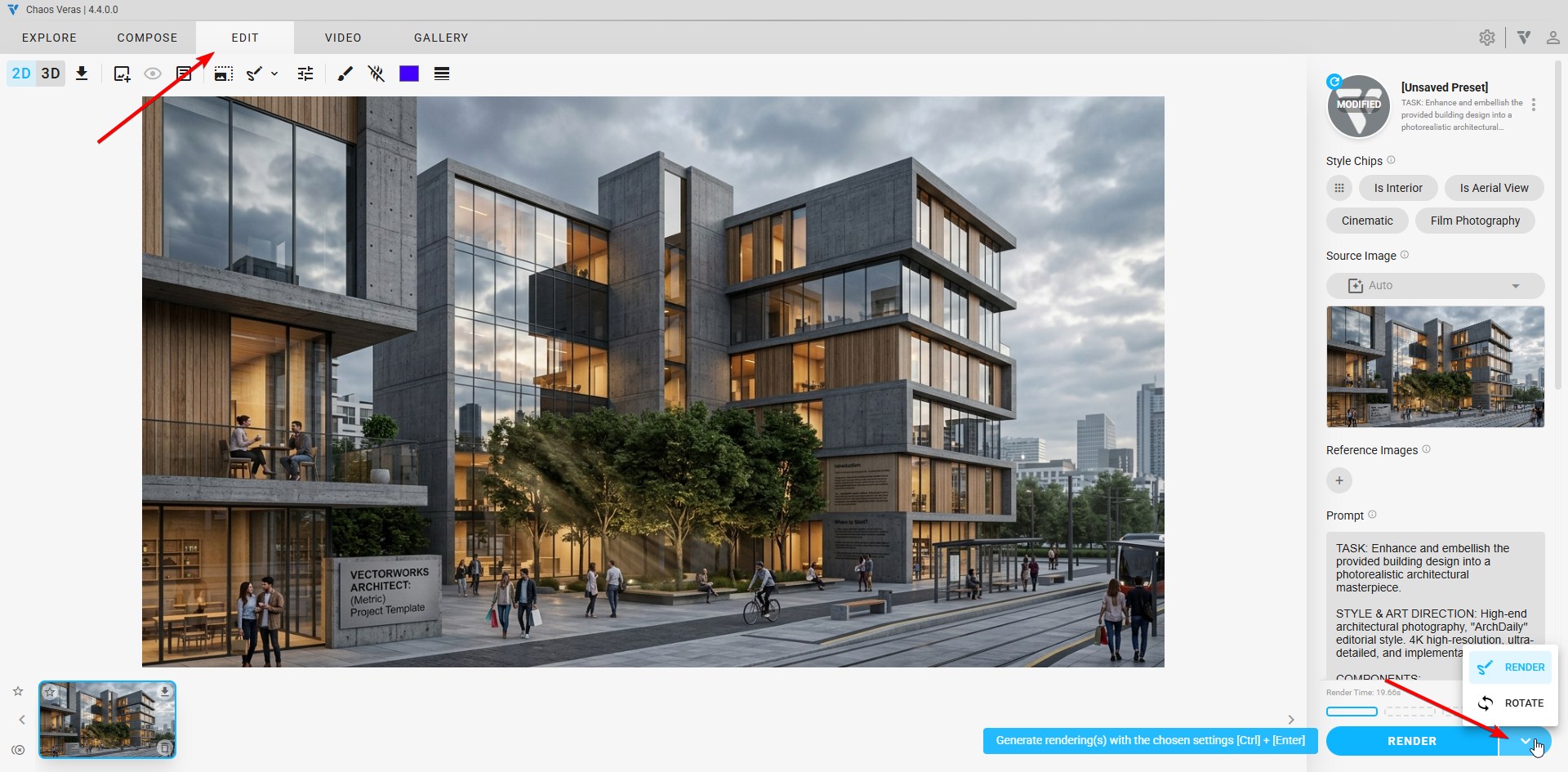
A brand new render edit feature — Rotate Image — that lets you reorient a source image in 3D before generating a render. Drag the interactive rotate preview to set pitch, yaw, and roll, fine-tune with the slider controls in the edit pane, and Veras will produce a fresh render from the new viewpoint.
This unlocks new viewpoints from any single source image without needing a 3D model.
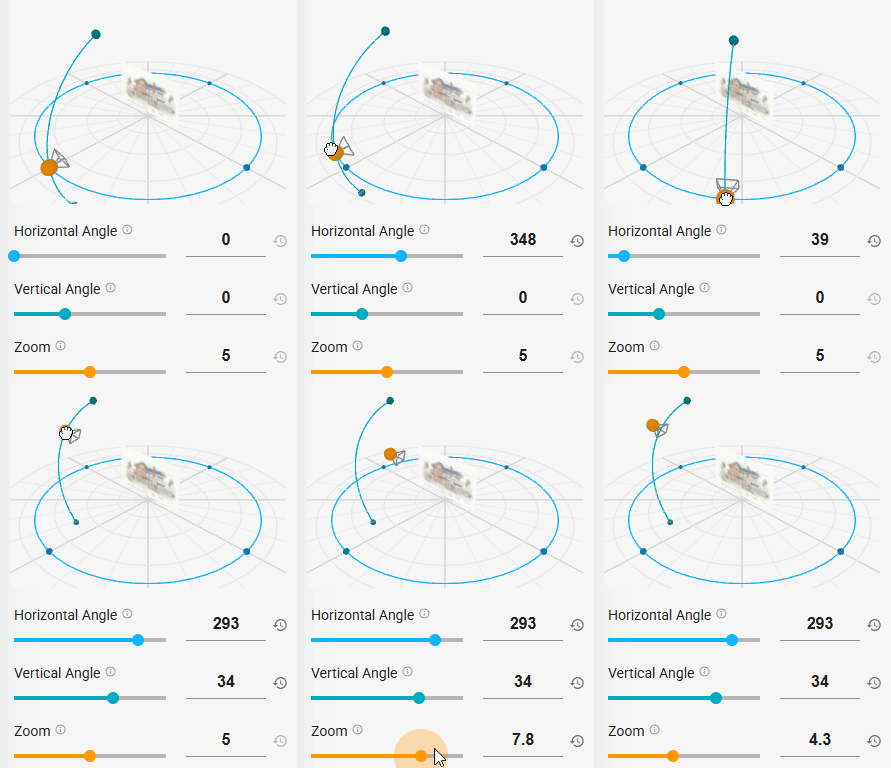
NOTE: Drag the preview to rotate the source image in 3D space
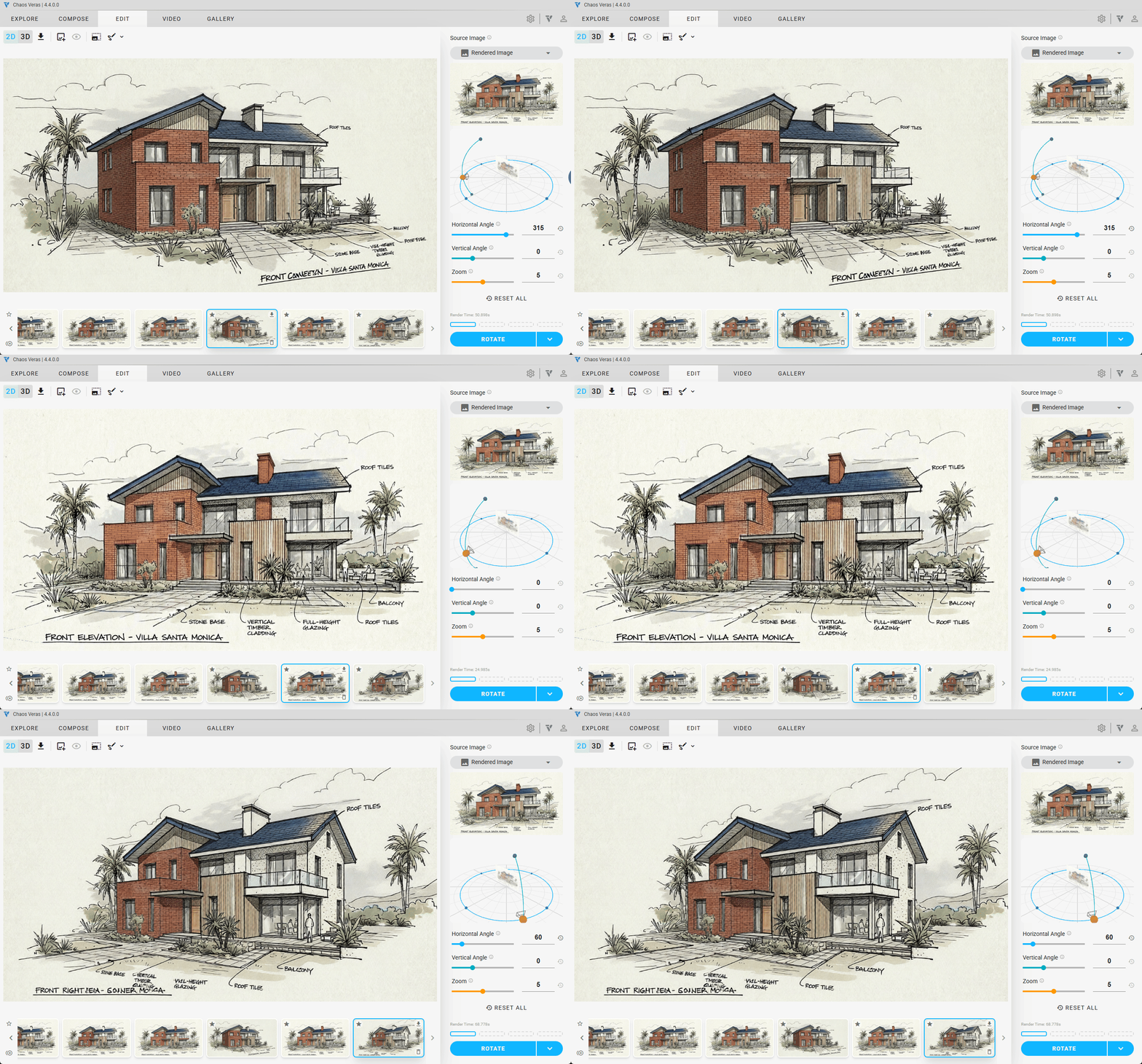
NOTE: Generate a fresh render from the rotated viewpoint
NOTE: You can even make a video from the different frames
 Render Selection Modes: Modify or Replace
Two new render selection modes for the Nano Banana engine — Modify and Replace — give you finer control over how selections are interpreted. The new Refine-mode toggles drastically improve the render selection feature.
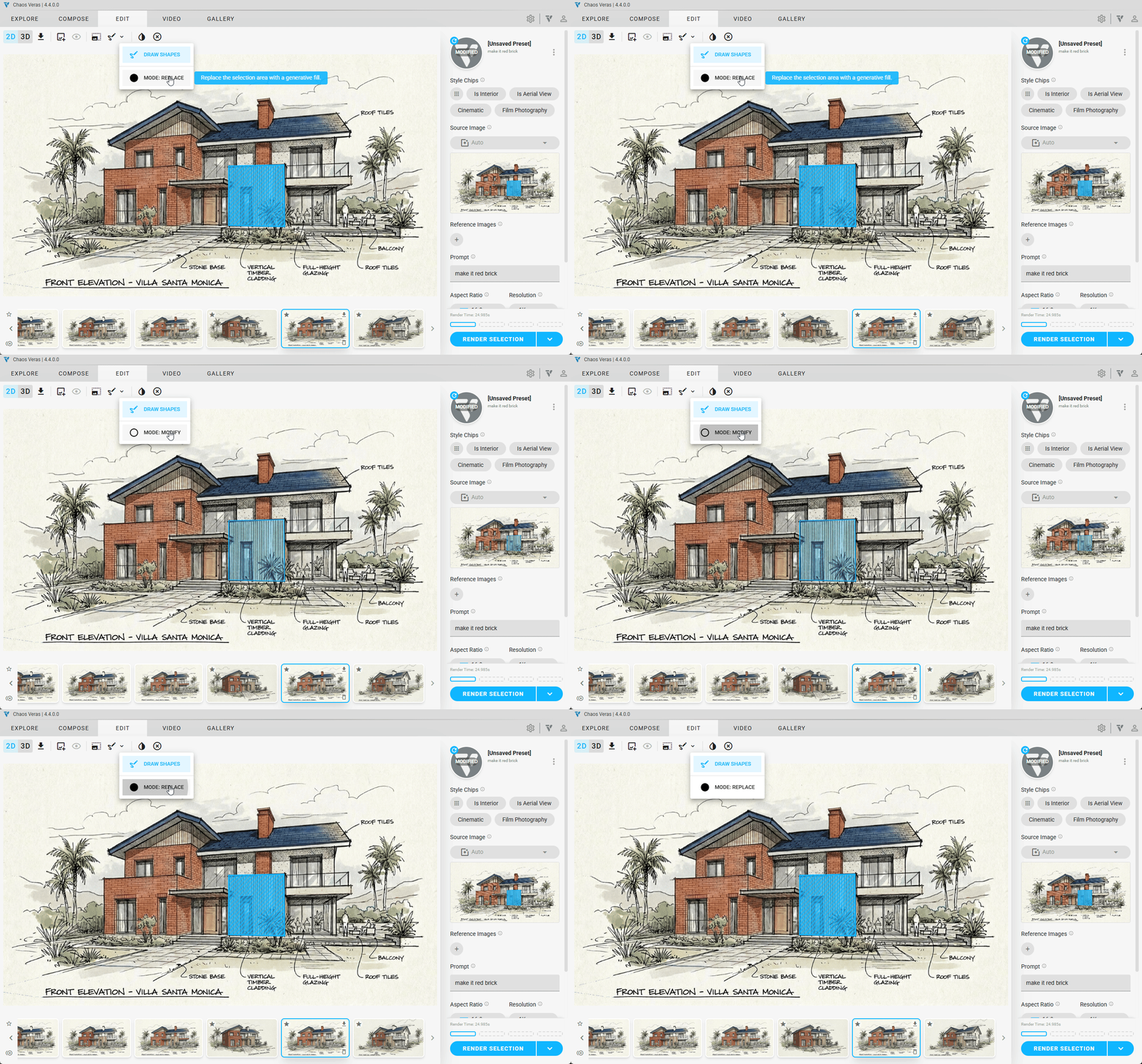
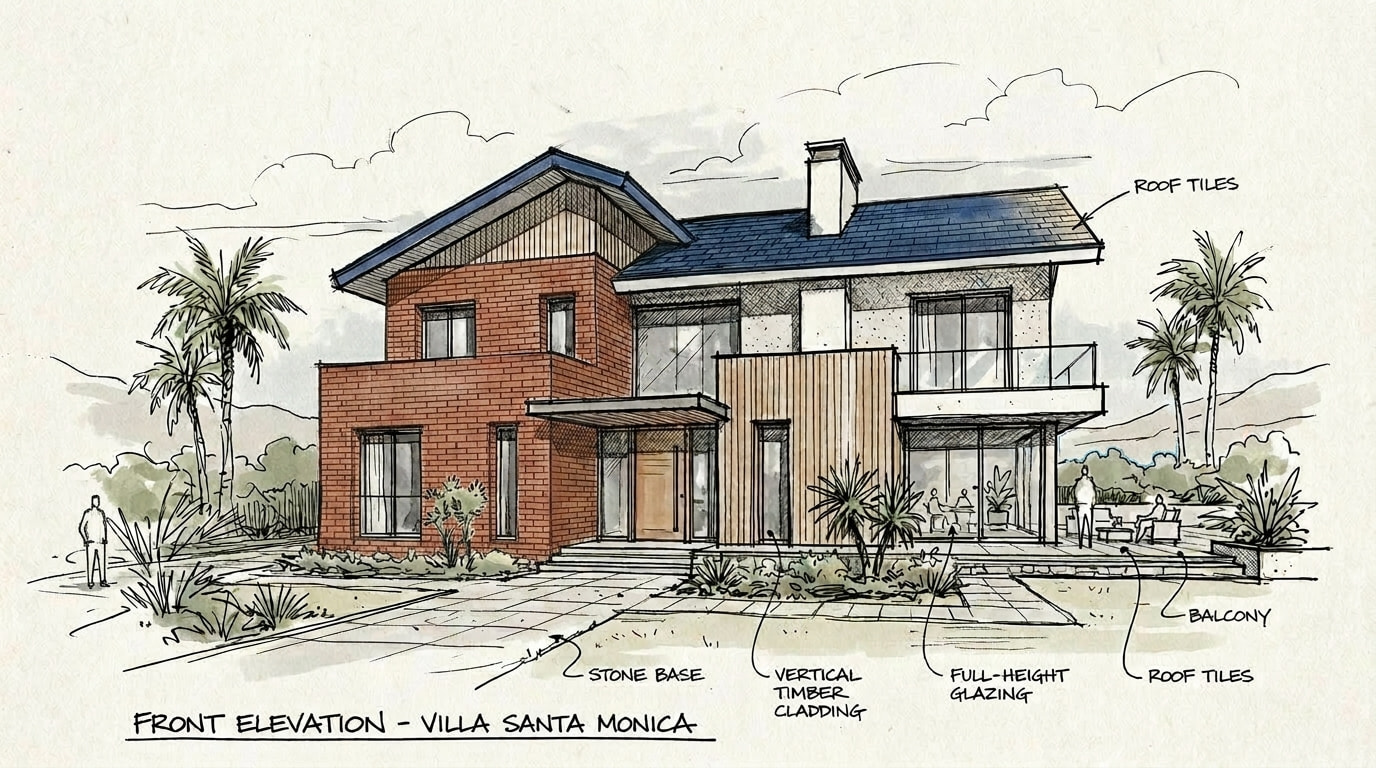
Modify: Render selection that preserve underlying geometry and better understands what needs to be edited. Useful for changing dimensions, materials or finishes while retaining geometry.

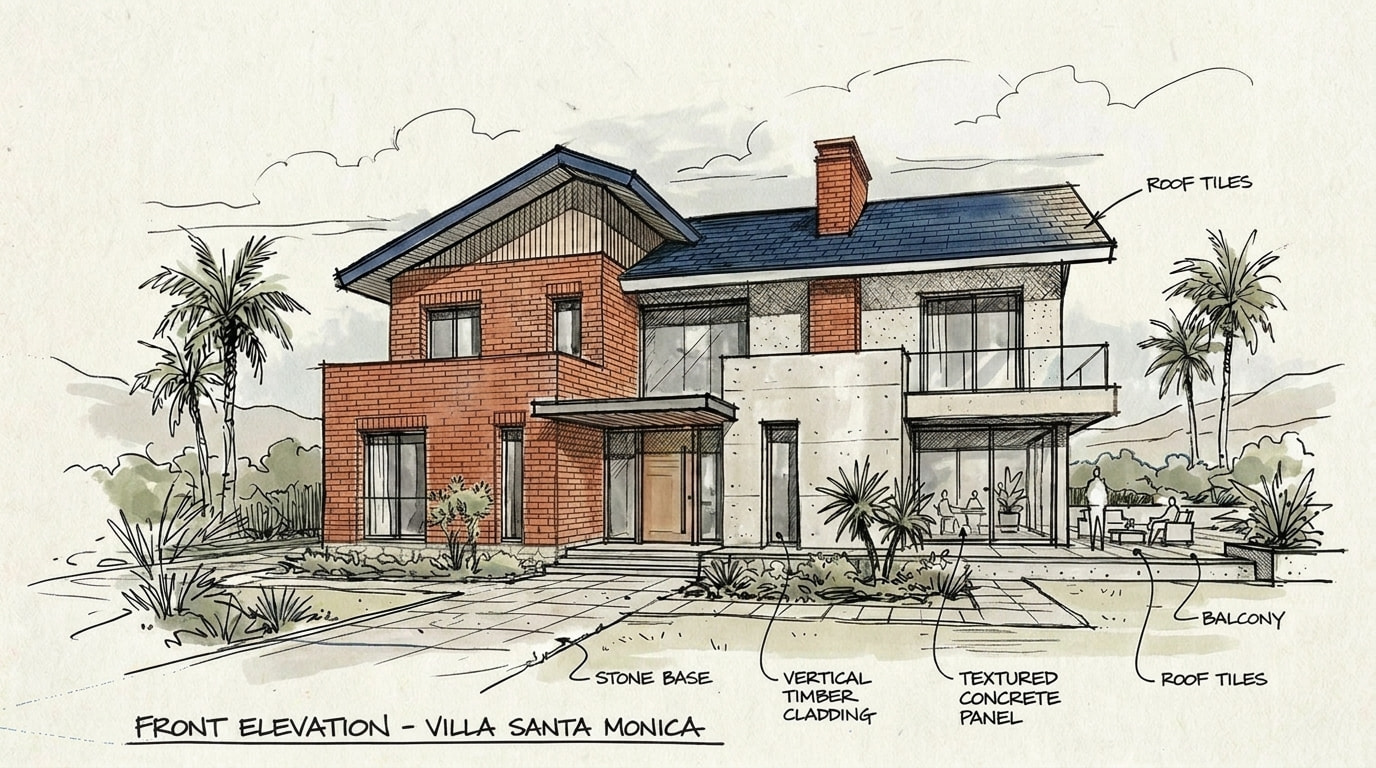
Replace: Render selection that discards the selection and comes up with a fresh new idea for that selection. Useful for reimagining an area of a building, or redesigning part of your scene.
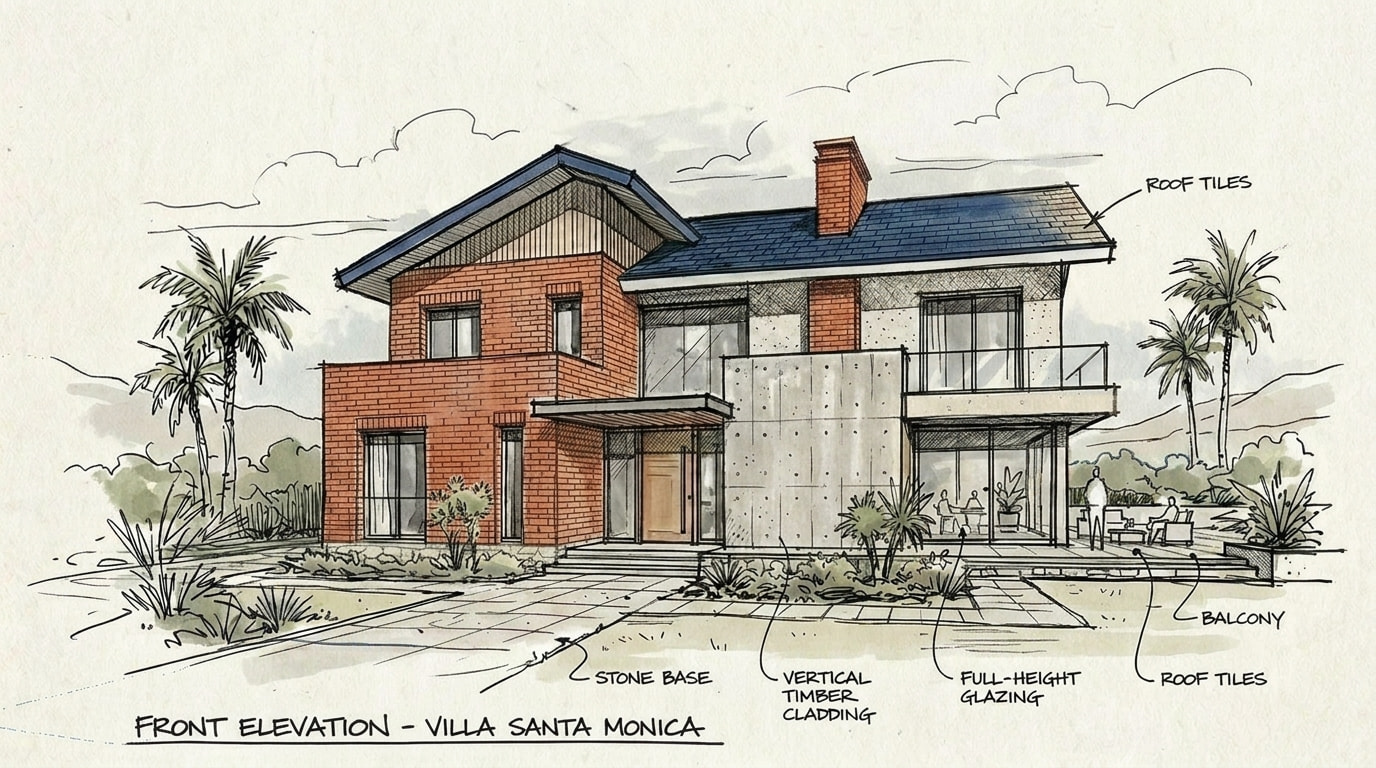
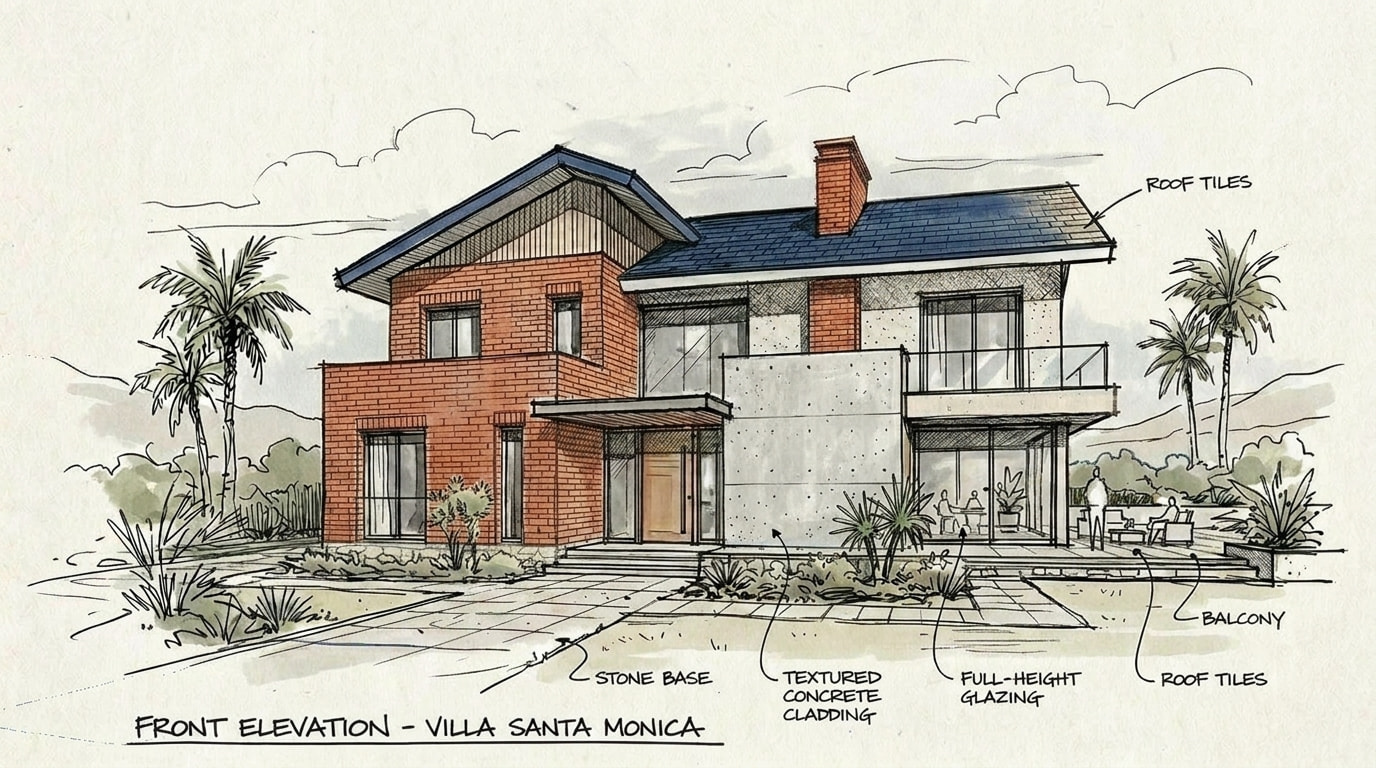
 Cloud Storage Usage
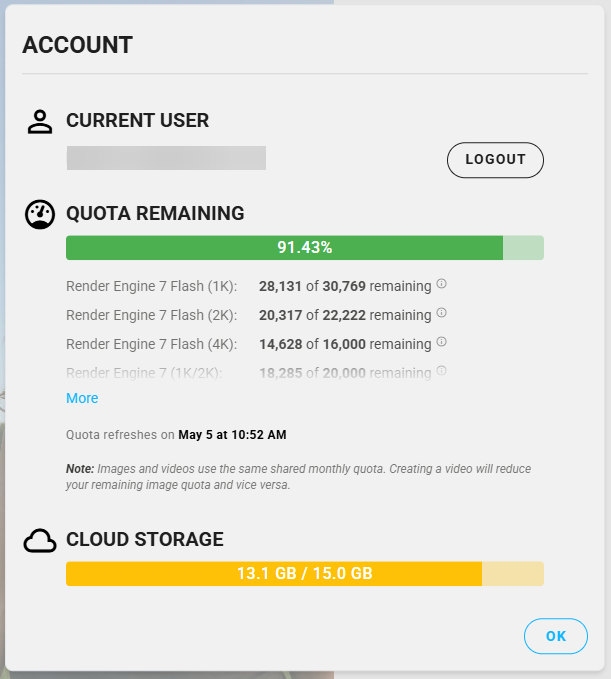
Keep an eye on your cloud storage from the Account modal. A live progress bar shows how much of your storage is in use, with warning and error states so you know exactly when it’s time to make space or upgrade (future). Storage state updates in real time as you generate, delete, or import renders.
More Improvements
- Resolution and aspect ratio dropdowns now display in Refine mode for Nano Banana
- Gallery load optimizations - images and videos should load much faster now
- Source image is now respected in Rotate Image workflows
- Updated content filter policy
- Iframe-based 3rd party web integration login bug is now fixed
- Improved error handling and reporting for favorite toggles
- Fixed a bug where clicking the “add render to workspace” button in the expanded gallery view would unexpectedly close the dialog after a few interactions
- Clicking the background in Gallery Mode while in an expanded view, now closes the expanded view
- Fixed Forma context detection bug