Access
Web App | Windows | Mac Sketchup | Mac Vectorworks or ArchiCAD
SketchUp Mac Update Instructions: Updating Veras for SketchUp on Mac
SketchUp Mac First Install Instructions: Installing Veras for SketchUp on Mac
Vectorworks Mac Install and Update Instructions: Getting Started with Veras for Vectorworks
ArchiCAD Mac Install and Update Instructions: Getting Started with Veras for ArchiCAD
Reference Images
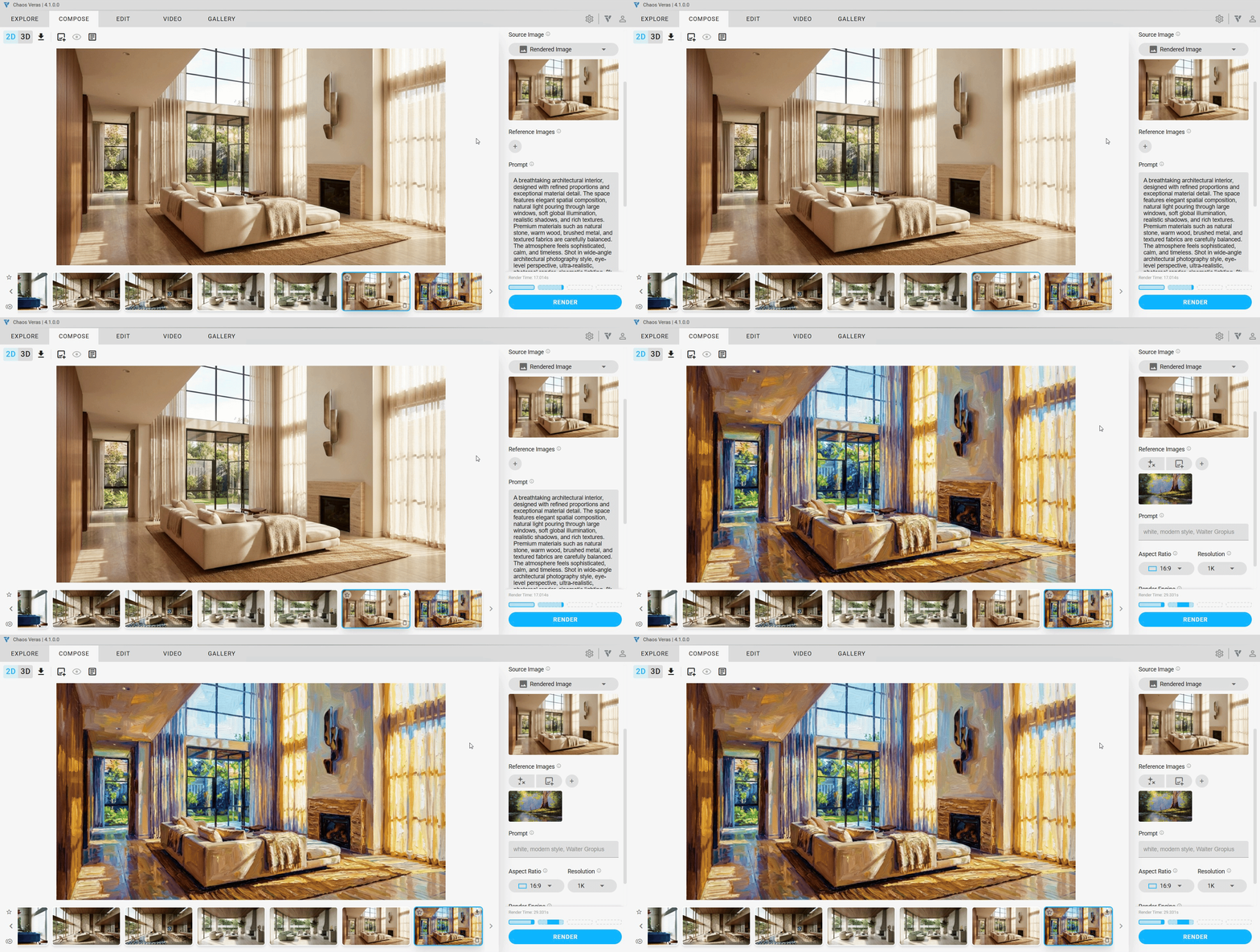
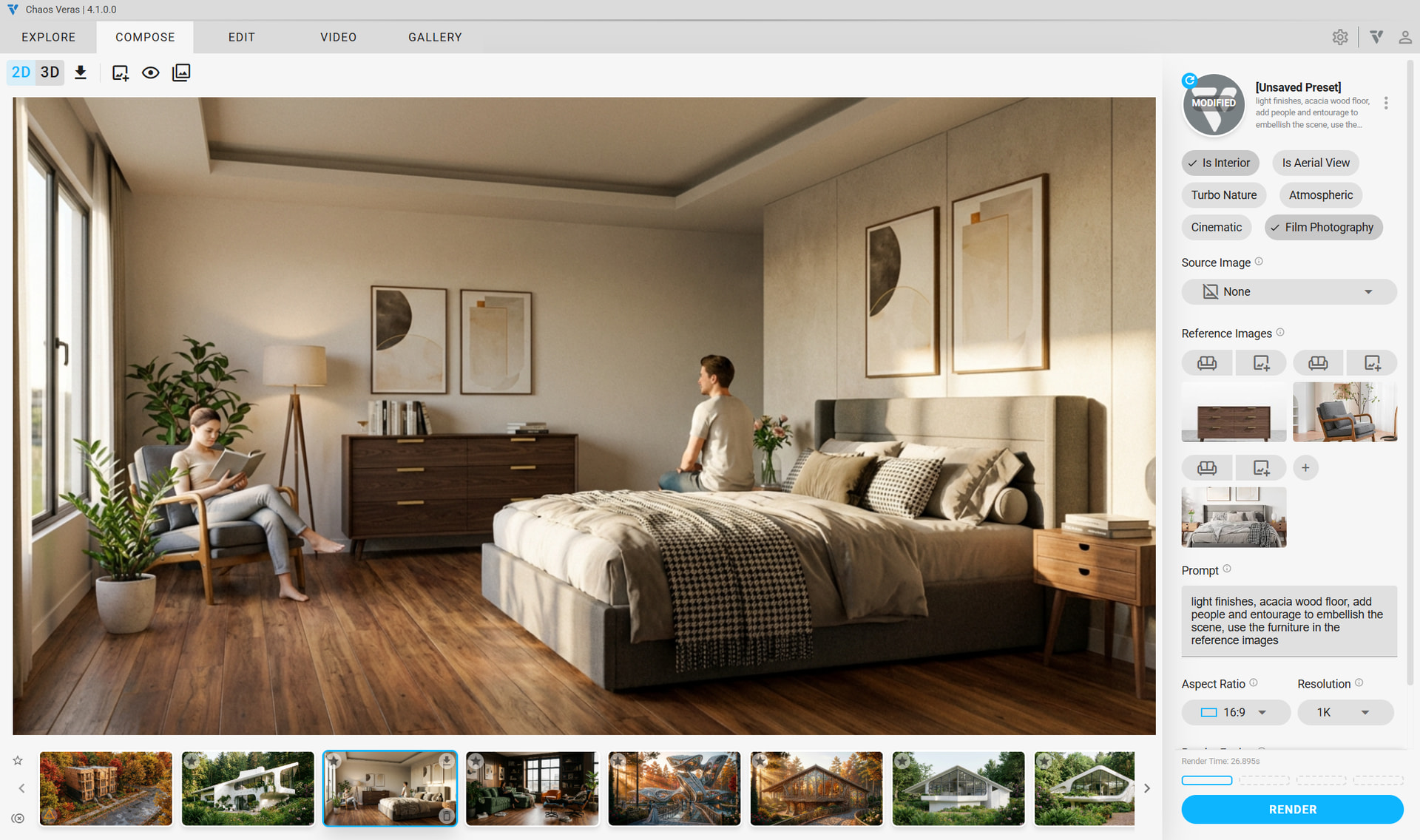
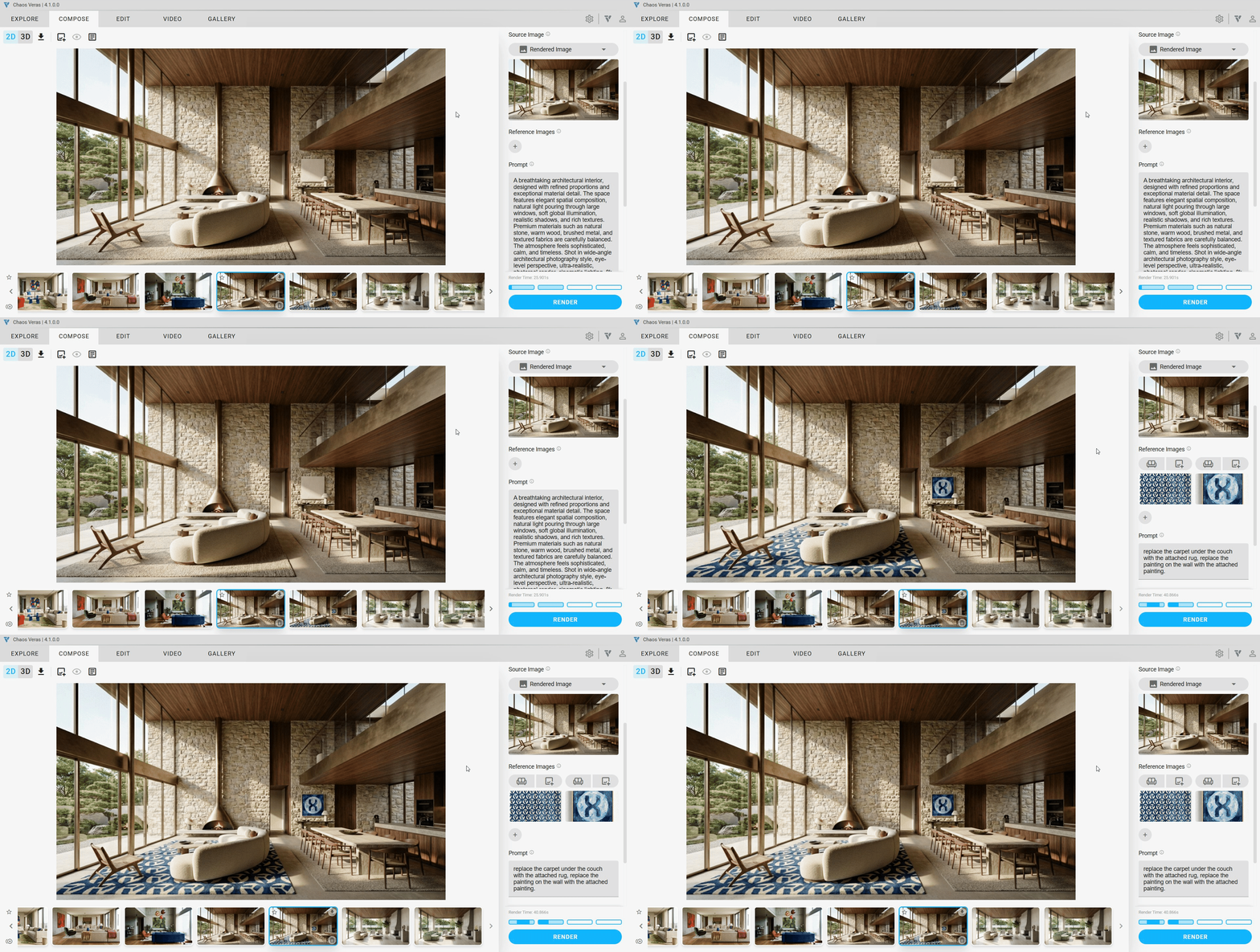
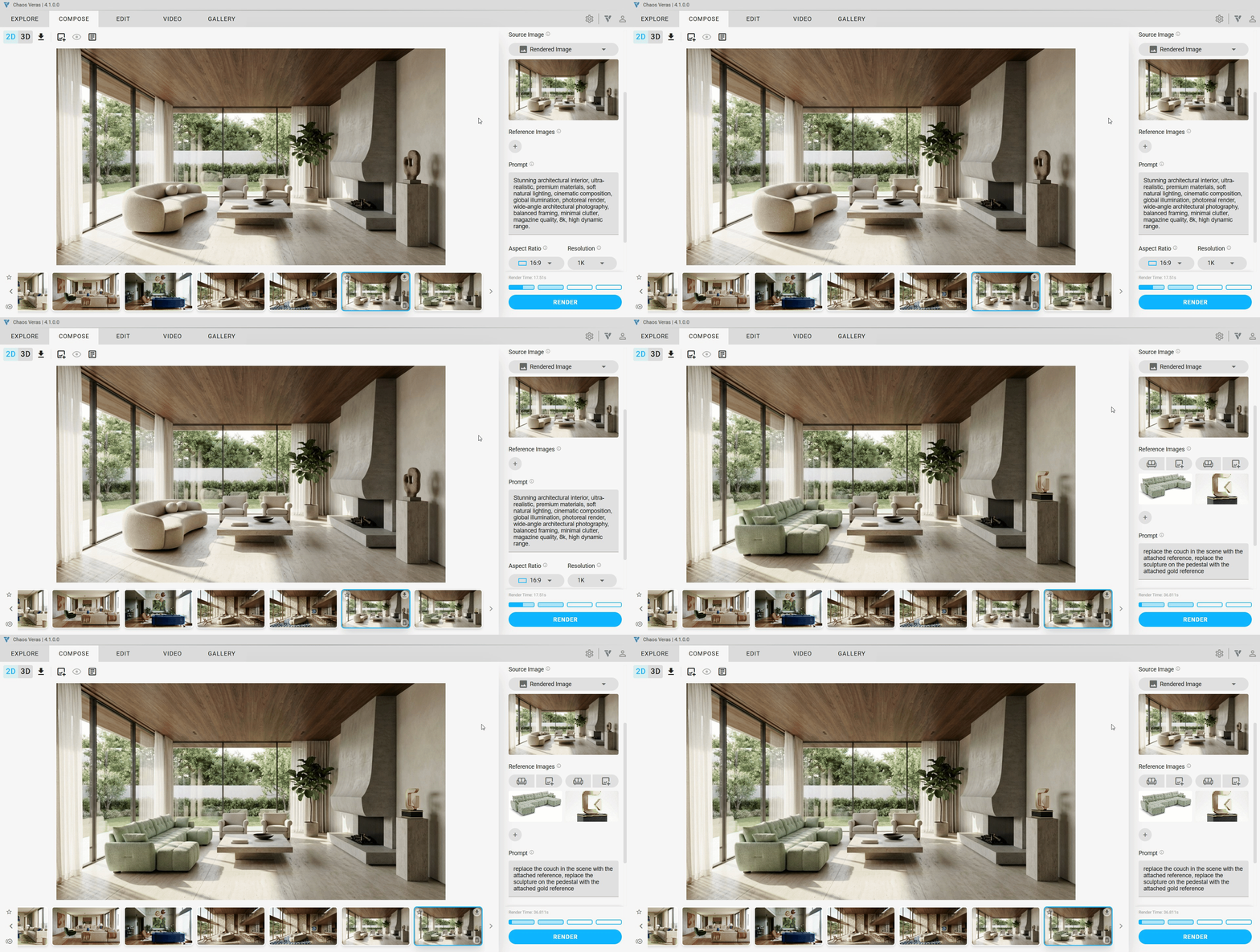
Guide the AI with visual context! You can now add up to 4 reference images per render to steer the output toward a specific look, material, or design element. Choose from multiple reference types — Style, Material, Color, Object, or Custom — and source your references from manual uploads, your modeling software preview, or previously generated Veras renders.
NOTE: Reference images are available with Render Engine 7 (Nano Banana Pro). Consumes more of your quota per render. Quota rates may change after beta.
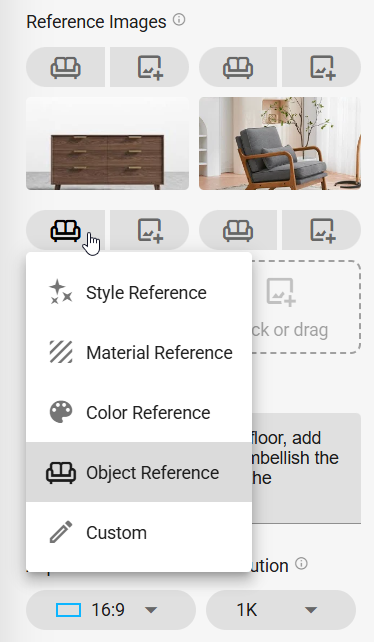
Style Reference
Uses the image’s artistic style, rendering technique, and visual treatment to guide the output. Drop in a photo with the mood, lighting, or aesthetic you’re after, and the AI will carry that visual language into your render.
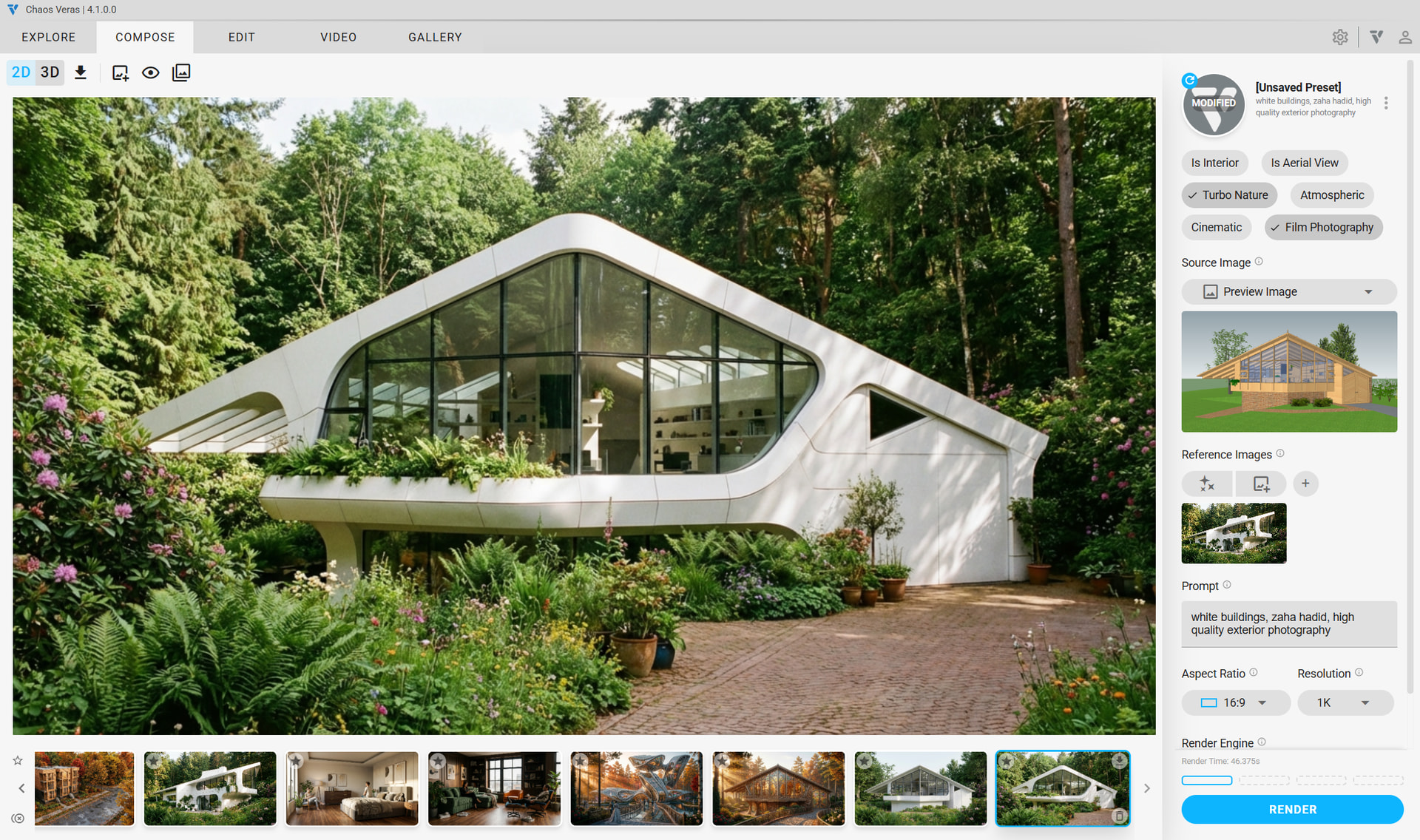
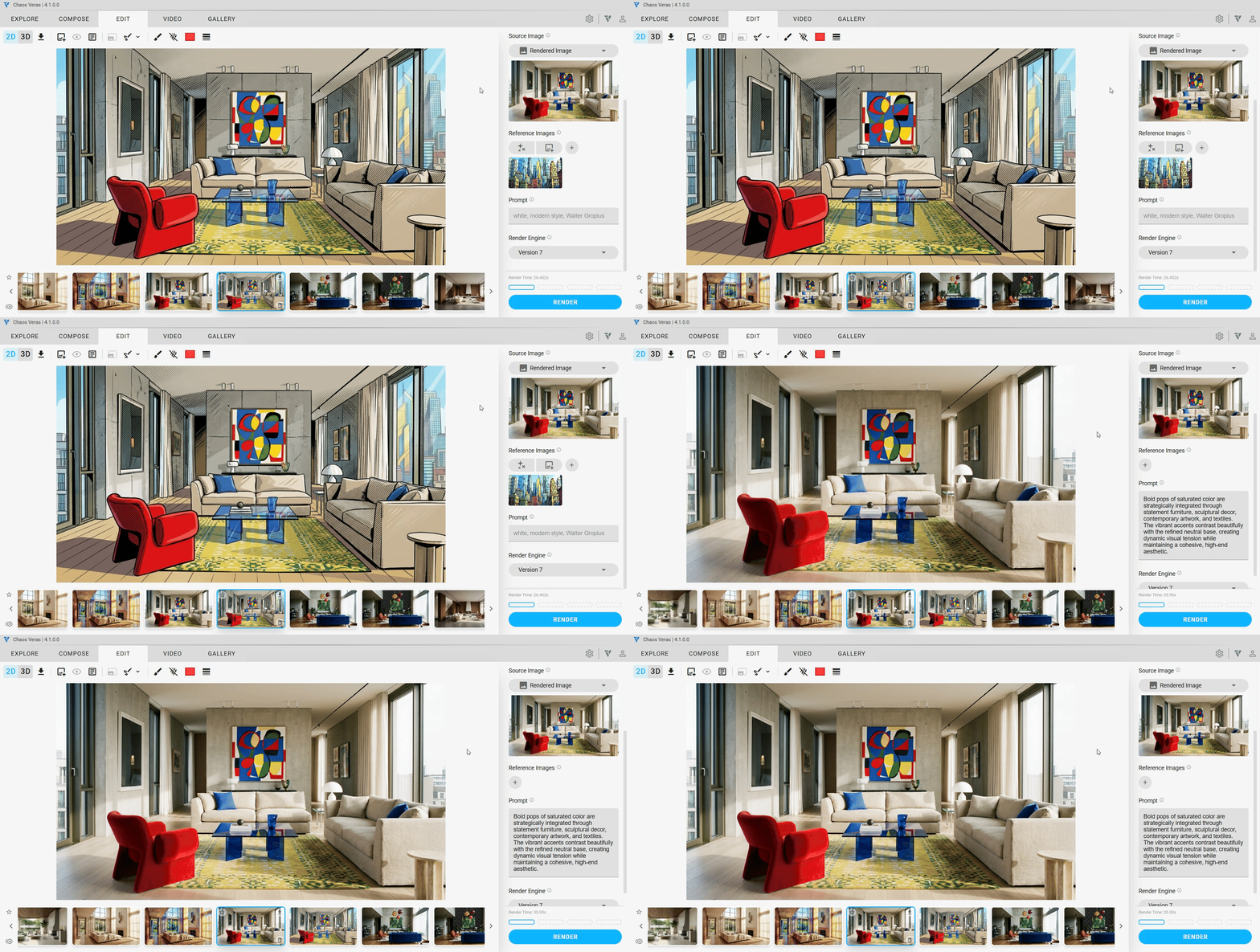
Material Reference
Replicates the exact colors, textures, patterns, and surface characteristics from the image. Perfect for specifying a particular stone, wood grain, fabric, or finish — just provide a close-up sample and the AI applies it to your scene.
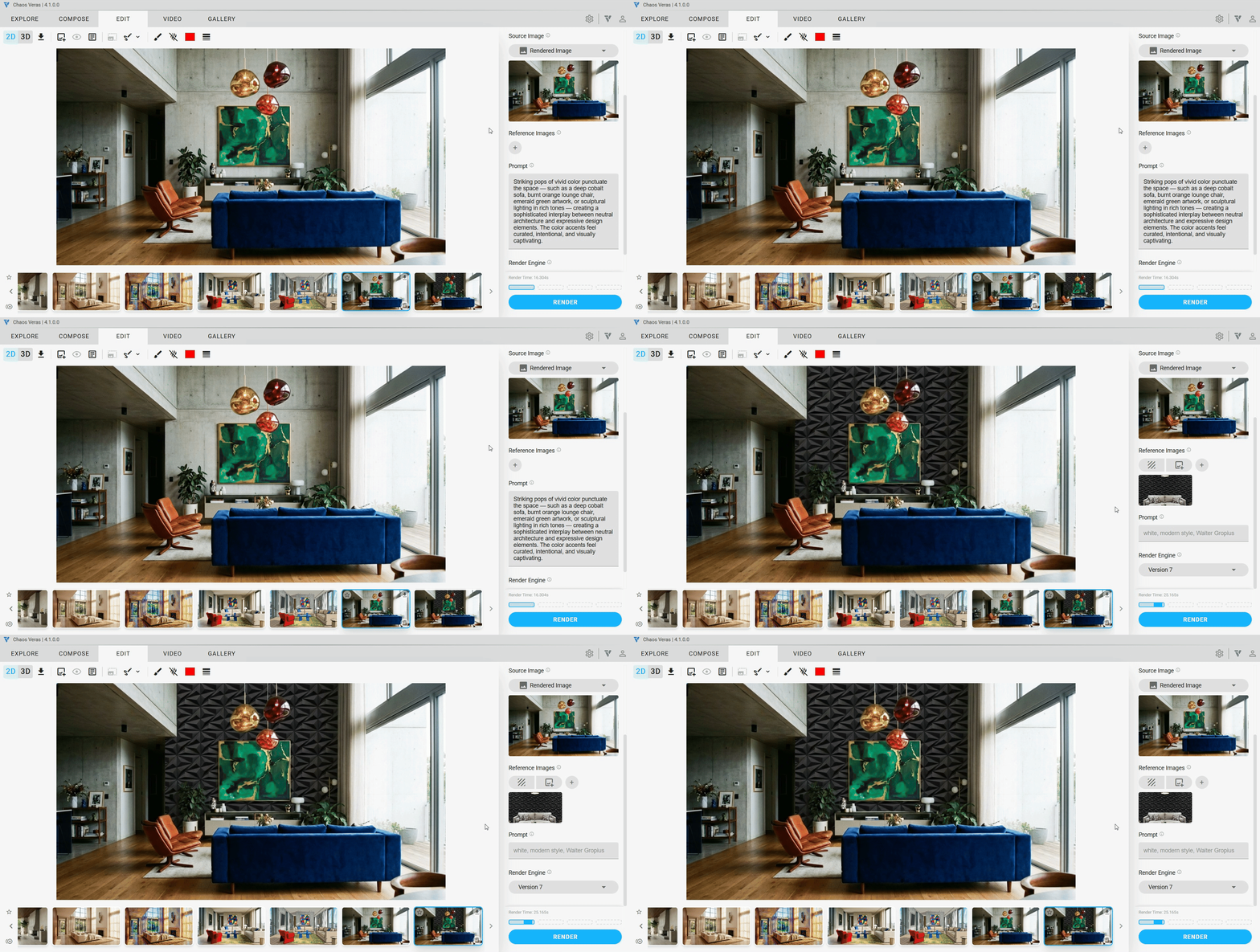
Object Reference
Identifies and incorporates objects — furniture, fixtures, casework, and design elements — from the image into the output. Have a specific chair, light fixture, or planter in mind? Drop in a photo and the AI will place it into your render.
Color Reference
Analyzes and isolates the color palette, lighting mood, color temperature, and atmospheric characteristics.
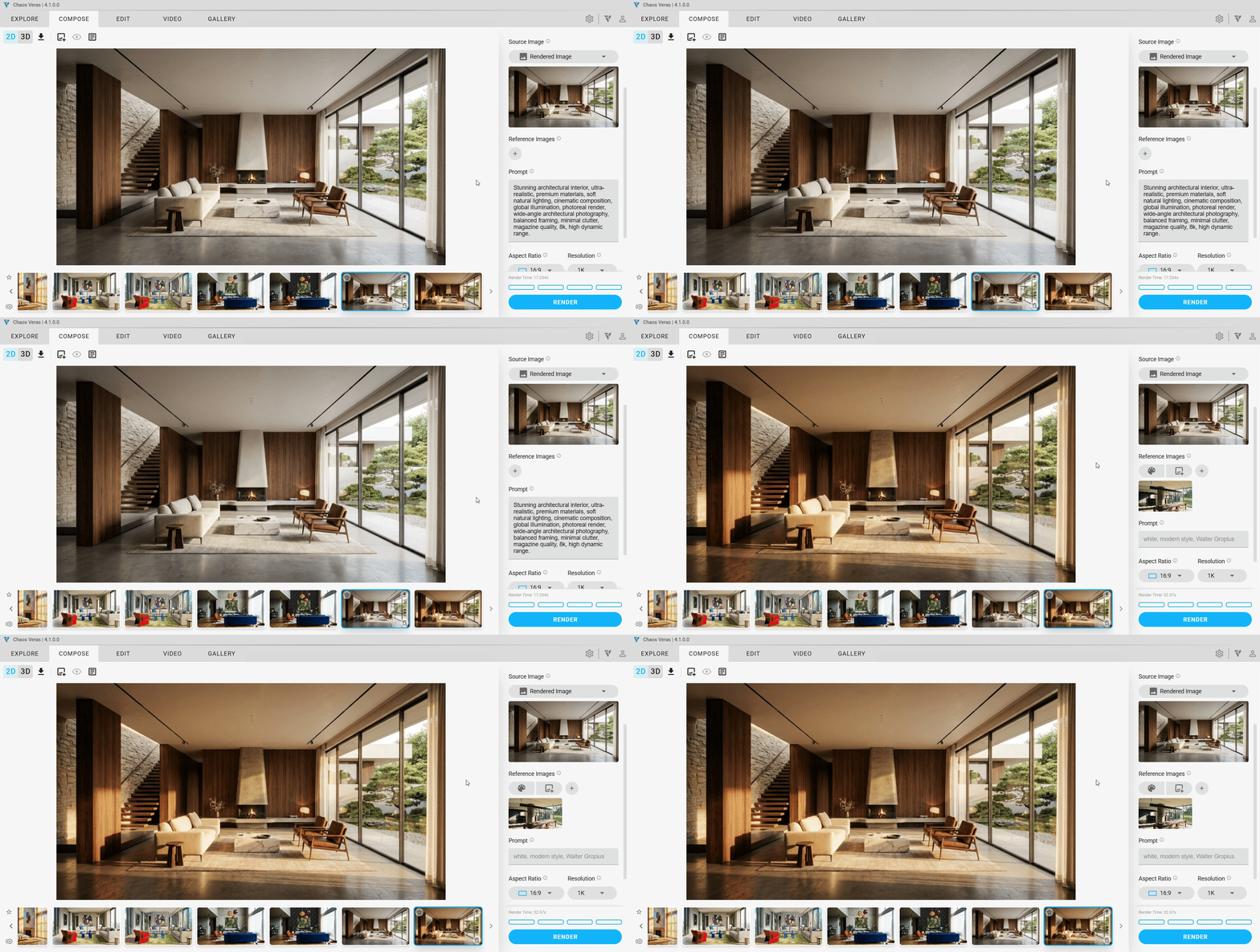
Custom Reference
Describe your vision for any attached reference image. Be as bold and creative as you like.
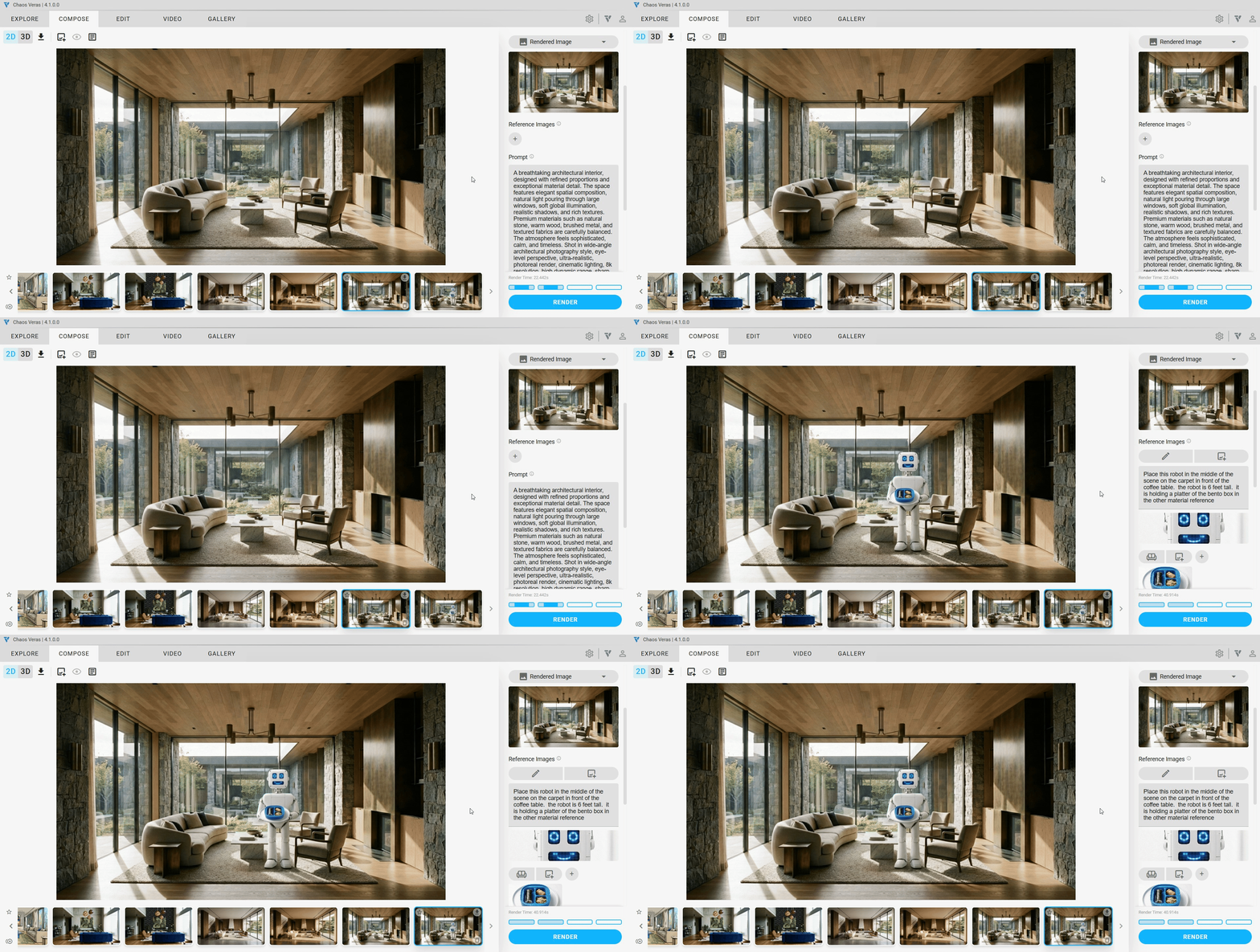
Source Input
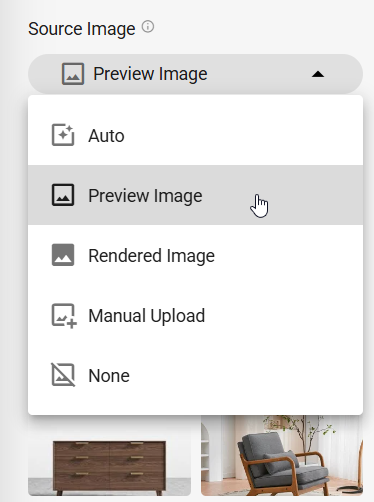
The source image input has been expanded with clearer selection controls. You can now explicitly choose your source: Auto, Preview Image, Rendered Image, Manual Upload, or None. Navigation buttons make it easy to cycle through your rendered images directly from the source selector.
Text to Image
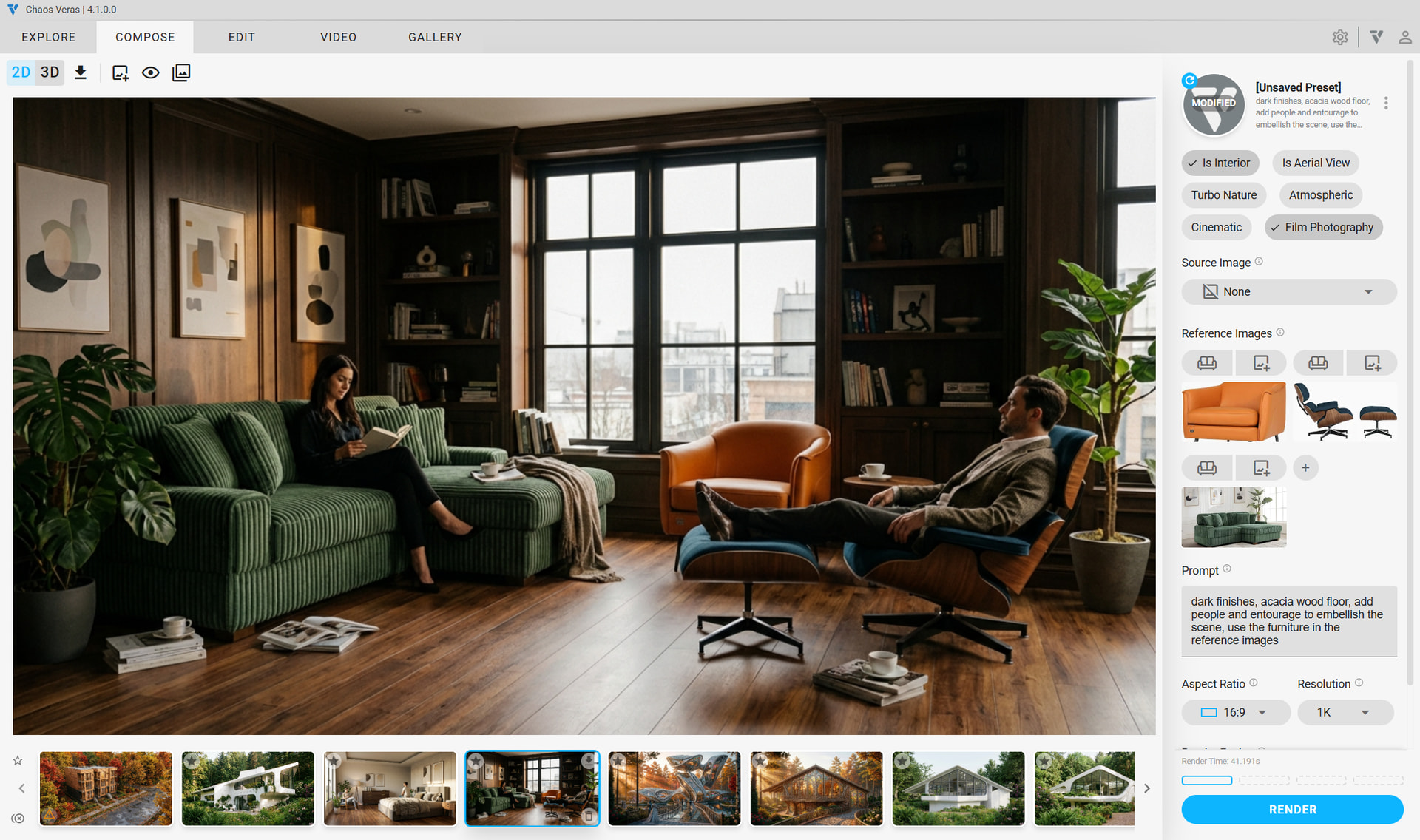
Select “None” as your source input to enter text-to-image mode — no source image required. Just write your prompt and the AI generates a render entirely from your text description. This opens up new workflows for early-stage concept exploration before you even have a model.
Ultra Licensing Tier & Quota Boosts
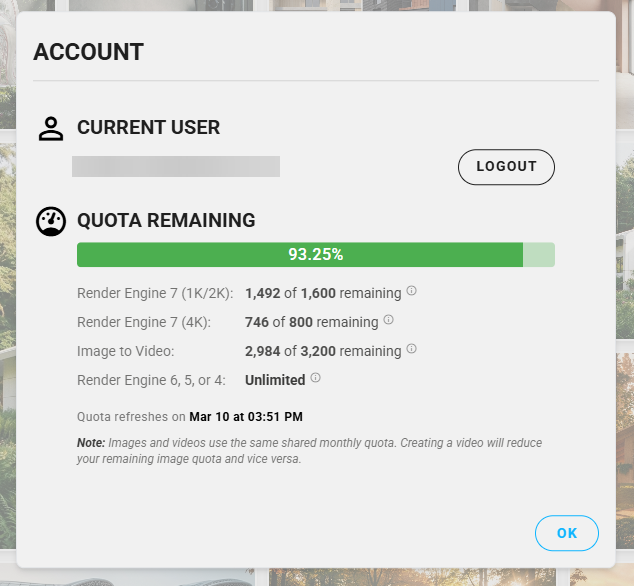
Introducing the new Veras Ultra subscription tier for power users who need more from their renders. Ultra provides a higher quota allocation for Render Engine 7 & video renders. Veras | Chaos
Need more quota with an existing subscription? All licensed users can now purchase Quota Boosts to top up their rendering quota on demand. Contextual alerts throughout the UI now include direct purchase and boost buttons so you never have to leave Veras to get more renders: Chaos Veras Top-up - boost
+ More
Improvements
- Tooltips clarity
- Quota description clarifications
Stability
- fix with stretched images in the source image auto mode when using a portrait aspect ratio
- fix bug where time elapsed would show an erroneous value for renders that are completed after the user closes the UI
- fixed Material Selection in Enscape for ArchiCAD Mac bug - use the latest Enscape installer to get this fix
- delete key works for videos
- fix rendering a video bug when trying to use a Render Engine 7 render that was generated in the current session
- fix bug where the render selection for a render loaded from the gallery would not work until a preview image was loaded