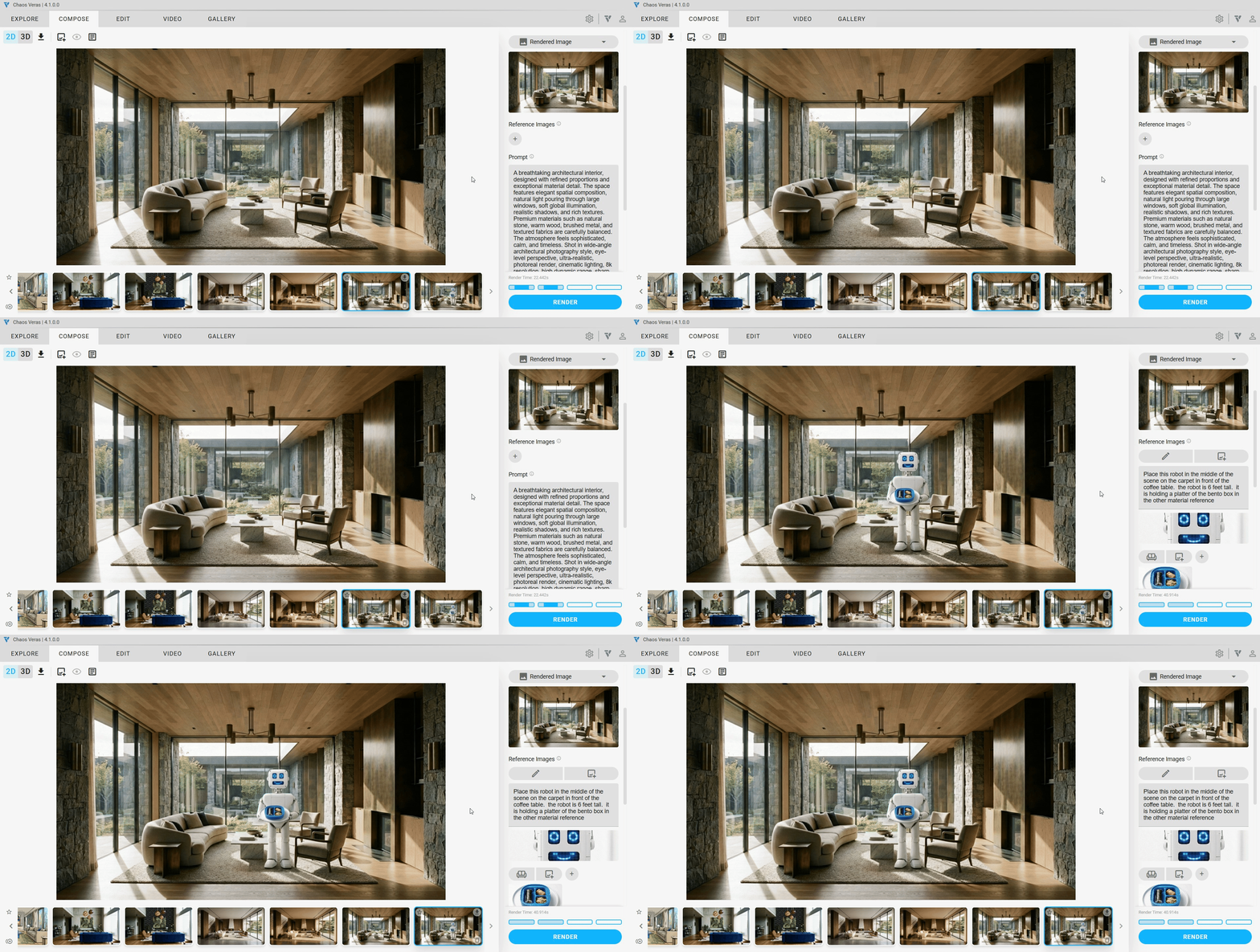
Reference Images
Guide the AI with visual context! You can now add up to 4 reference images per render to steer the output toward a specific look, material, or design element. Choose from multiple reference types — Style, Material, Color, Object, or Custom — and source your references from manual uploads, your modeling software preview, or previously generated Veras renders.
NOTE: Reference images are available with Render Engine 7 (Nano Banana Pro). Consumes more of your quota per render. Quota rates may change after beta.
Style Reference
Uses the image’s artistic style, rendering technique, and visual treatment to guide the output. Drop in a photo with the mood, lighting, or aesthetic you’re after, and the AI will carry that visual language into your render.
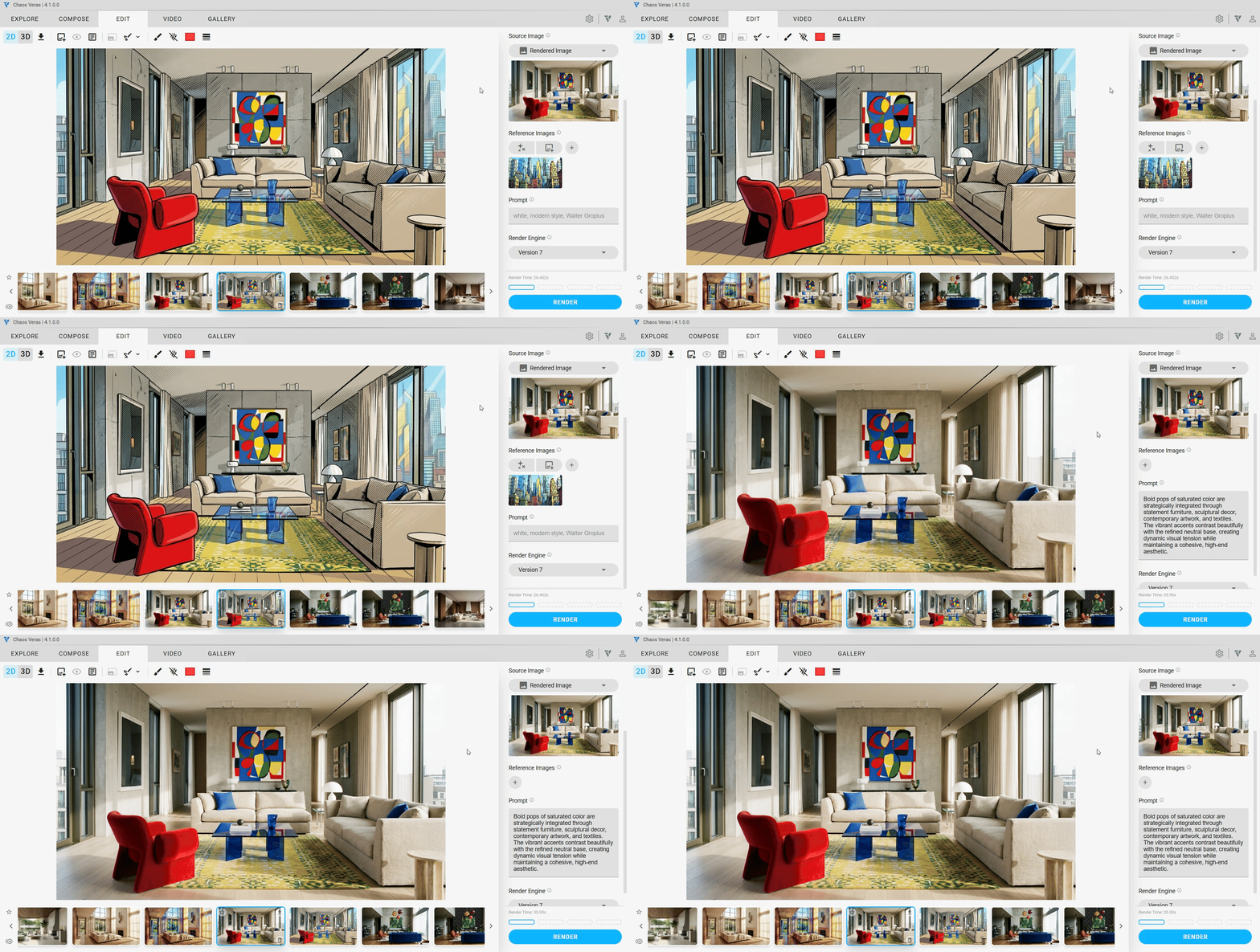
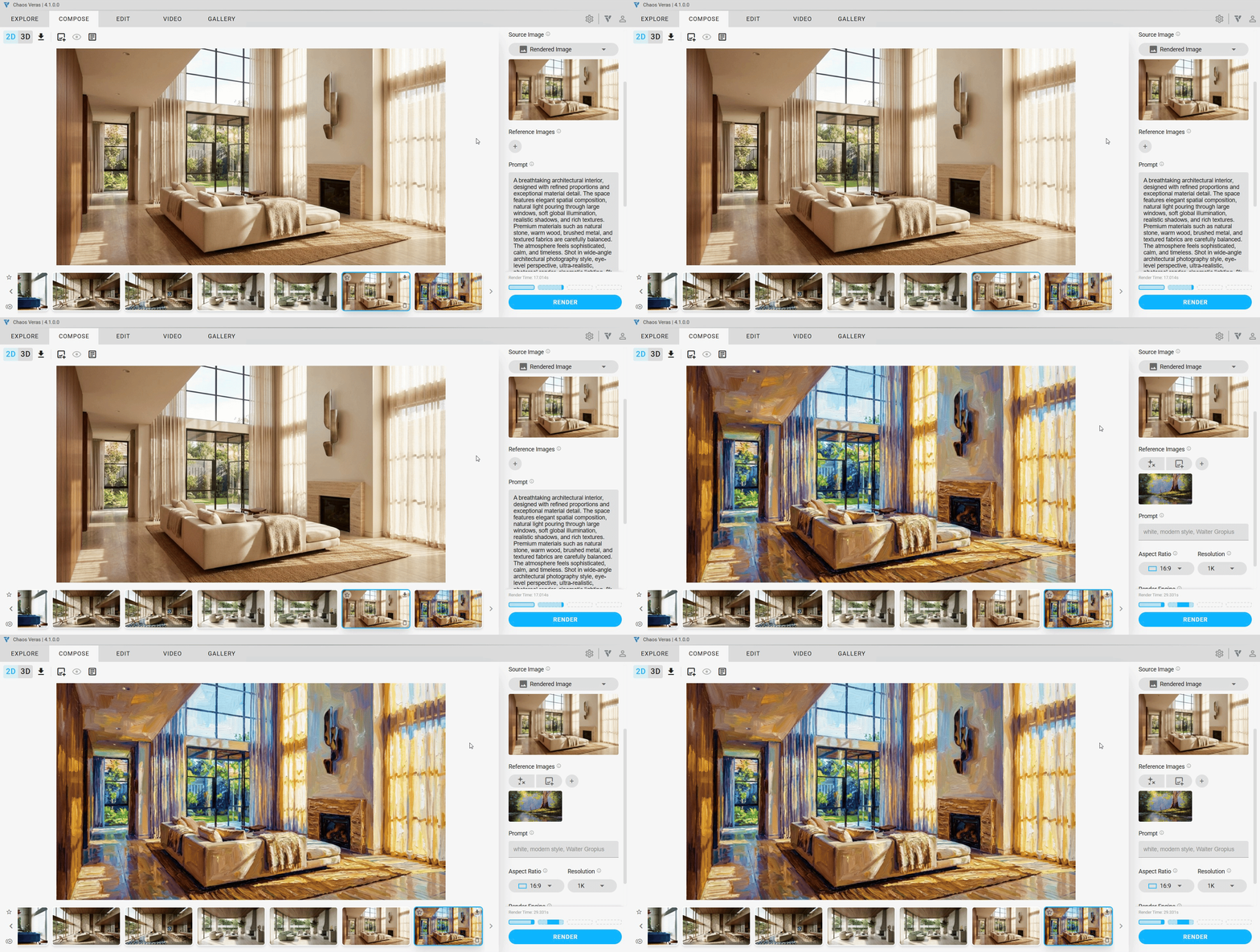
Material Reference
Replicates the exact colors, textures, patterns, and surface characteristics from the image. Perfect for specifying a particular stone, wood grain, fabric, or finish — just provide a close-up sample and the AI applies it to your scene.
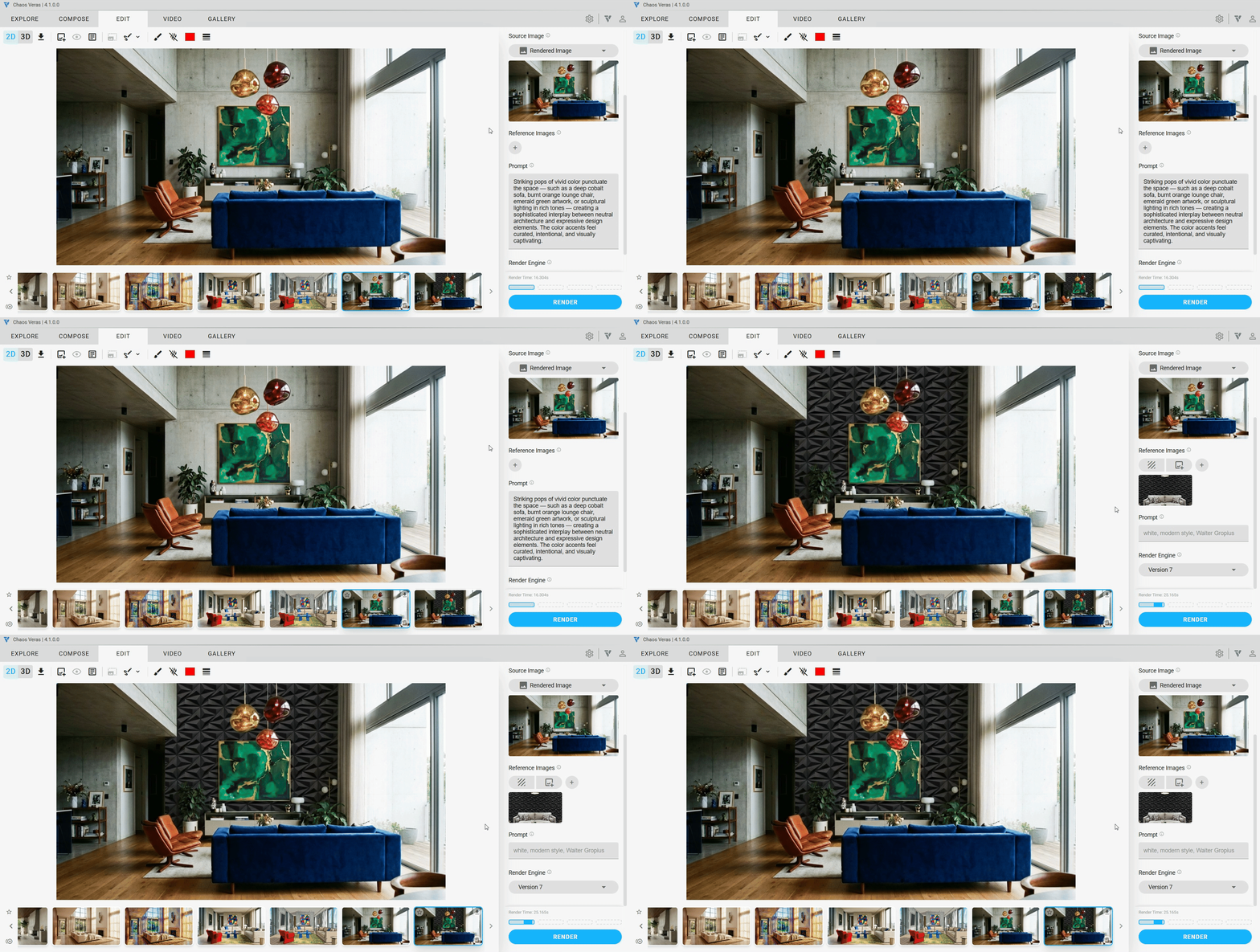
Object Reference
Identifies and incorporates objects — furniture, fixtures, casework, and design elements — from the image into the output. Have a specific chair, light fixture, or planter in mind? Drop in a photo and the AI will place it into your render.
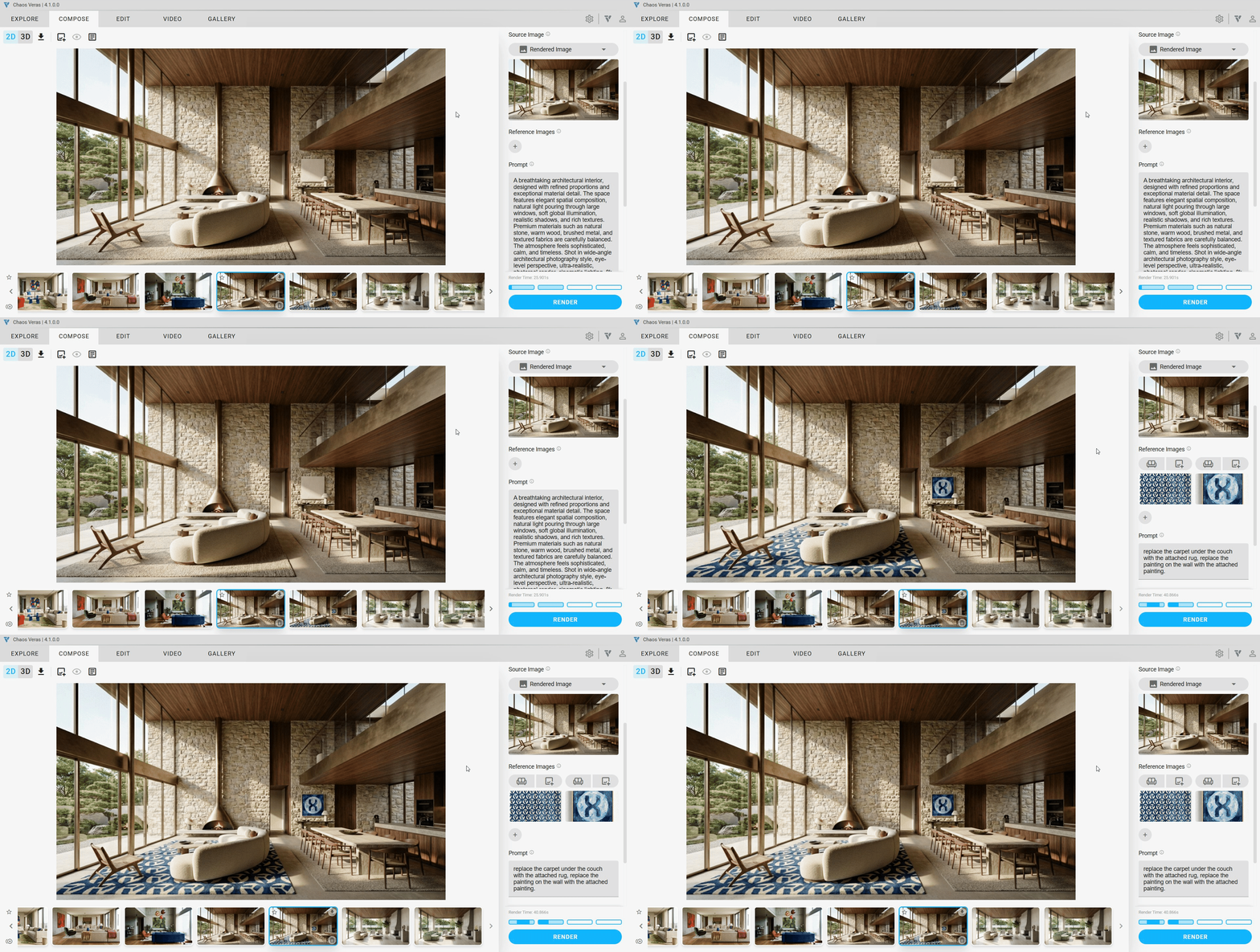
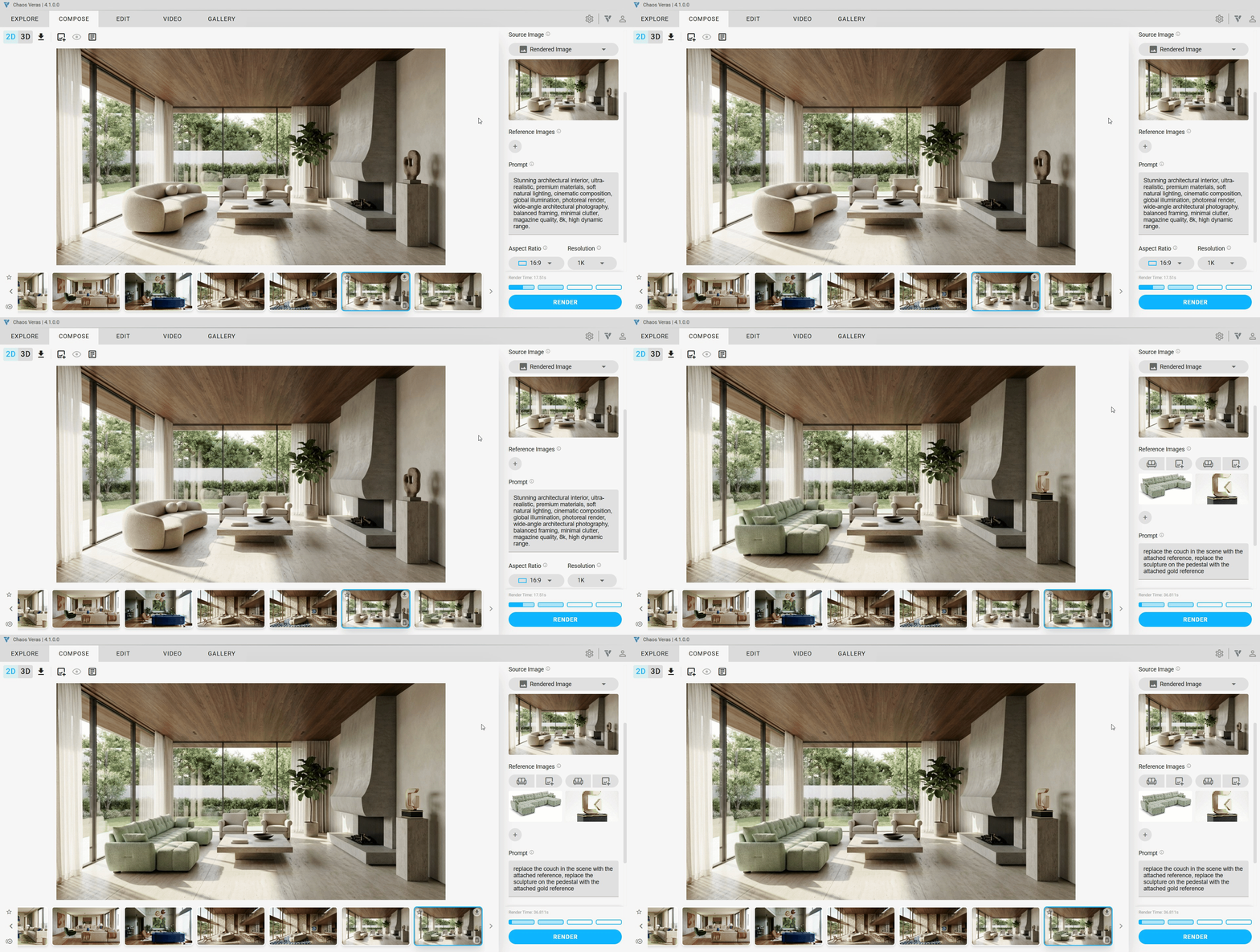
Color Reference
Analyzes and isolates the color palette, lighting mood, color temperature, and atmospheric characteristics.
Custom Reference
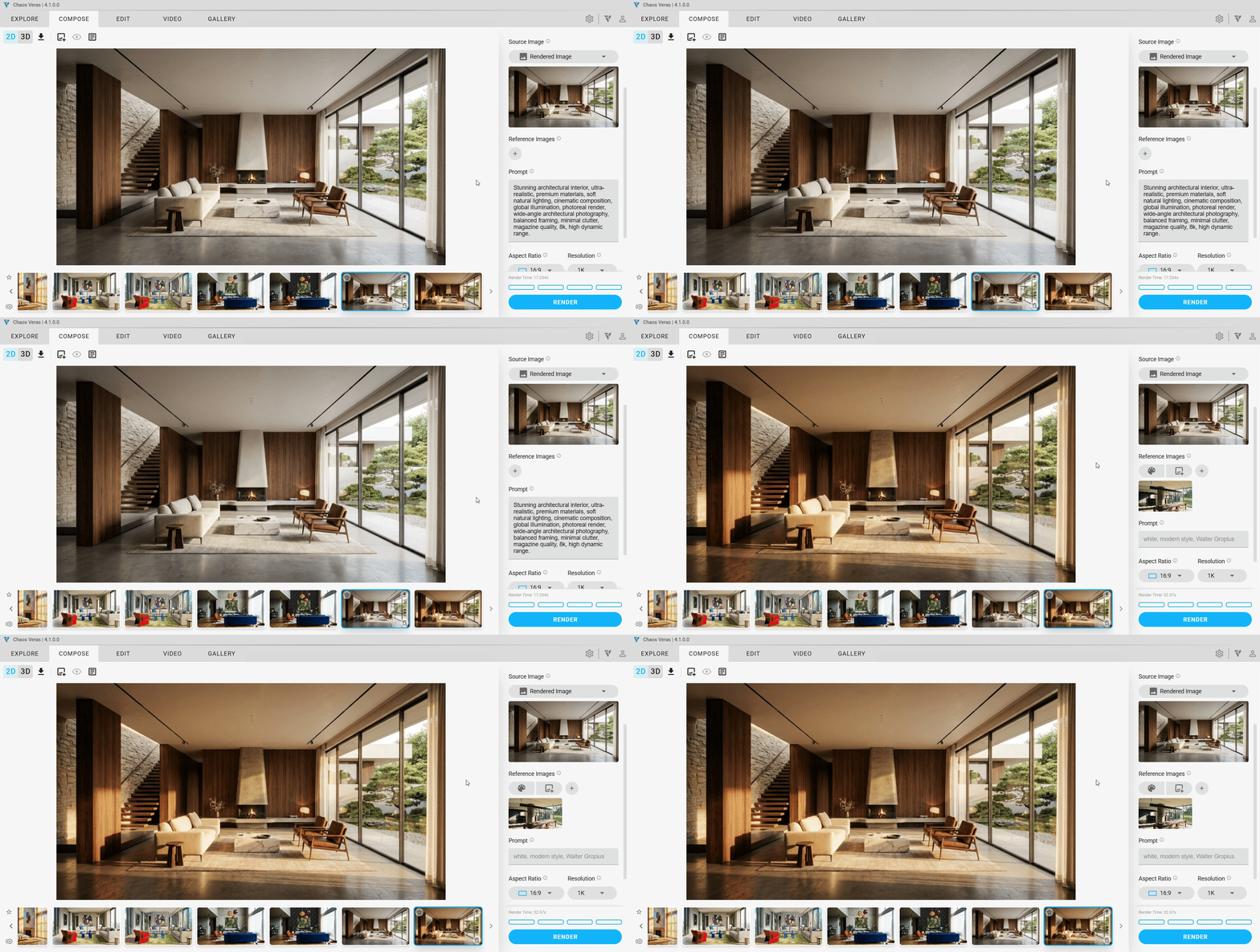
Describe your vision for any attached reference image. Be as bold and creative as you like.