Access
Web App | Windows | Mac Sketchup | Mac Vectorworks or ArchiCAD
SketchUp Mac Update Instructions: Updating Veras for SketchUp on Mac
SketchUp Mac First Install Instructions: Installing Veras for SketchUp on Mac
Vectorworks Mac Install and Update Instructions: Getting Started with Veras for Vectorworks
ArchiCAD Mac Install and Update Instructions: Getting Started with Veras for ArchiCAD
 Nano Banana 2
Nano Banana 2 (Gemini Flash Image 3.1 Preview ) is now available. You can get more quota and faster render times with similar quality to Nano Banana Pro.
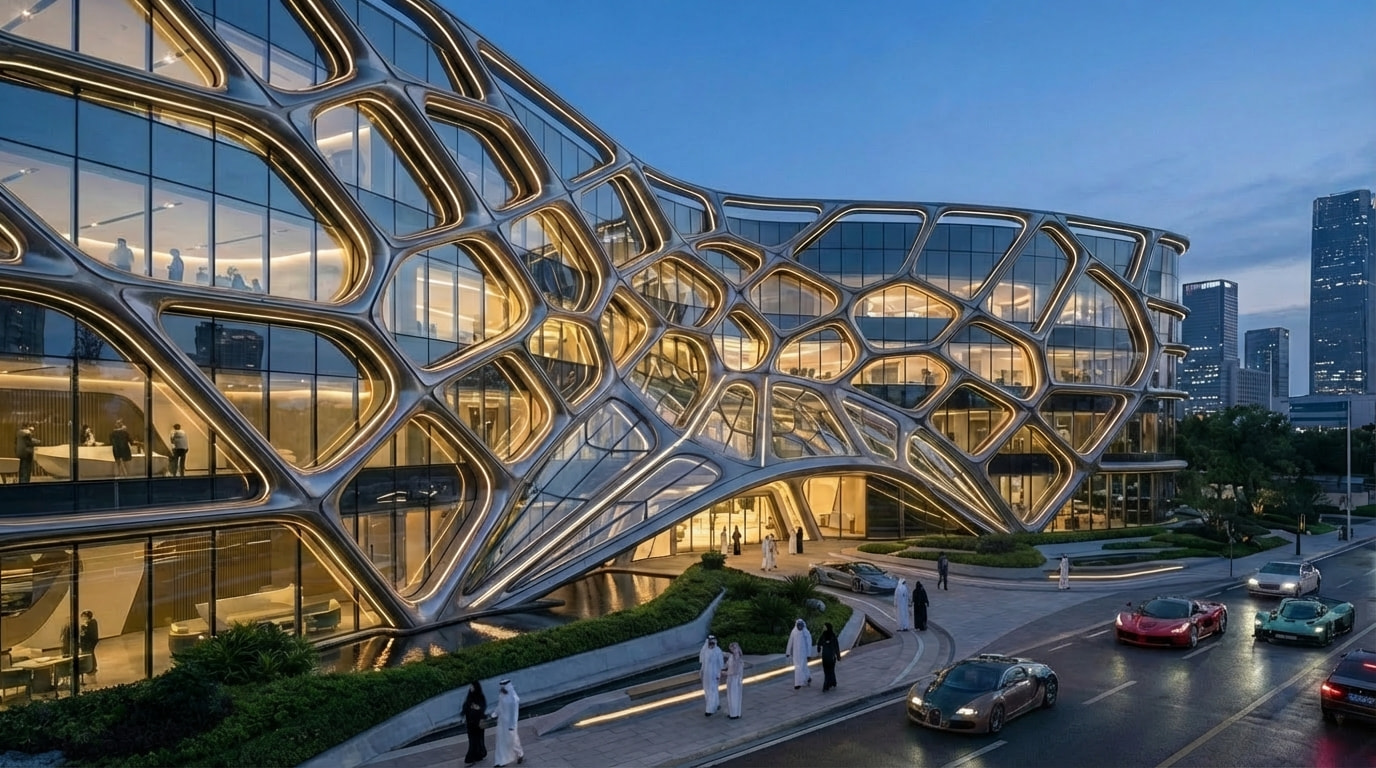
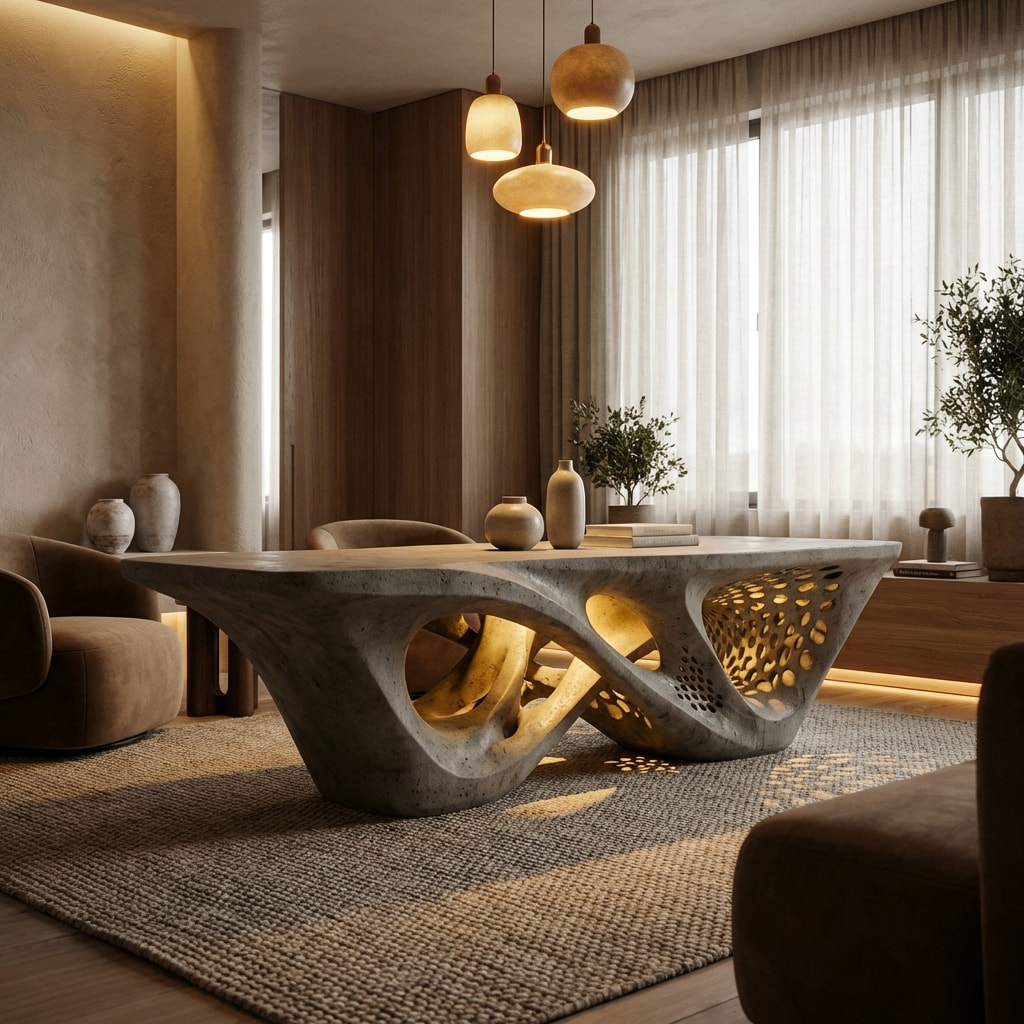

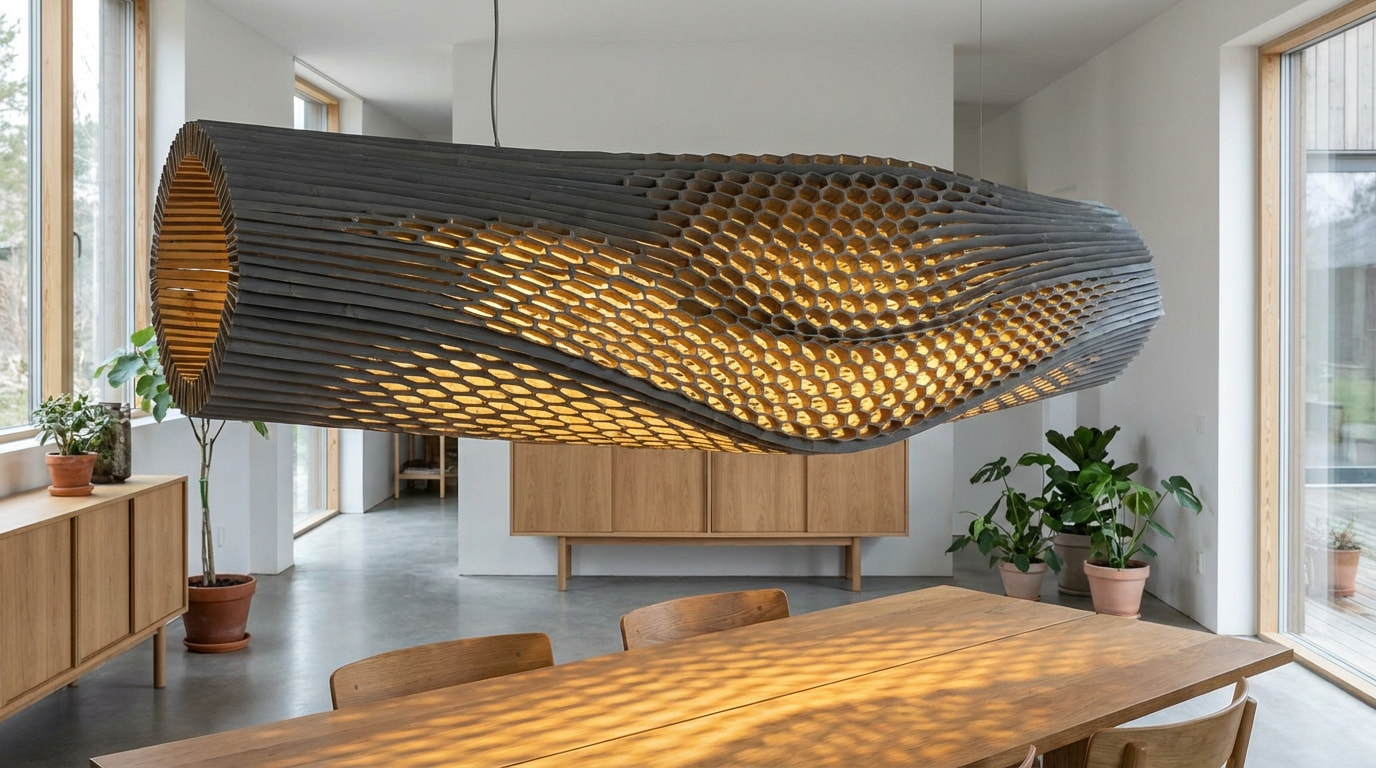
 First & Last Frame Videos (FLF)
Take control of your AI video renders with First & Last Frame mode. Define both the starting and ending frame of your video — the AI generates everything in between, giving you precise, bookend-driven animations. This is a major step forward for design storytelling and presentation workflows.
Use this to guide transitions between two design states, walk through a space from entry to exit, or define a dramatic camera sweep — all with the AI filling in the motion and atmosphere.
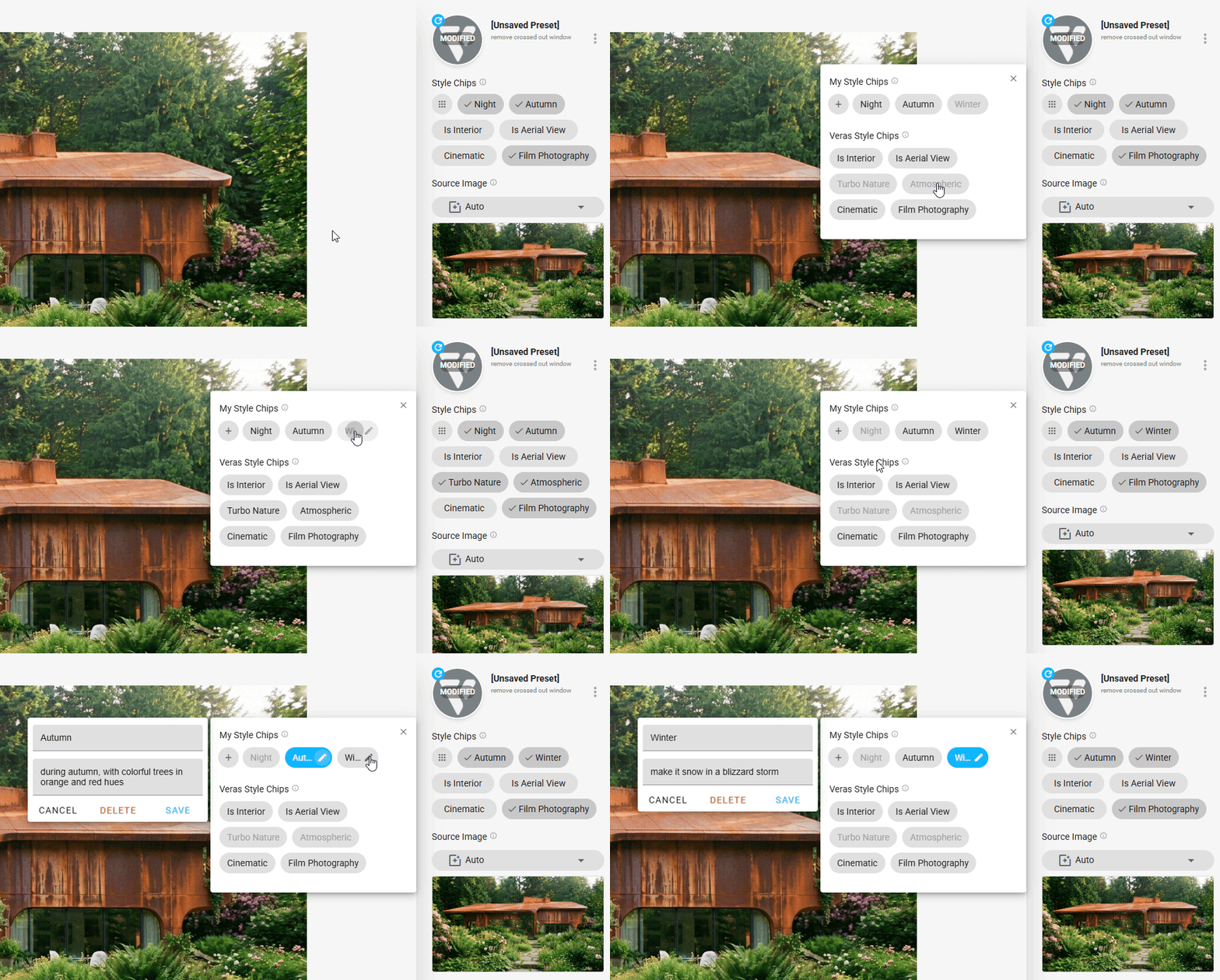
 Custom Style Chips
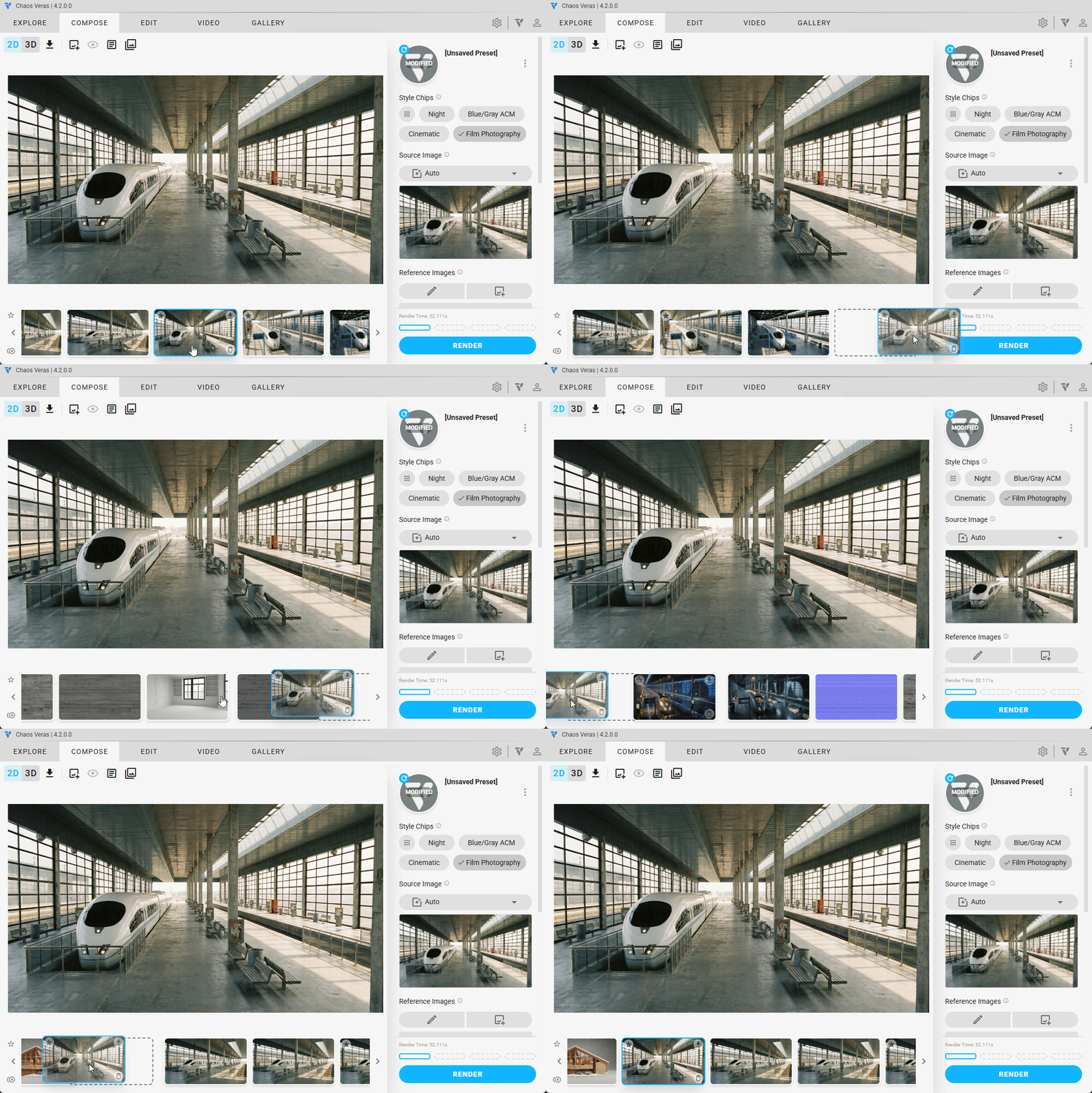
Quickly apply and explore visual styles with the new Custom Style Chips — prompt-assist tags that let you dial in the look and feel of your render with a single click. Create your own prompt snippets and customize the UI for quick access to steering the output toward a specific aesthetic.
More Improvements
- Fixed resolution badges (2K, 4K) not appearing on V6S and Nano Banana renders
- Fixed black border appearing on render thumbnails
- Changed default local auto-save for images to be disabled — renders are saved to the cloud and accessible via the gallery
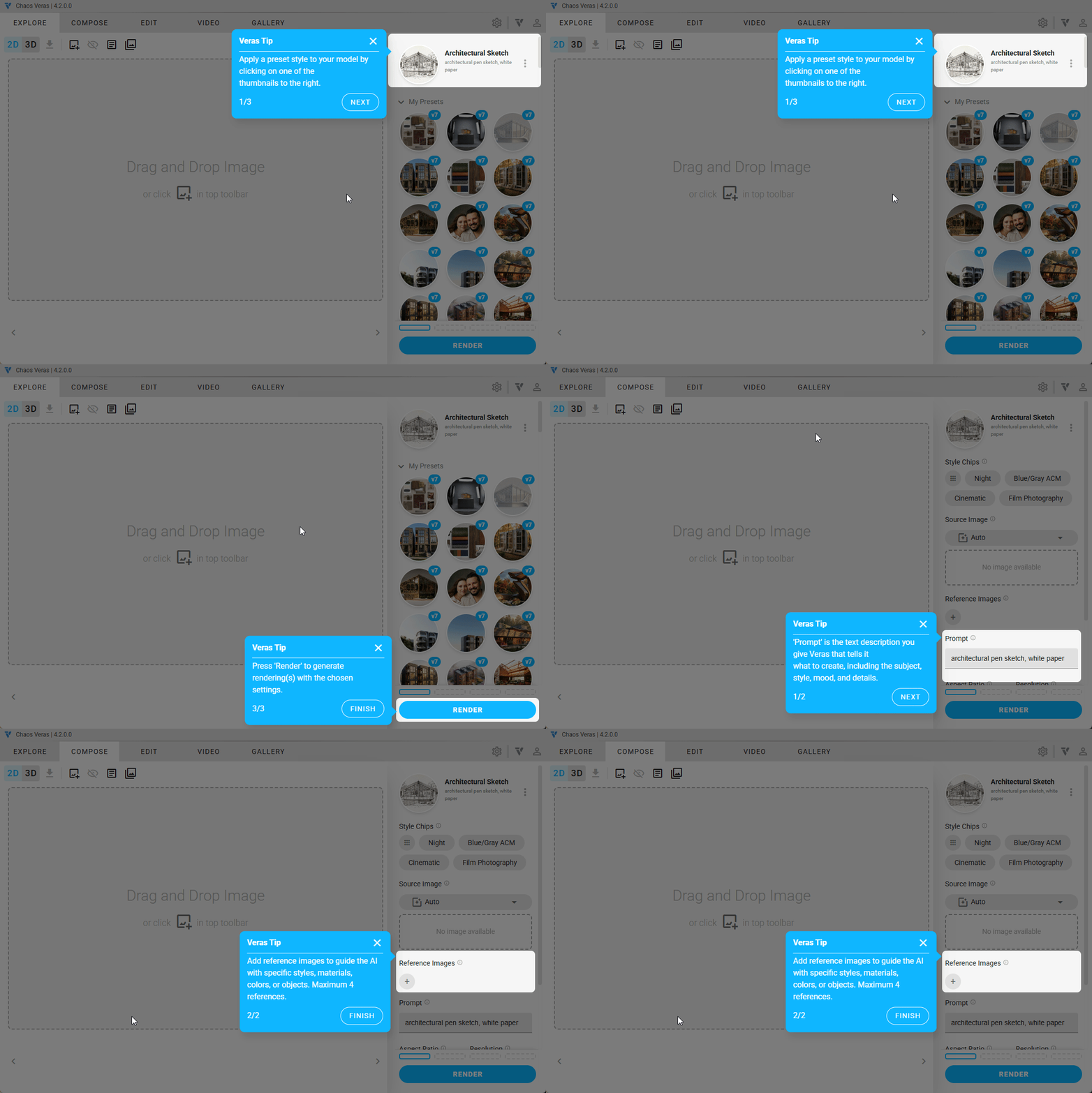
- Fixed tooltip walkthrough positioning and display bugs
- Fixed duplicate insufficient quota and error modals from appearing simultaneously
- Fixed file size bug for oversized video manual uploads
- Fixed upsell dialog display bugs
- Improved quota refresh loading skeleton layout and spacing in the account info modal
- Removed material and geometry override notification for Render Engine 7 (cleaner UI)
- Improved Enscape login stability
- Enable right click: for spellcheck fixes, copy/paste prompts, etc…