Access
Web App | Windows | Mac Sketchup | Mac Vectorworks or ArchiCAD
SketchUp Mac Update Instructions: Updating Veras for SketchUp on Mac
SketchUp Mac First Install Instructions: Installing Veras for SketchUp on Mac
Vectorworks Mac Install and Update Instructions: Getting Started with Veras for Vectorworks
ArchiCAD Mac Install and Update Instructions: Getting Started with Veras for ArchiCAD
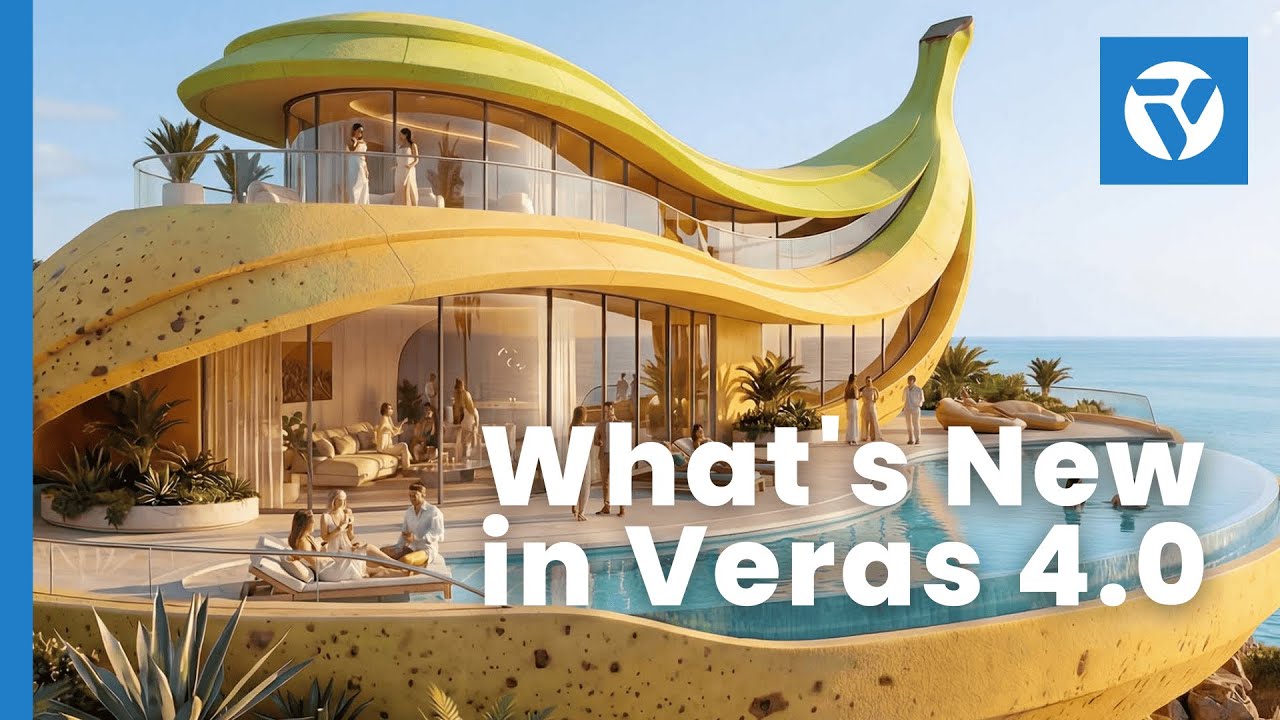
Render Engine 7: Nano Banana Pro
Our latest Render Engine 7 is power by Google Gemini aka “Nano Banana Pro”. This is a revolutionary AI render generator, that will bring your Veras workflows to a whole different level!
NOTE: This implementation is in beta, and has a quota depending on your subscription. The previous render engines are still available and are unlimited (no quotas on renders).
Improved Quality & Cohesion
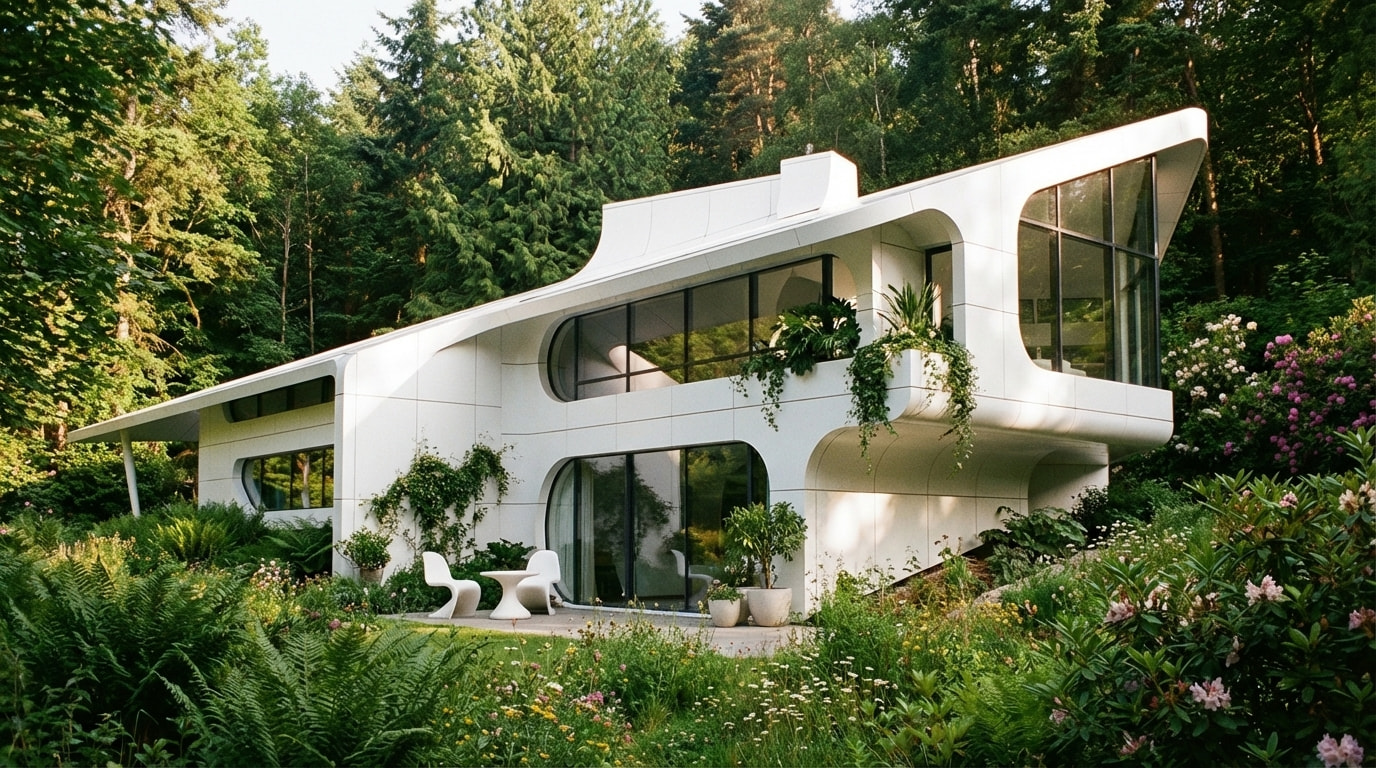
Better overall image quality and geometrical cohesion. Geometric artifacts are almost non-existent. It is very difficult to differentiate whether the render is a photo
Better Prompt Adherence
The prompt has a lot more control and authorship over the rendering. Previously the linework would be the primary driving factor.
For example, when the prompt requests a building to converted into a monolithic concrete structure, only the building is converted.
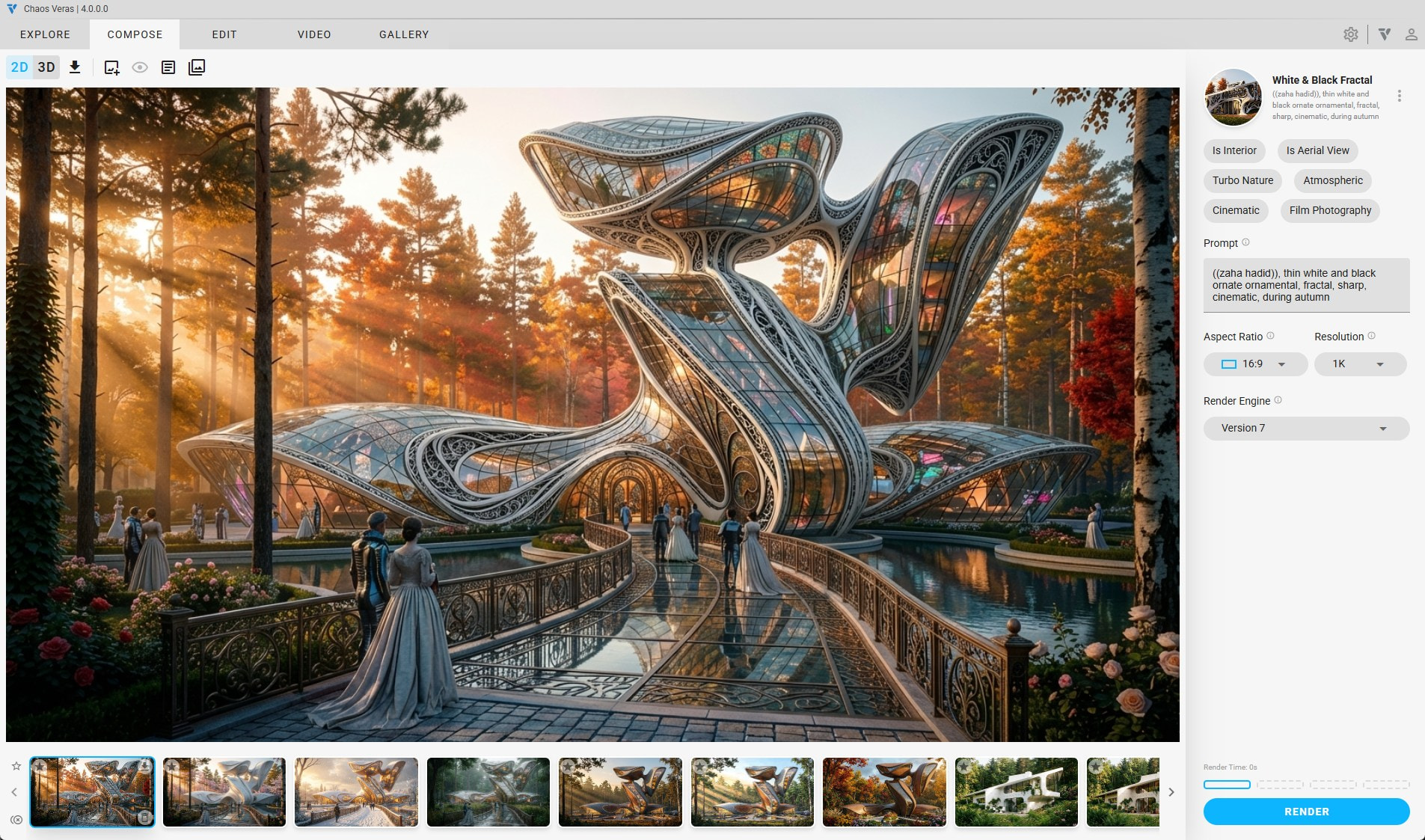
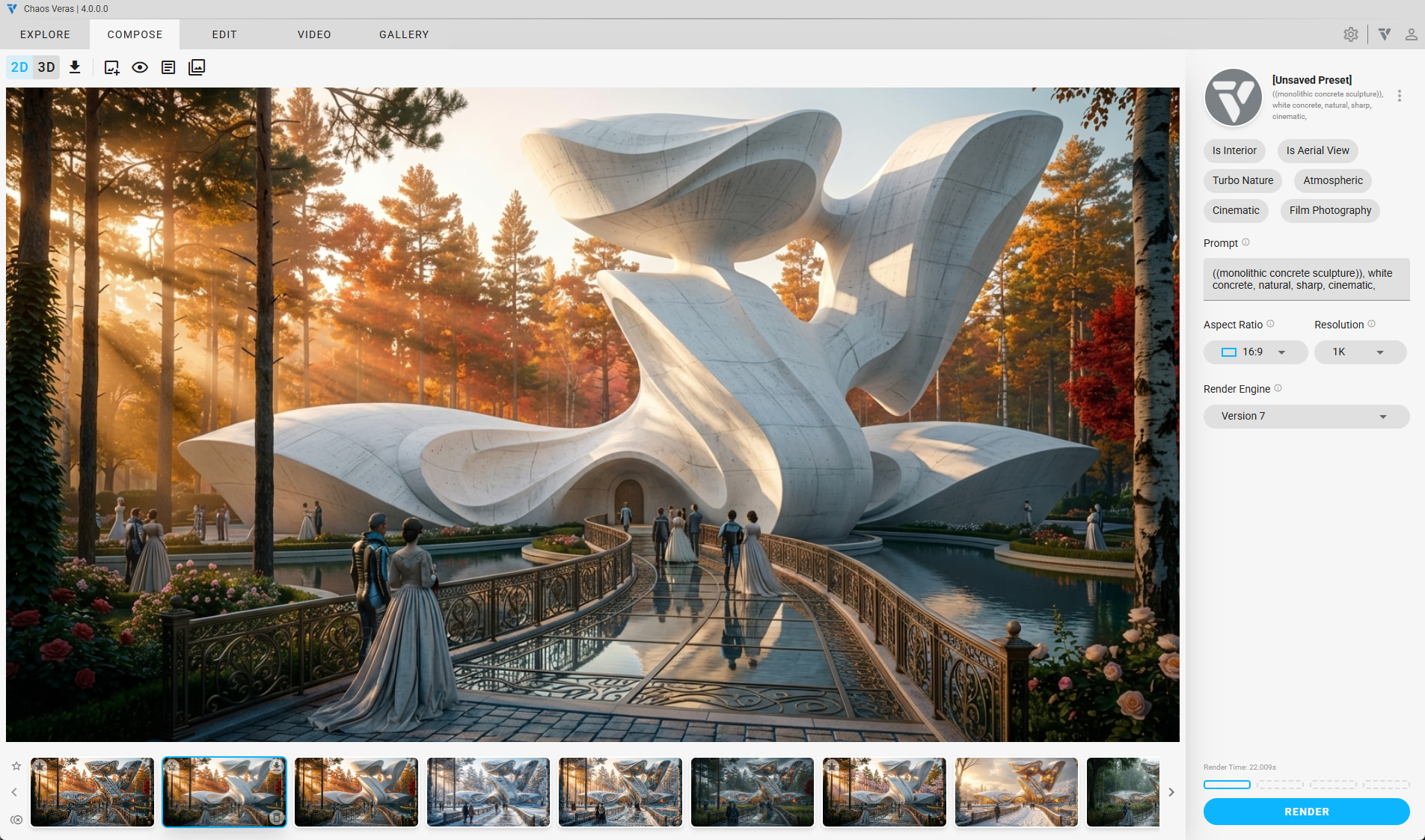
Another example, when the prompt requests the season to be a winter, the building edge linework is properly dismissed as the snow accumulated obscuring it, while other parts of the building remain intact.
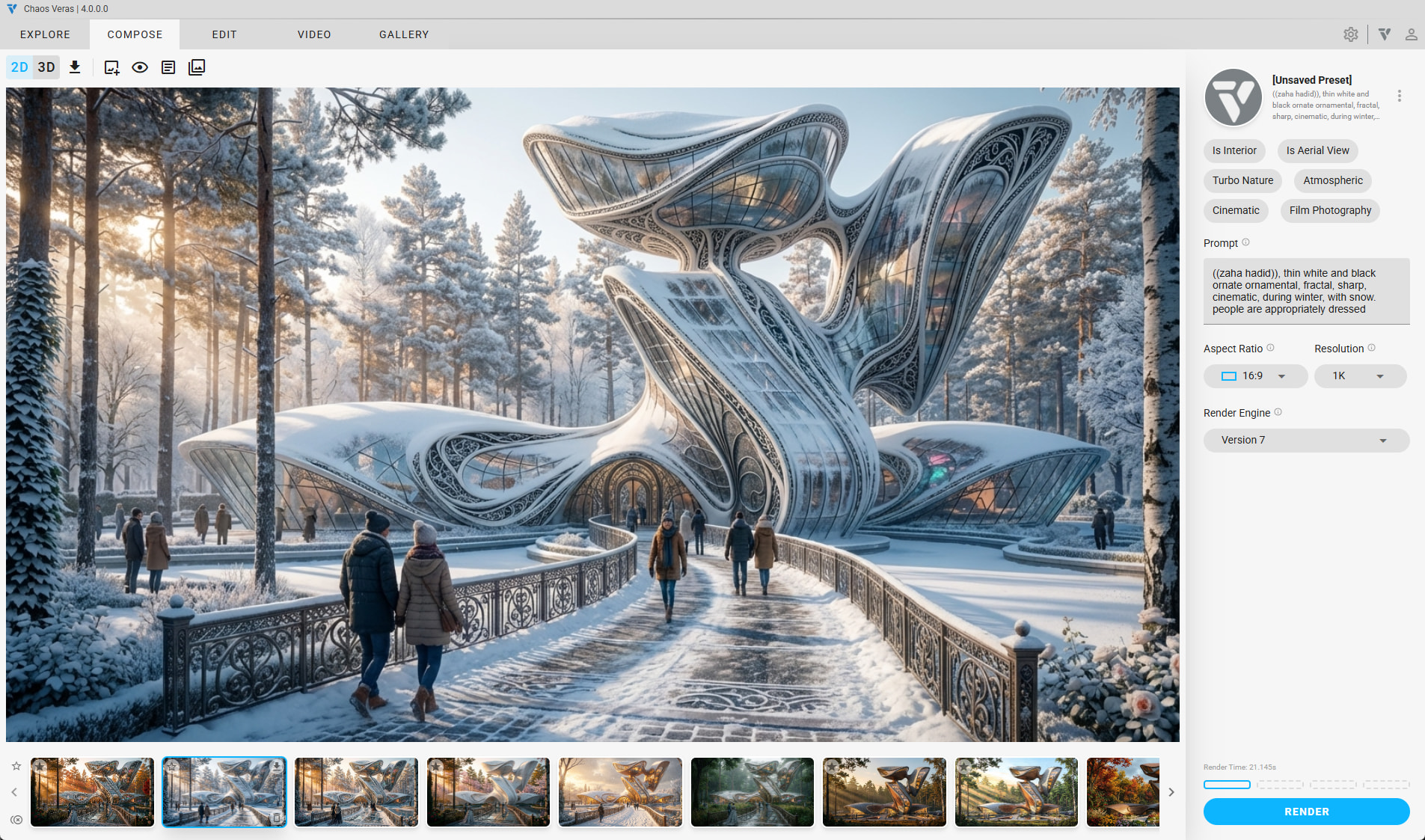
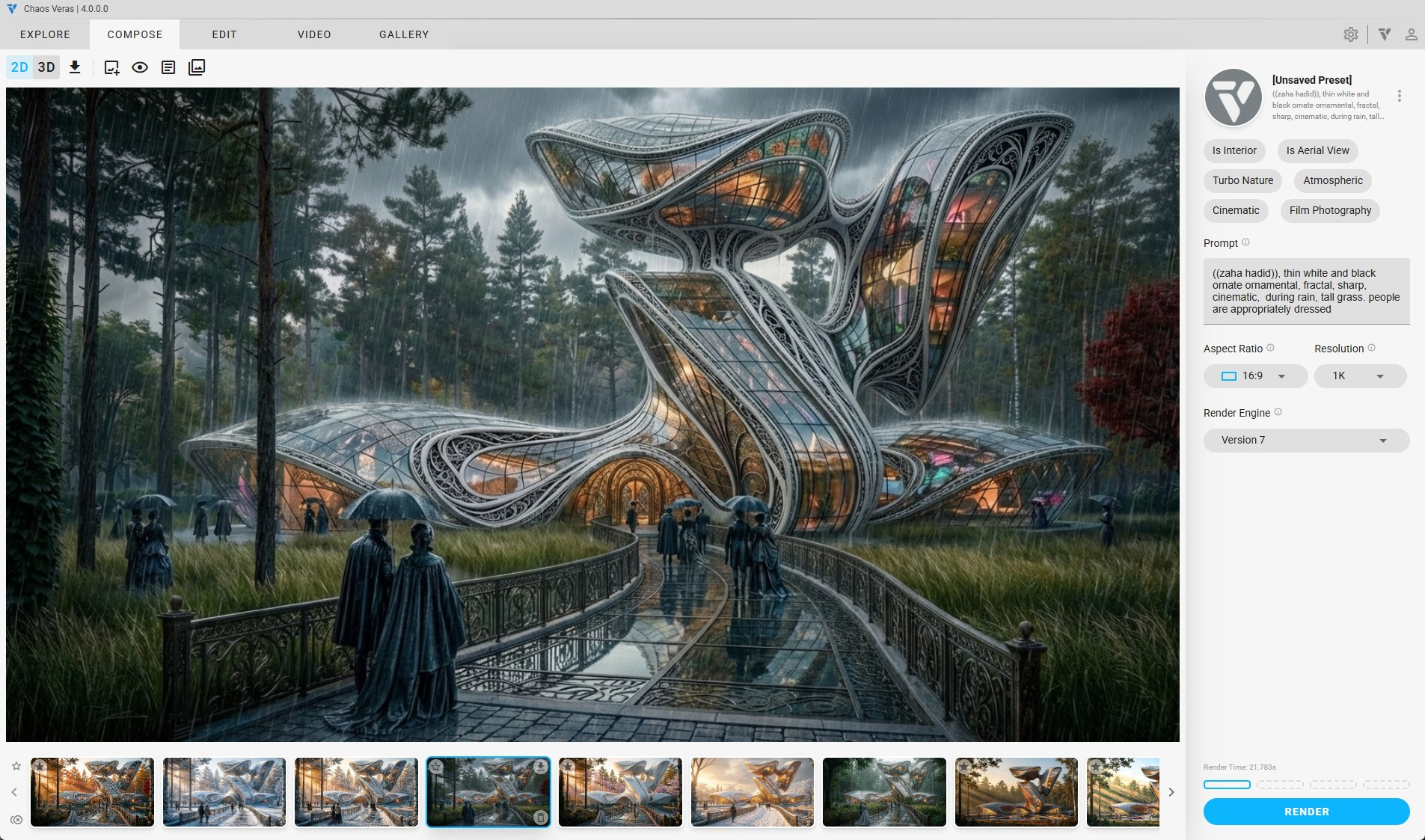
This allows for a large variance in what was previously called geometry override and material override, as these “overrides” can be localized and vary across the image. This is all possible because of the semantic understanding of the input and the prompt request. With this engine, the prompt is more important and impactful.
Higher Geometry Retention
The geometry retention is on a new level! The linework is respected, and interpreted, meaning you can choose to add more to the scene or keep it exactly how it is.
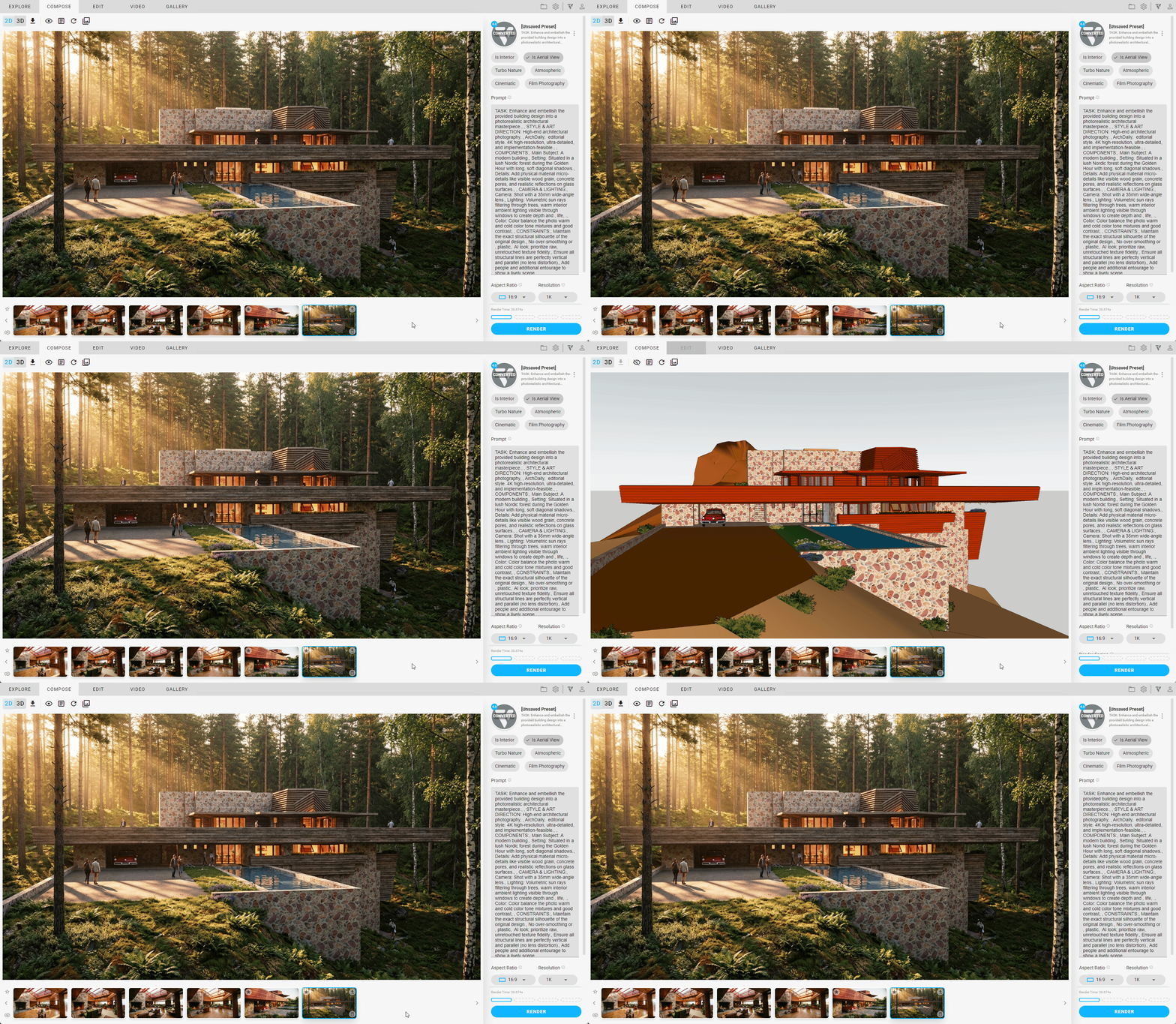
Populate Entourage & Furniture
You can choose to enhance your scene by populating it with assets that are not in your model. You no longer need linework to embellish your render, just prompt it and AI will do the rest.
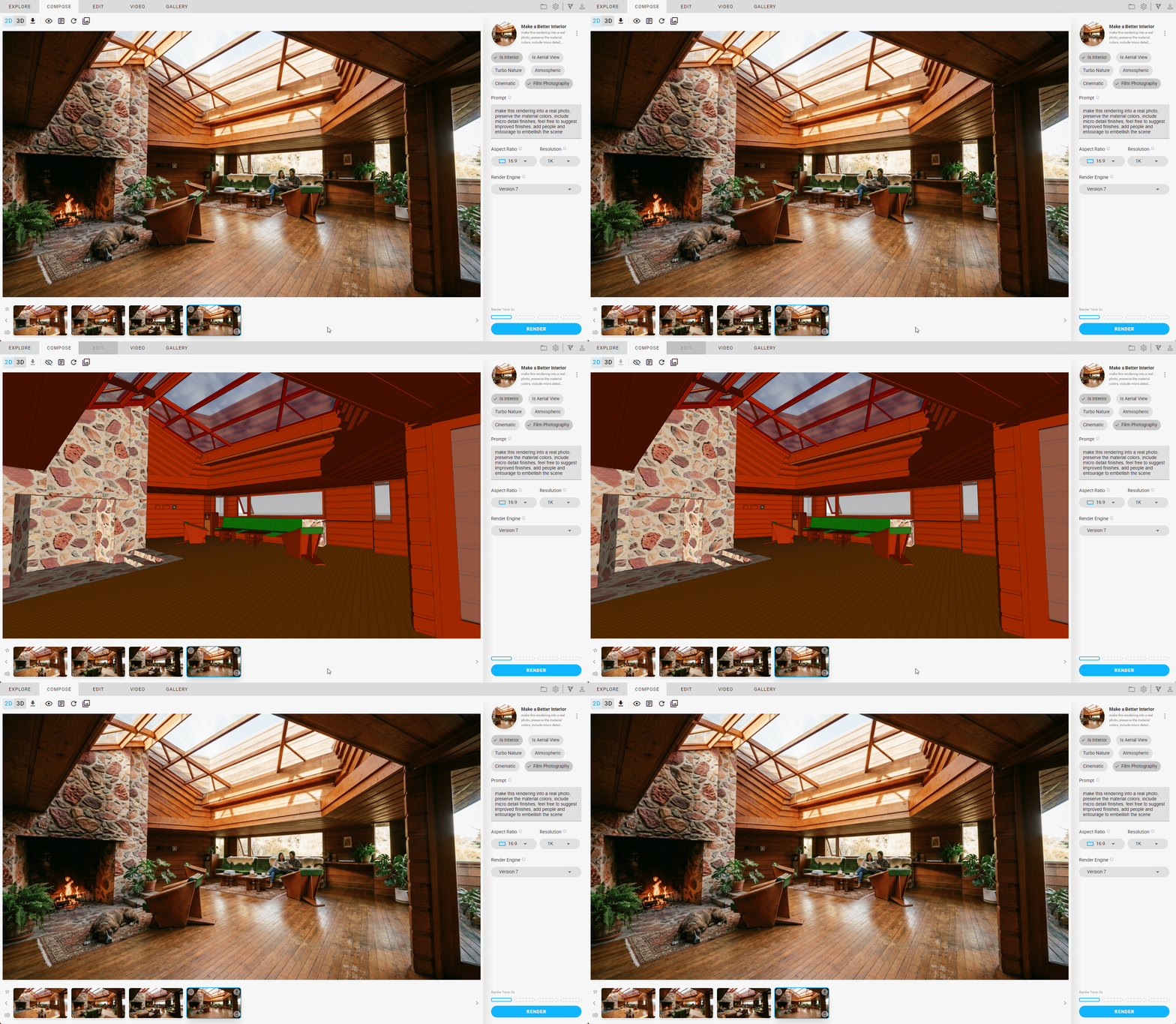
Render Selection Physics
Render selection is now context aware. Even though the selected part of the image gets altered, material changes affects the entire image appropriately. For example, shadows and caustics change the falloff part of the image correctly even though that part of the image is not selected to be changed.
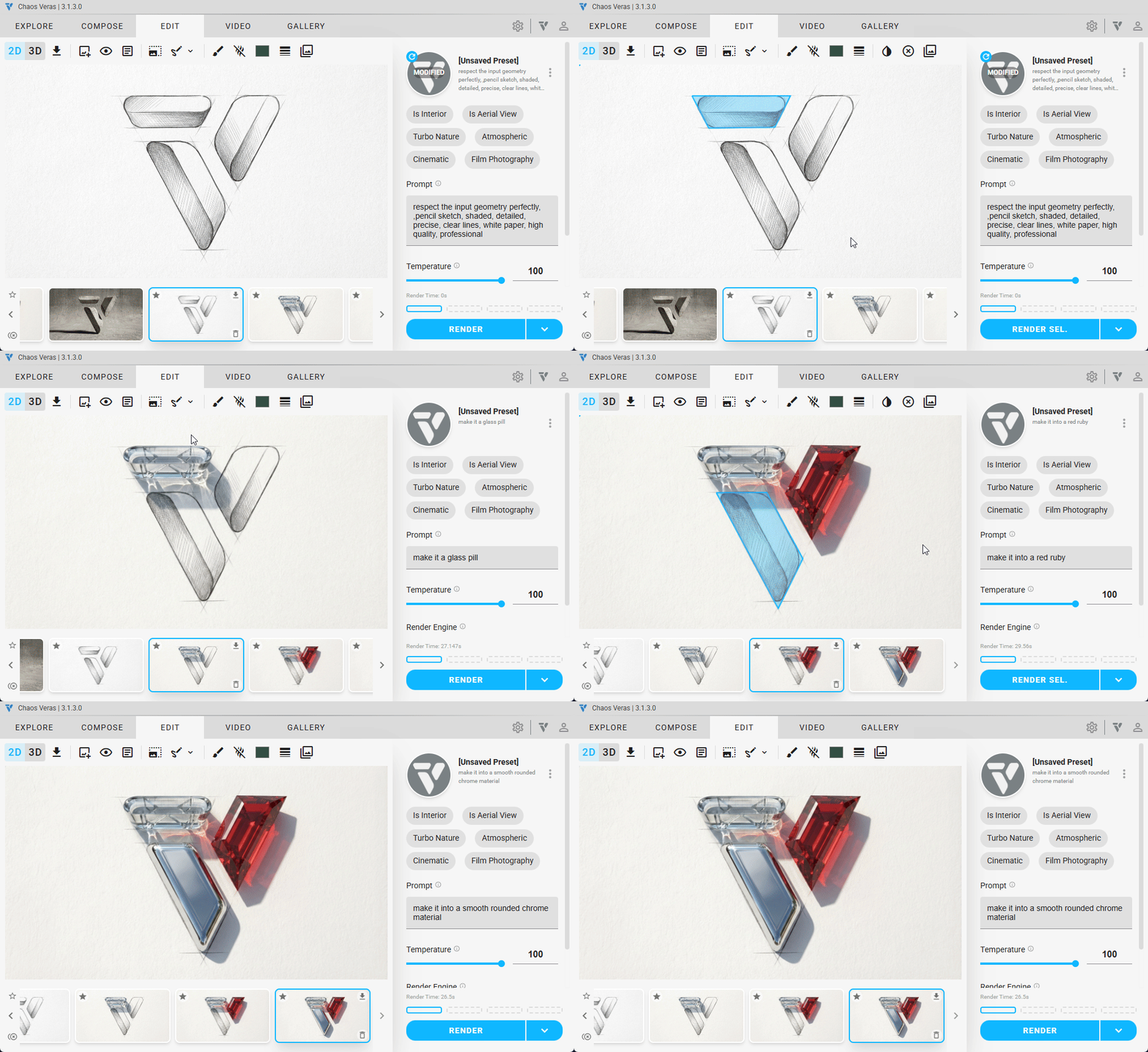
Annotative Edits
Our built in sketch tool allows you to draw over a rendering, and have the AI model pick up the markups. (Turn on the Experimental Features in the Settings menu, if you don’t see the sketch tools in the Edit tab)
+ More
Features
- Render Engine 7: Nano Banana
- Improved Quality & Cohesion
- Better Prompt Adherence
- Higher Geometry Retention
- Populate Entourage & Furniture
- Render Selection Physics
- Annotative Edits
- Compatible with Old Prompts
- Floor Plans Render & Gen
- Reorient Views
- Add navigation buttons to the Source Image Input, to easily switch the selected render
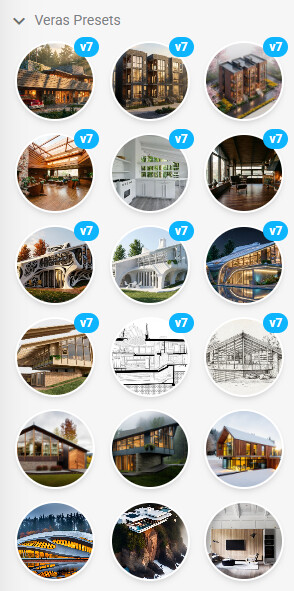
- 12 new render presets for v7 showcasing what is possible
Improvements
- Update Render Seed aesthetic
- Improve UI responsiveness be more smooth and flexible
- Added Content Enablement link in the About Menu
Stability
- fix bug where webp files did not work with drag/drop (only worked with using the add image button)