Access
Web App | Windows | Mac Sketchup | Mac Vectorworks or ArchiCAD
SketchUp Mac Update Instructions: Updating Veras for SketchUp on Mac
SketchUp Mac First Install Instructions: Installing Veras for SketchUp on Mac
Vectorworks Mac Install and Update Instructions: Getting Started with Veras for Vectorworks
ArchiCAD Mac Install and Update Instructions: Getting Started with Veras for ArchiCAD
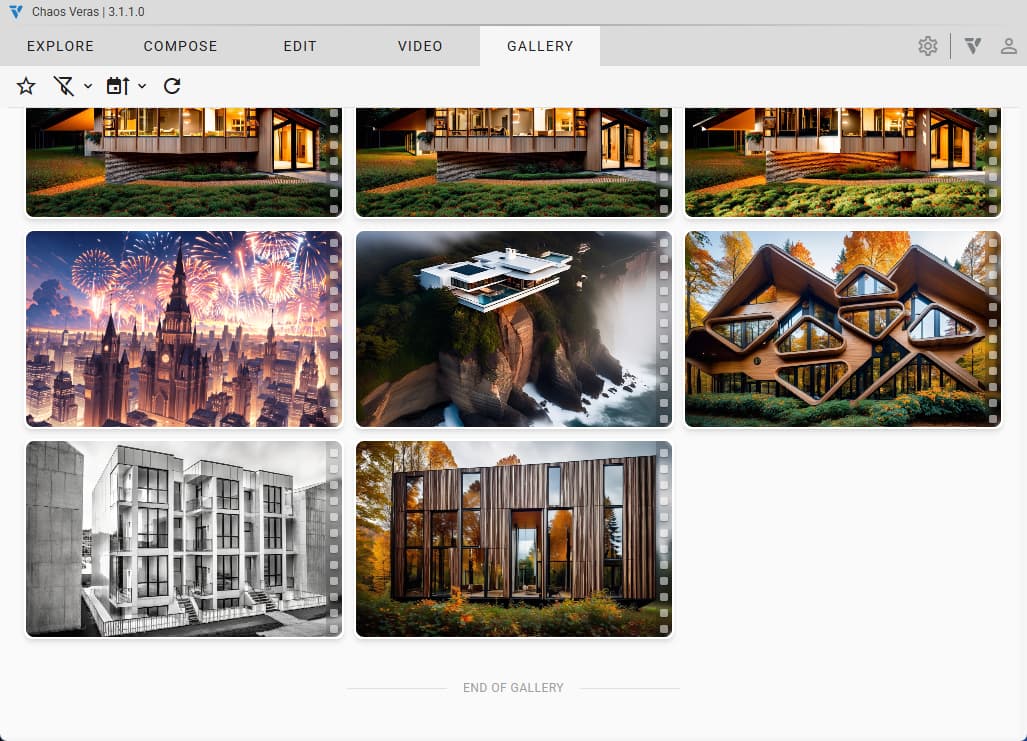
Gallery Mode
Easily access your past renderings and bring them back in the current session to continue working!
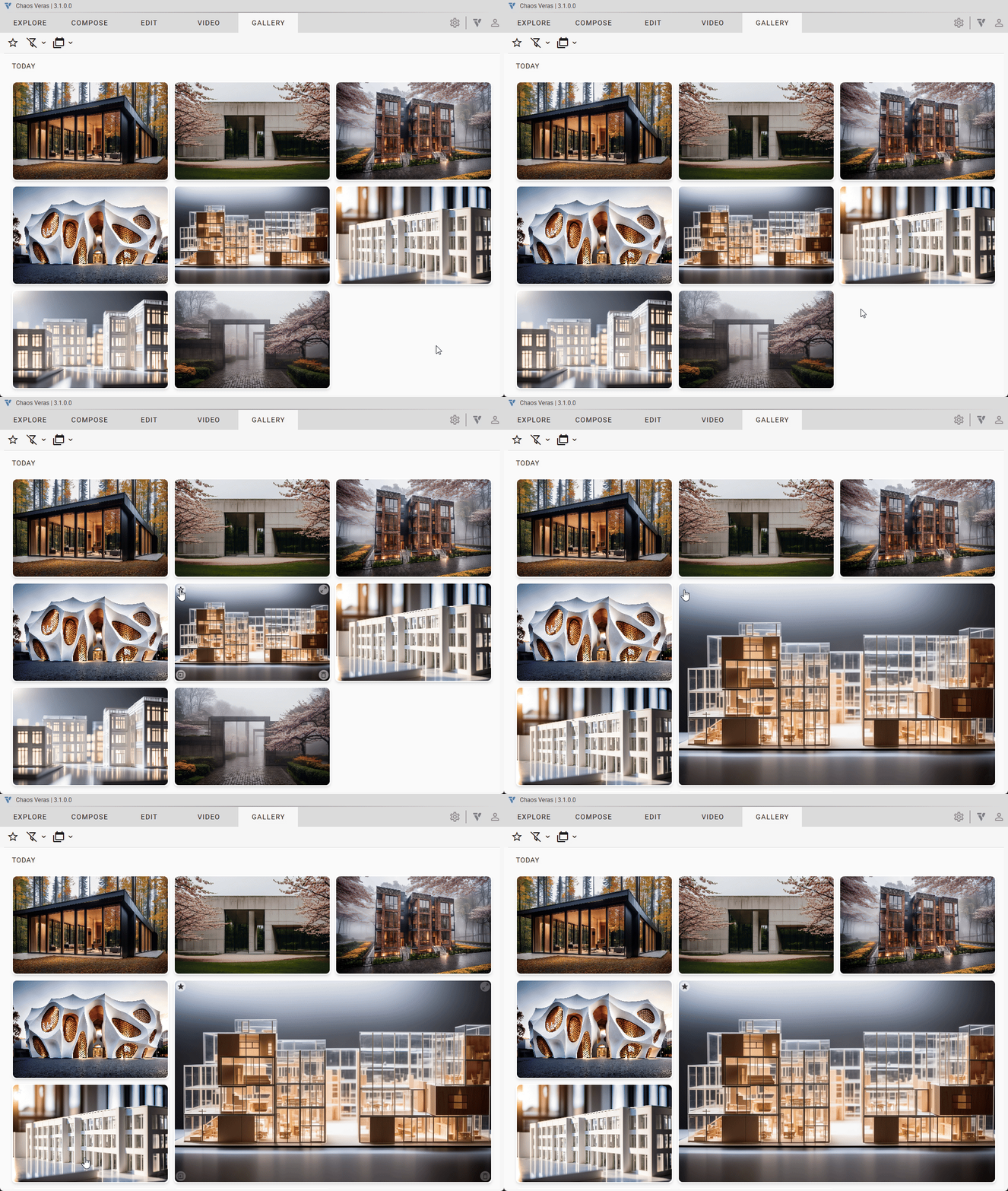
Favorites
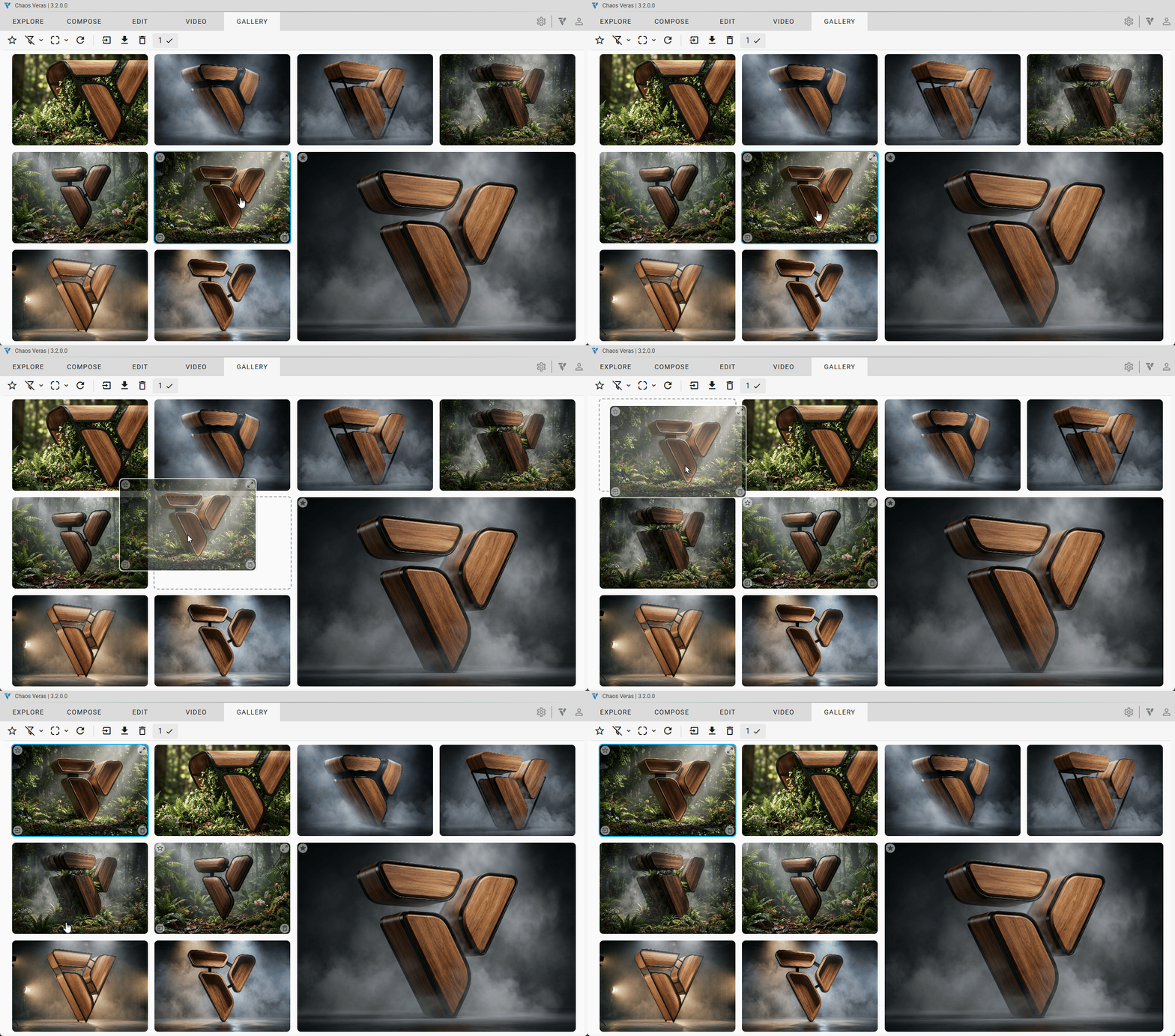
Set favorites within the gallery view. Favorites are 2x the size so that you can easily spot them.
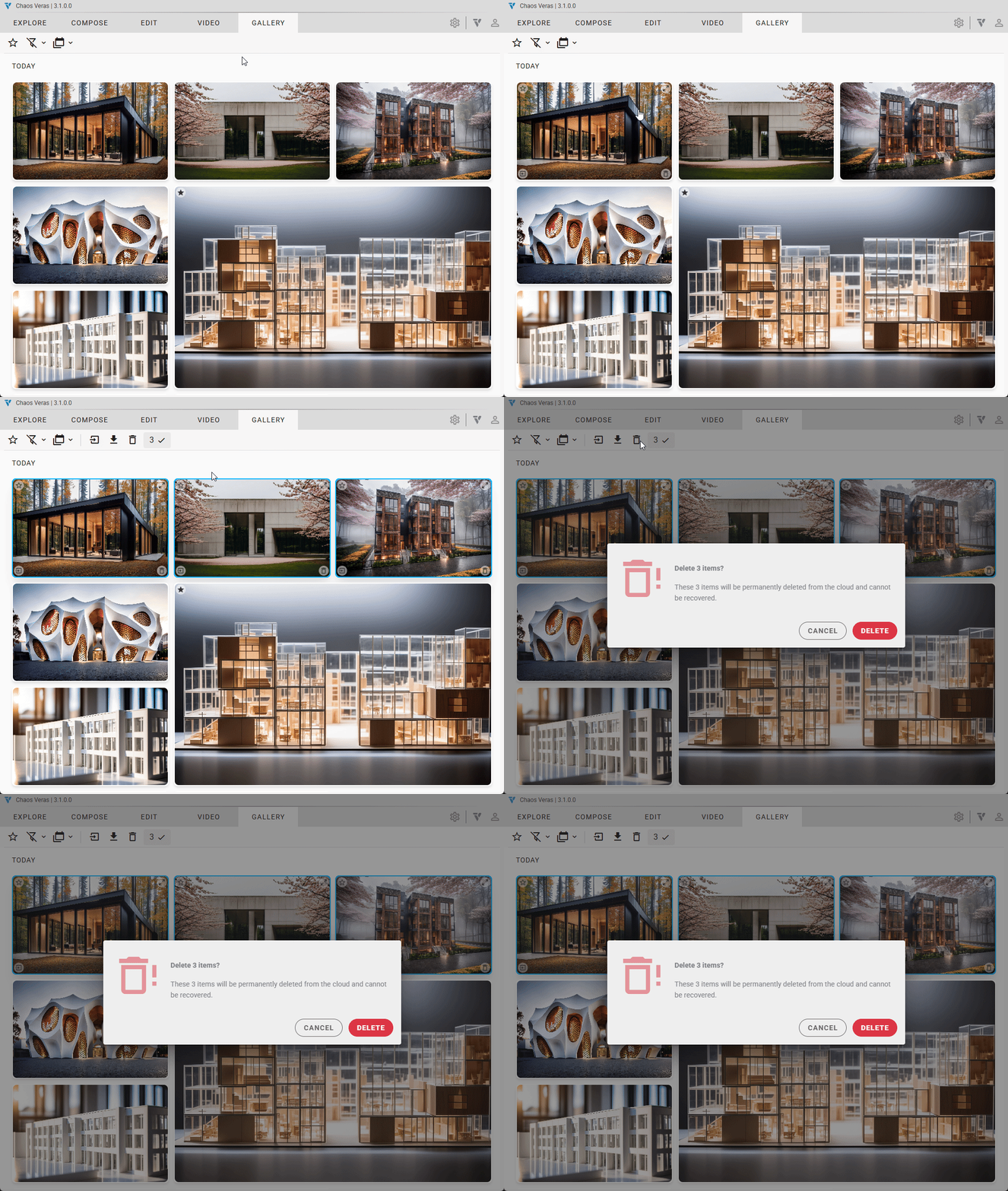
Multi Select Management
You can now manipulate multiple renderings in batches: download, delete, and add to Workspace.
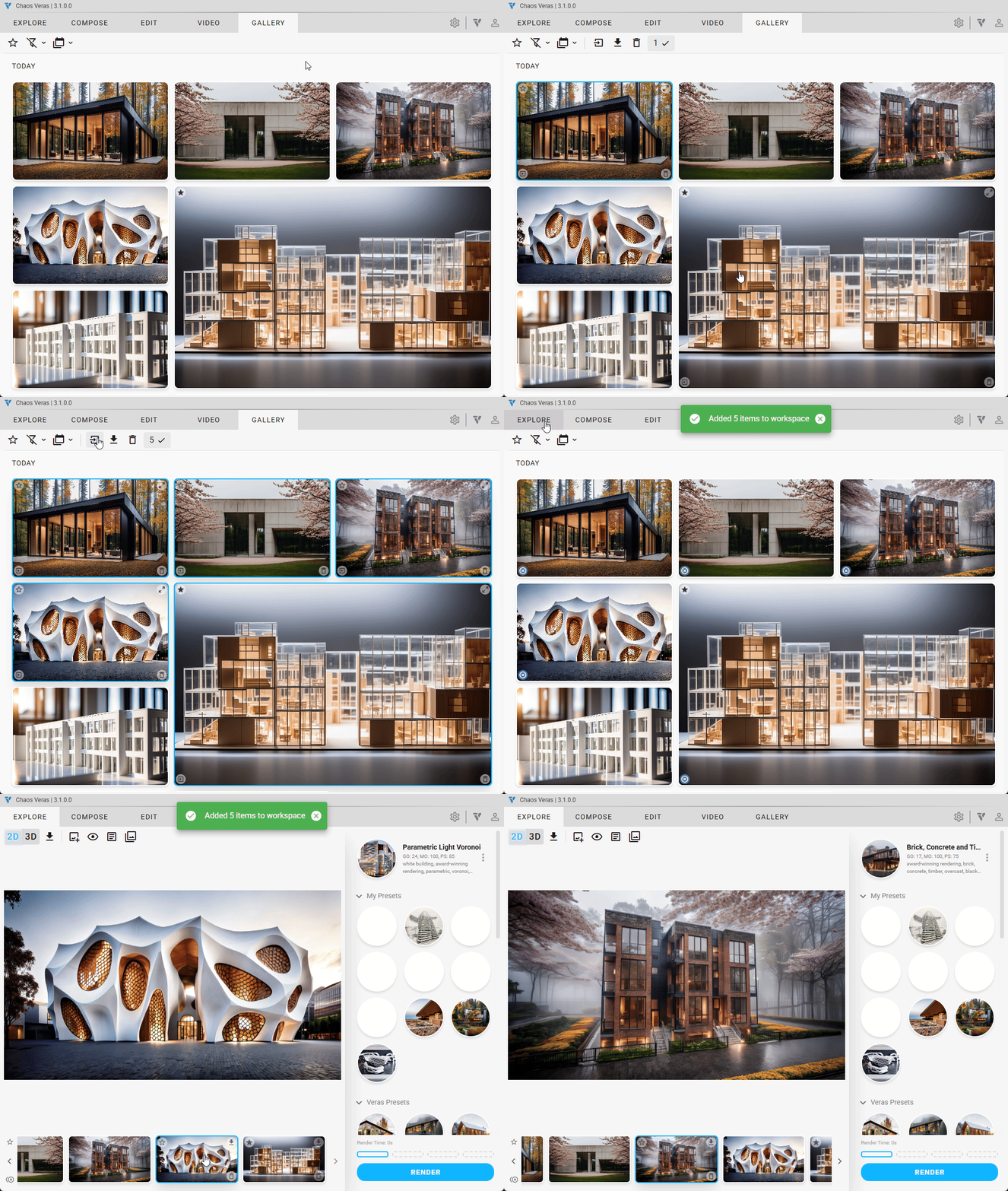
Add to Current Workspace
If you want to further work on rendering from the gallery, bring them into the workspace and continue where you left off. Items in the workspace are marked in the bottom left corner with an icon.
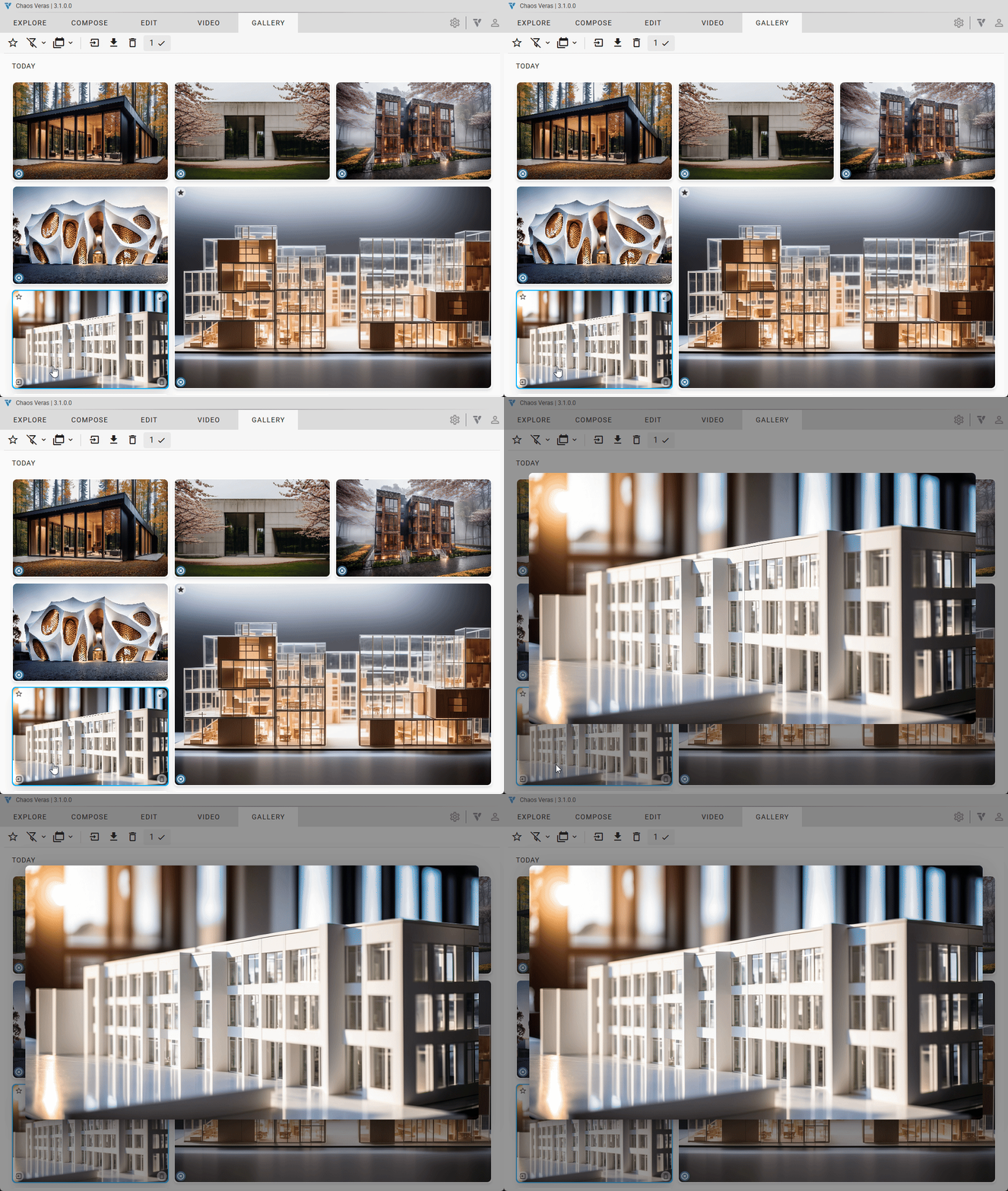
Explore Renders
The renders can be explored right in the Gallery tab.
+ More
Features
- Gallery Mode
- browse video and still renderings saved to the cloud
- preview content in gallery mode
- add selection to current session
- sort & group by date
- filter by videos, images or all
- filter by favorites
- set as favorites
- renamed save as to download
- clear workspace renderings
- persistent still renderings
- rendering favorites state saved to the cloud
Improvements
- show special Enscape loading message when Veras loads inside Enscape
- UI notifications for video credits usage
- updated the health check to show if video or image servers have degraded service
- video input image auto mode graphic to show no image available text, instead of an empty rectangle
Stability
- licensing stability
- fixed decimal character in preset name bug
- show original image stability
- changing from stills to video mode resolution settings stability
- fix session gallery center thumbnail when using keyboard shortcuts bug
- stability in 3d mode for the drag and drop canvas visibility
- alert snack bar stability when showing messages sequentially