Access
Web App | Windows | Mac Sketchup | Mac Vectorworks or ArchiCAD
SketchUp Mac Update Instructions: Updating Veras for SketchUp on Mac
SketchUp Mac First Install Instructions: Installing Veras for SketchUp on Mac
Vectorworks Mac Install and Update Instructions: Getting Started with Veras for Vectorworks
ArchiCAD Mac Install and Update Instructions: Getting Started with Veras for ArchiCAD
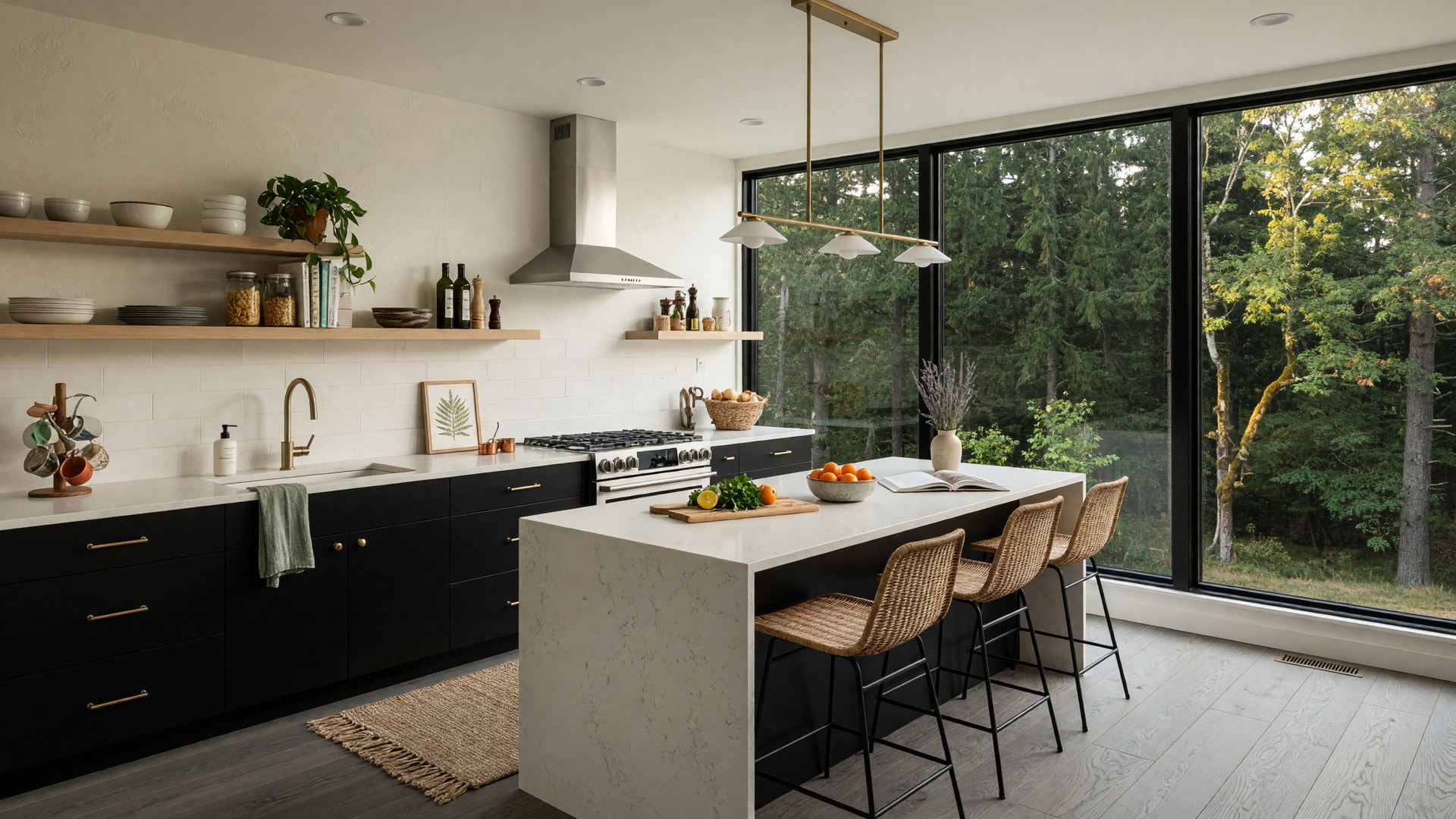
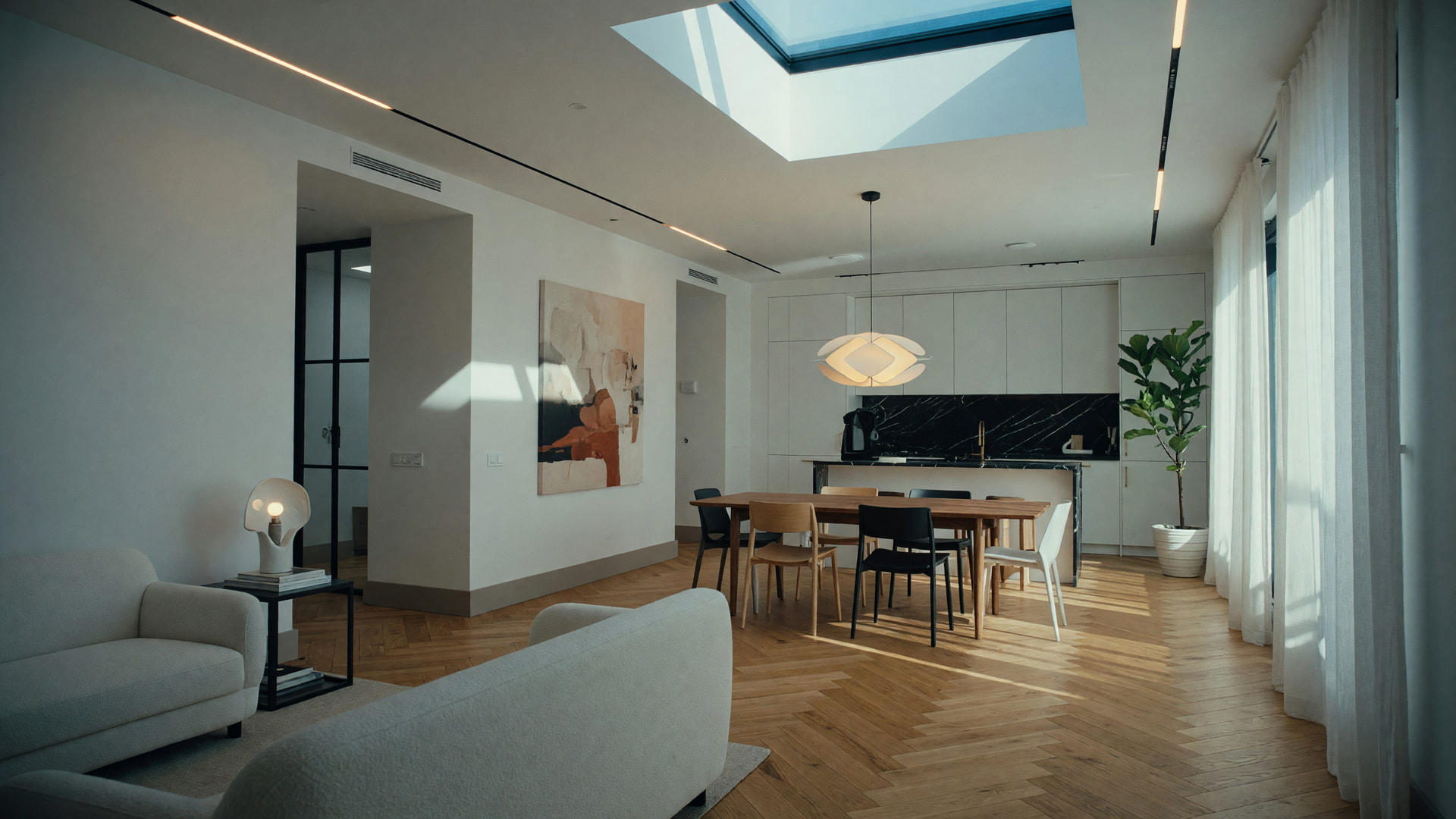
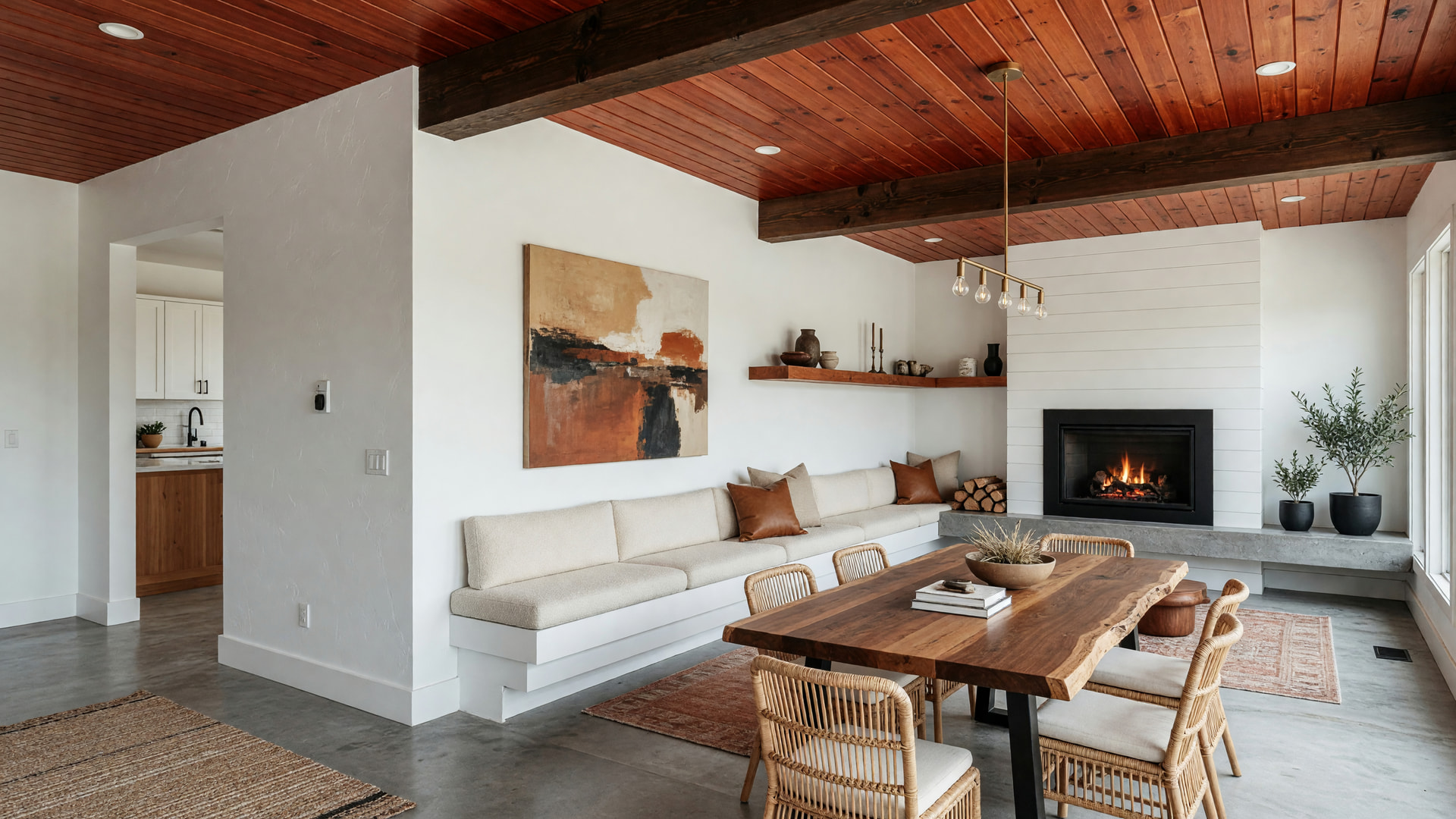
 Grok Imagine — A New Render Engine
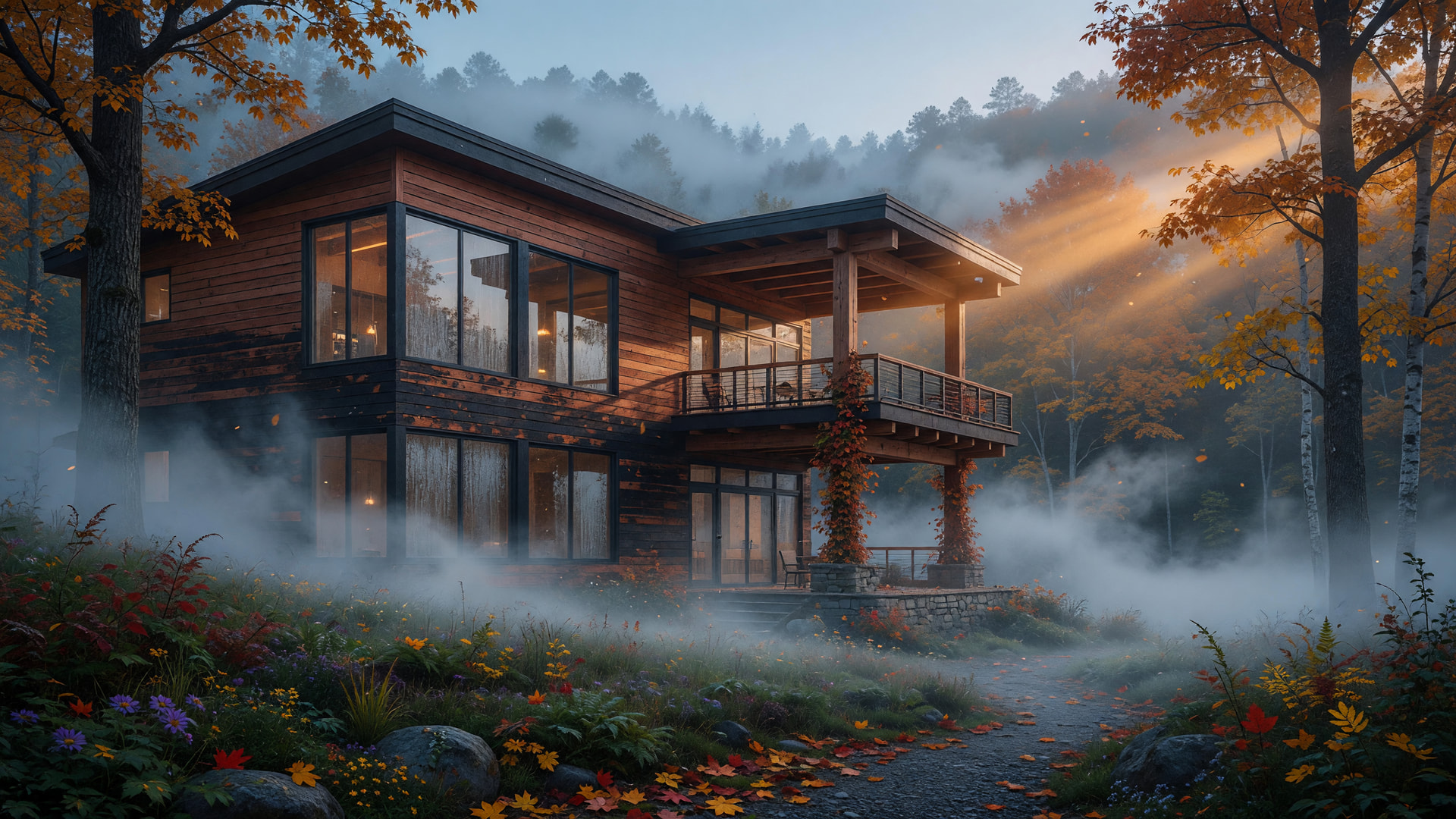
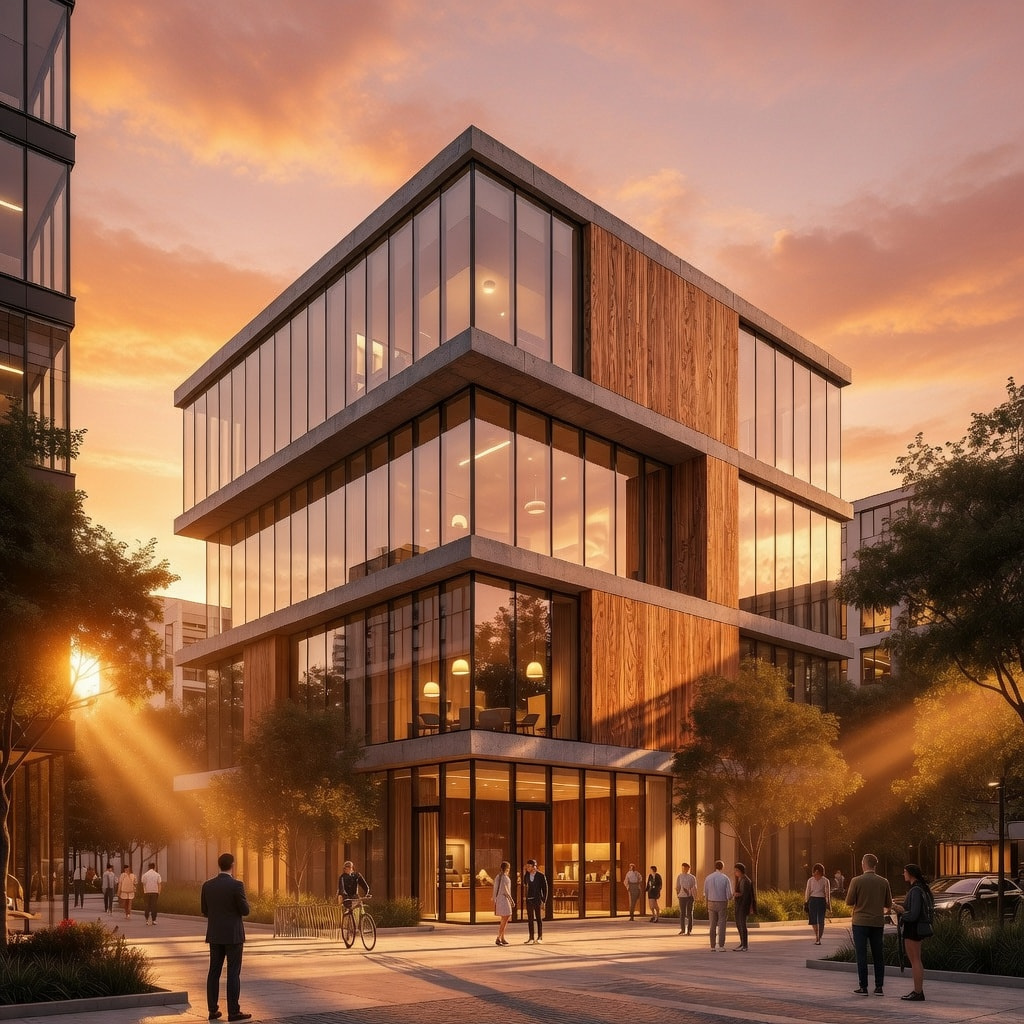
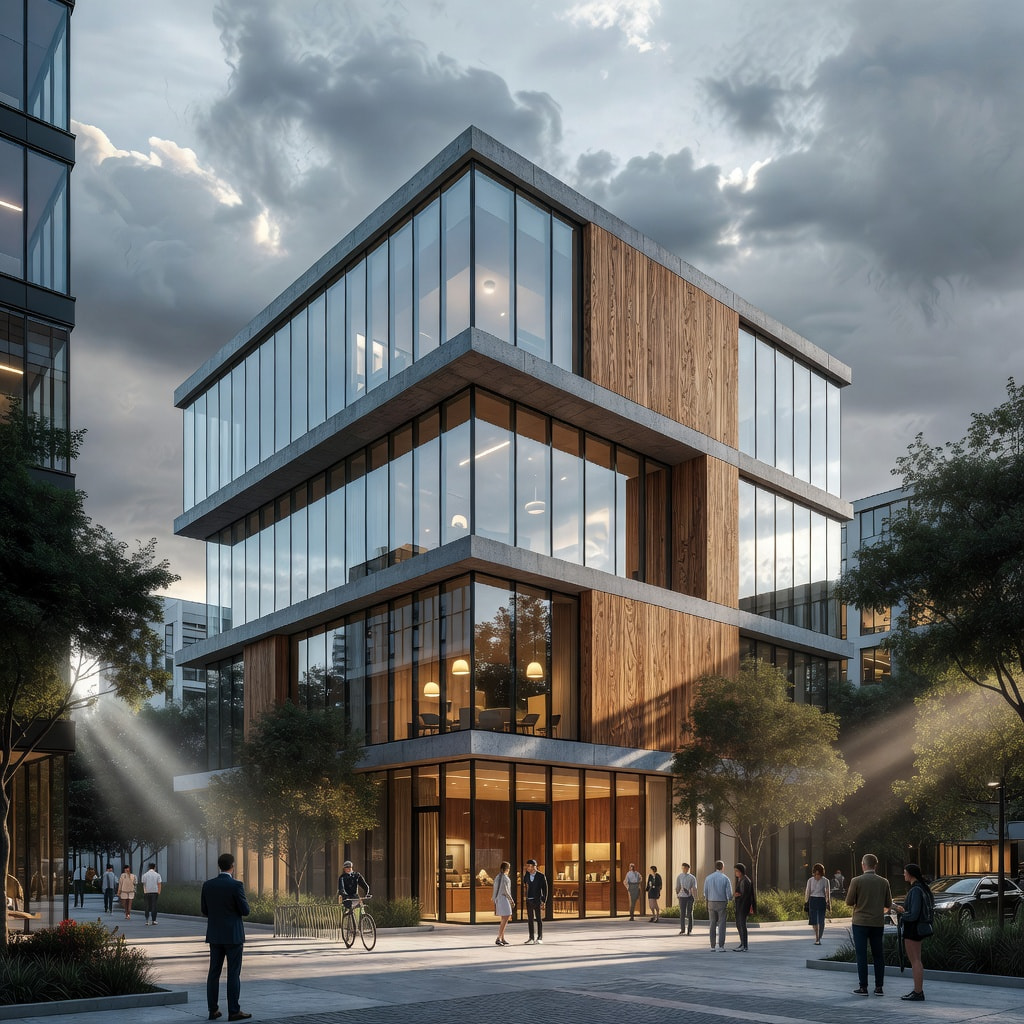
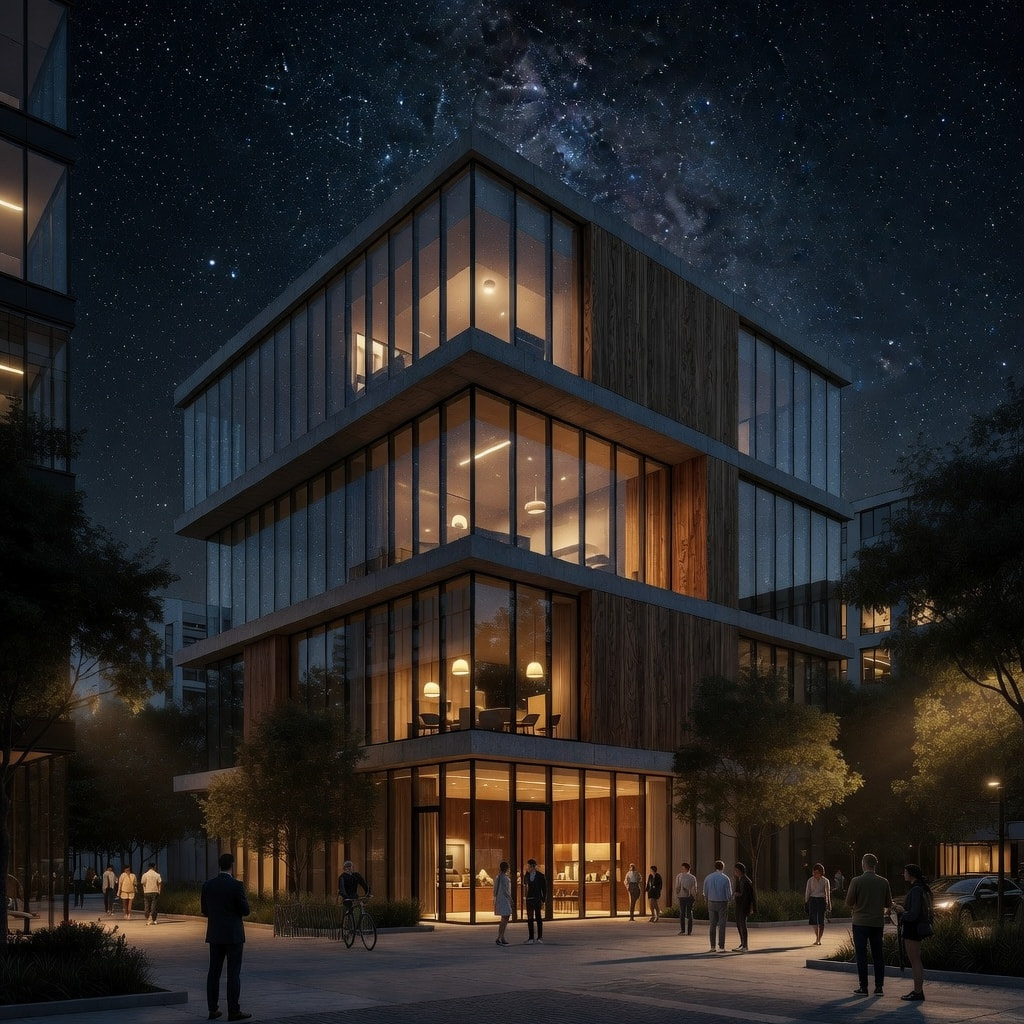
xAI’s Grok Imagine joins the render-engine dropdown, right under the Nano Bananas, with a Resolution picker in place of the usual quality tiers:
- Fast — 5 credits, quickest turnaround (also 1k but lower quality)
- 1K — 10 credits
- 2K — 15 credits, the sharpest of the three
- Nine aspect ratios, including 2:1 and 1:2
- Best output with 2k resolution @ 20 sec generation time

 Grok Imagine Video — Three New Engines
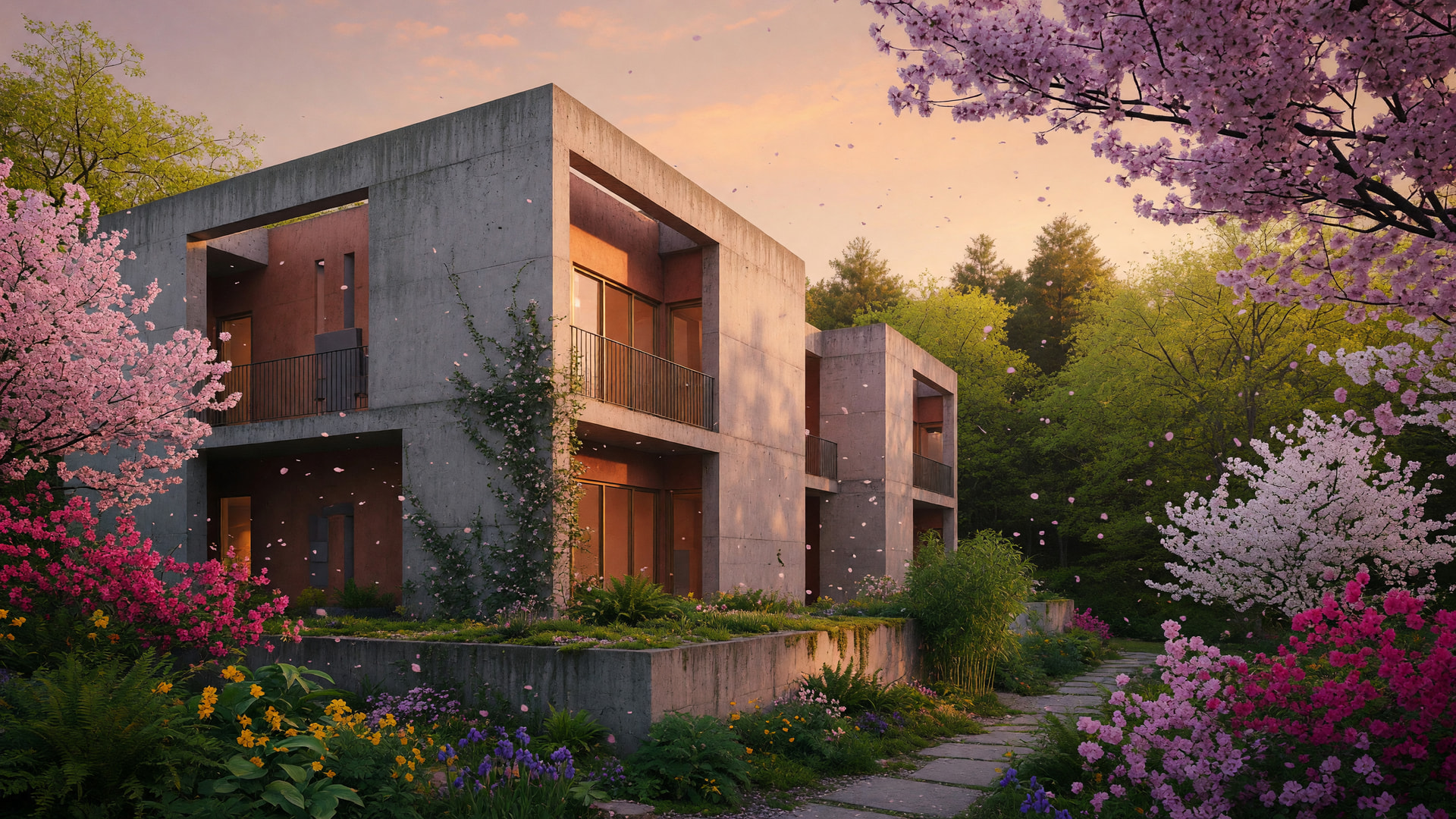
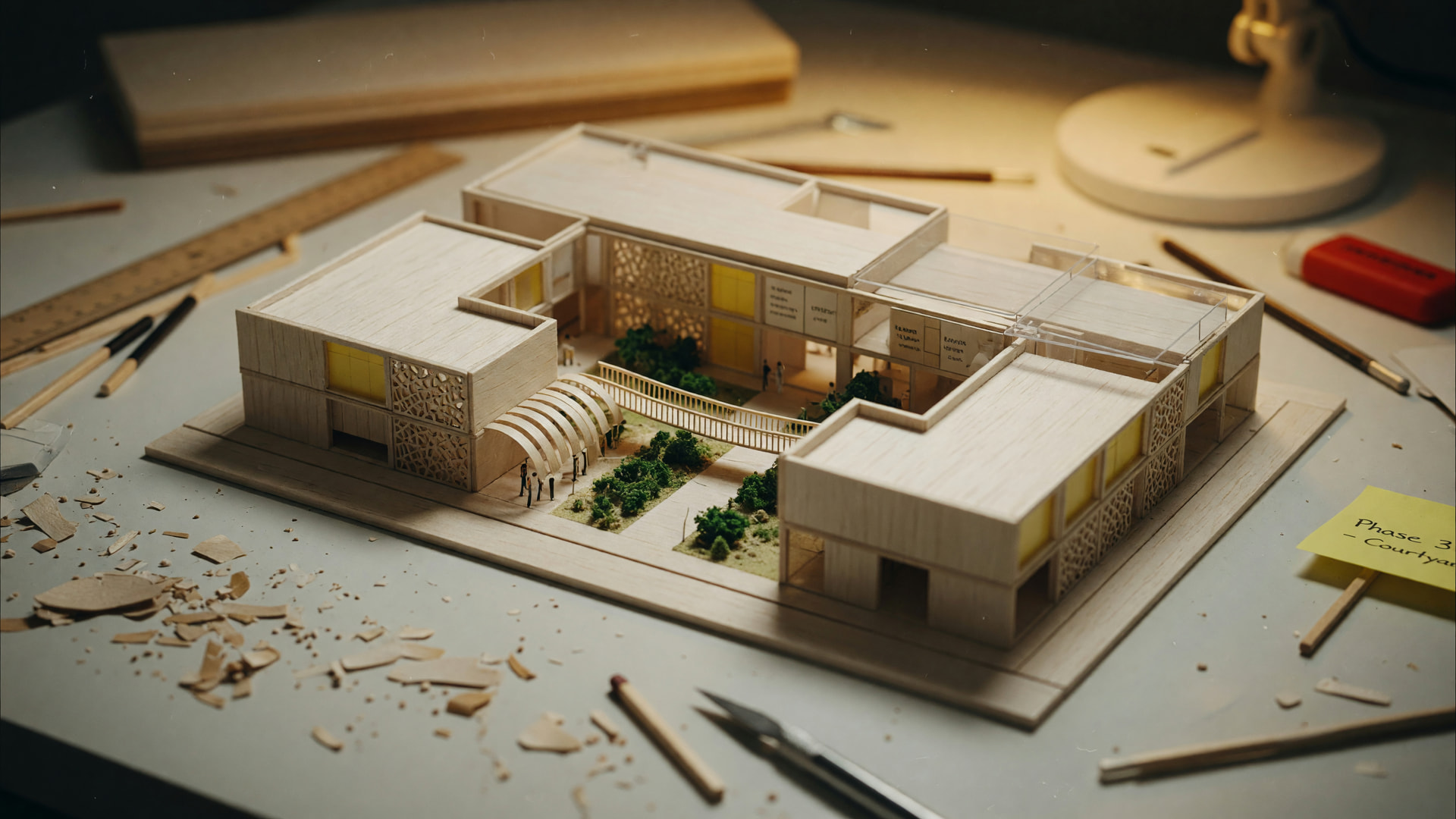
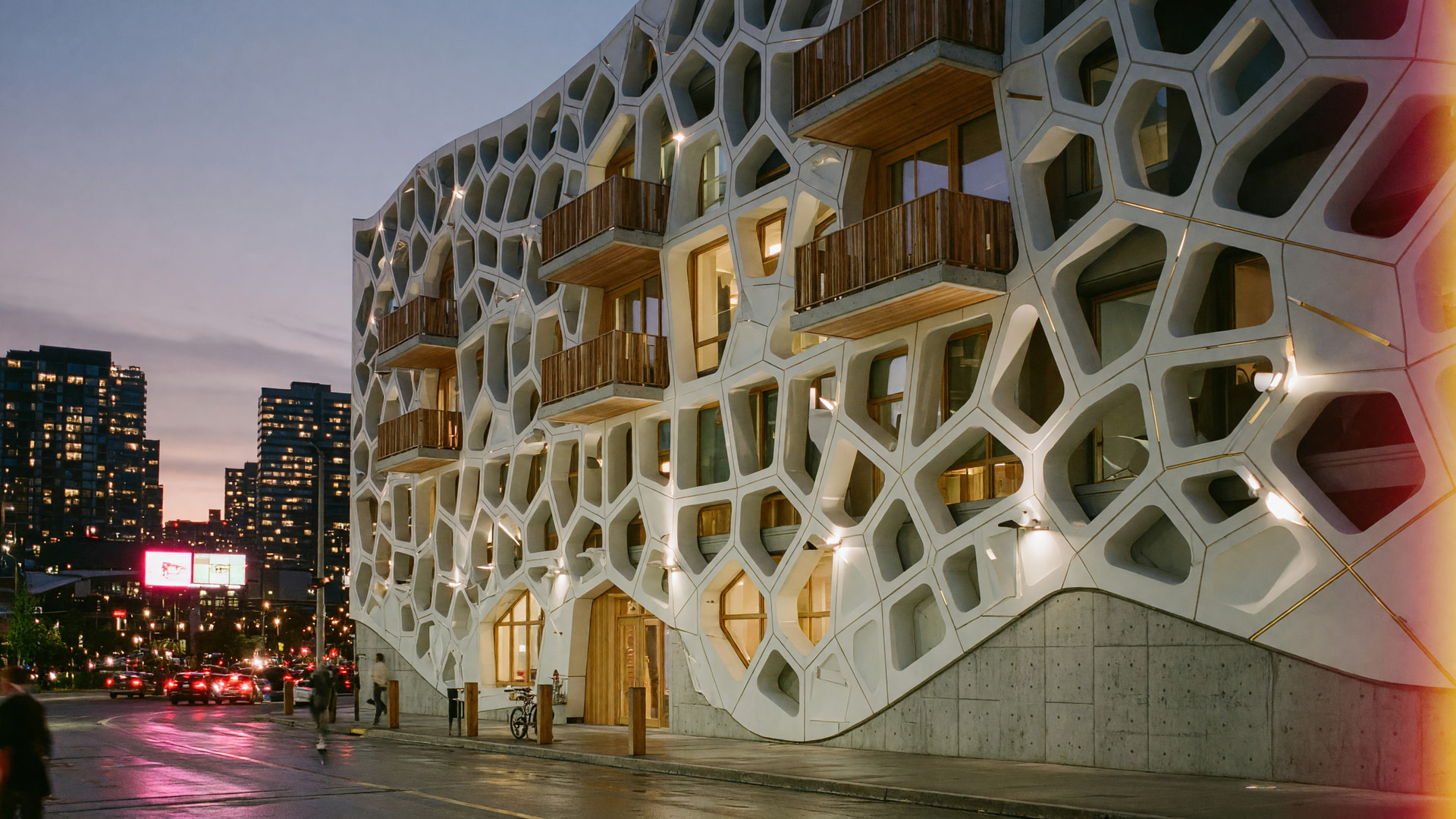
The same family also does video, and every clip it makes comes back with native audio:
- Grok Imagine — generate from a prompt alone, from a still, or from up to 7 reference images — or hand it an existing video to edit. 4 to 15 seconds, 480p or 720p, in 16:9, 1:1 or 9:16
- Grok Imagine 1.5 — xAI’s newer image-to-video model: point it at a still and it animates it, same durations and resolutions
- Grok Extend — give it a 2–15 second clip and it continues from the last frame by another 2 to 10 seconds, delivered as one stitched video
NOTE: Grok Imagine generates from text, a still or reference images, edits existing footage, and extends a clip past its last frame — all with audio
 Trash — Deleted Renders Come Back
Delete is no longer permanent. Anything you delete now goes to the Trash, where it stays recoverable for 90 days before it’s purged for good.
- Toggle the Trash from the gallery toolbar (the recycle icon) to see everything you’ve deleted, most recent first
- Restore any item back to your library in a click — images, videos, splats and 3D models alike
- Empty Trash whenever you want it gone on your own schedule
- Nothing to install — the change is server side, so it protects every host and every version the moment you delete
One thing to know: items sitting in the Trash still count toward your storage quota until they’re purged or you empty it — that’s exactly why restoring is instant.
NOTE: The recycle icon flips the gallery into the Trash, where every deleted render waits 90 days for you to change your mind
 Veras Fits Narrow Windows
The whole interface now works down to 320px wide — docked Enscape property panes, half a split screen, or a phone browser.
- Mode tabs collapse into a single current-mode dropdown when there’s no room for the strip
- The top toolbar keeps one clean row and moves whatever doesn’t fit into a “⋯” panel
- Property and edit panes slide over as a drawer from a hamburger button instead of squeezing the viewer
- The gallery grid re-flows to the width it actually has
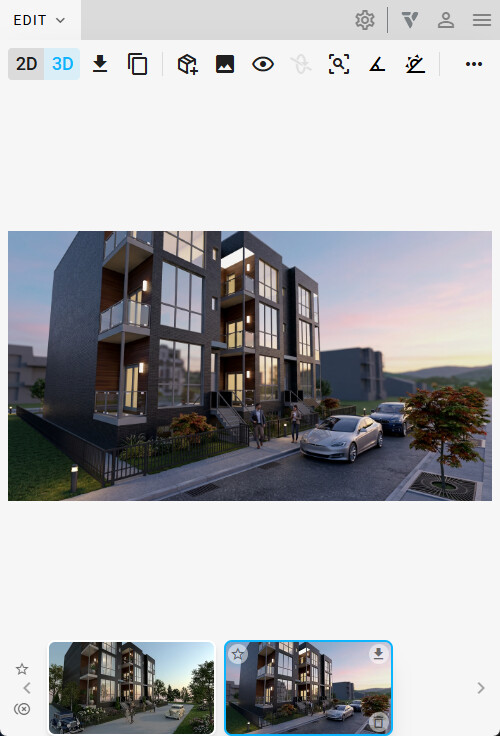
NOTE: At narrow widths the tab strip becomes a dropdown and the pane becomes a drawer — nothing gets clipped off screen
 Rhino: Materials, Textures and Blocks in the 3D View
Rhino’s 3D sync was rebuilt on Rhino’s own render pipeline, so what Veras shows in 3D now looks like your Rhino viewport instead of untextured geometry.
- Per-instance materials — blocks sharing a definition keep their individual material overrides
- Real texture mapping — repeat, rotation, offset and WCS projections come across, including textures embedded in the .3dm
- Blocks stay instanced — large models transfer as definitions plus transforms rather than duplicated geometry, so syncs are smaller and faster
- Camera sync lands where it should in millimeter, meter, inch and yard documents, not just feet
- Rhino 7 and Rhino 8, via the Windows installer above. Older plugin builds keep using the previous sync, so nothing breaks while you update
 Depth of Field
Veras can now apply real optical depth of field to a rendering — an AI depth pass drives a lens-style bokeh blur, so the falloff follows the actual depth of the scene instead of a flat gradient.
- Click anywhere on the image to set the focus point, then drag the marker to re-focus
- Blur amount and focus range sliders; foreground and background both fall off naturally
- The default depth engine is free — generate a depth pass as often as you like
- Find it under the render button’s caret menu in EDIT → POST PROCESS
Depth of Field lives under Enable Experimental Features in Settings for this release.
 Revit Support Update
This version ends support for Revit 2021, 2022 and 2023. Veras now supports Revit 2024 through 2027.
If you’re upgrading on one of the retired versions, the installer removes the old add-in cleanly — no leftover files to chase. Nothing changes for Revit 2024+ users; the installer still detects your installed versions automatically.
More Improvements
- Credit cost on the RENDER button — the button shows what the exact job you’re about to submit will cost (engine, resolution, duration and number of renderings all folded in), settings dropdowns show their cost multipliers, and anything over 200 credits asks you to confirm first
- Upscale has its own pane — it moved out of a modal into the Edit tab, with the predicted output resolution shown as you change the factor
- One clear out-of-credits message — every paid action now routes to the same Insufficient Credits dialog with a direct path to top up, instead of a generic failure
- Reference-image limits are honest — the tooltip shows the real cap for the engine you’re on rather than a fixed number
- 3D viewer middle-click pans again — alt-tabbing away mid-orbit could leave the viewer stuck interpreting middle-drag as an orbit
- Guided tutorial polish — the walkthrough’s buttons now match the rest of the UI