When I try to generate a video render, I receive the following error message:
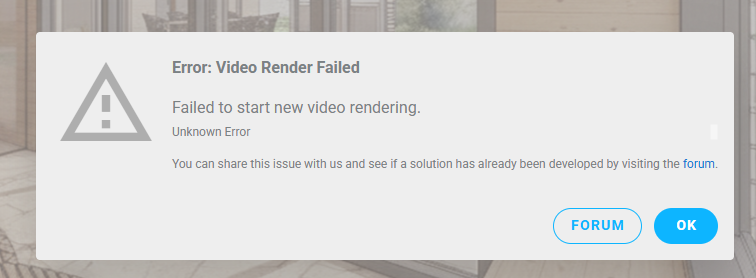
Is there any additional context around this error that you can provide? Is this in the Webapp or through an authoring app like Revit?
Hi, I’m using the web version. I have enough credits, but as soon as I upload a photo and try to start a video render, I get this error again and again
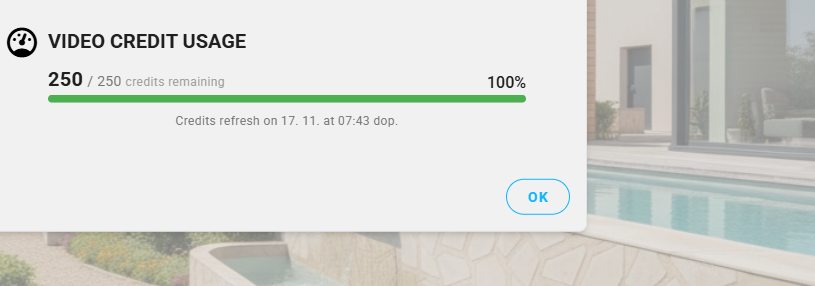
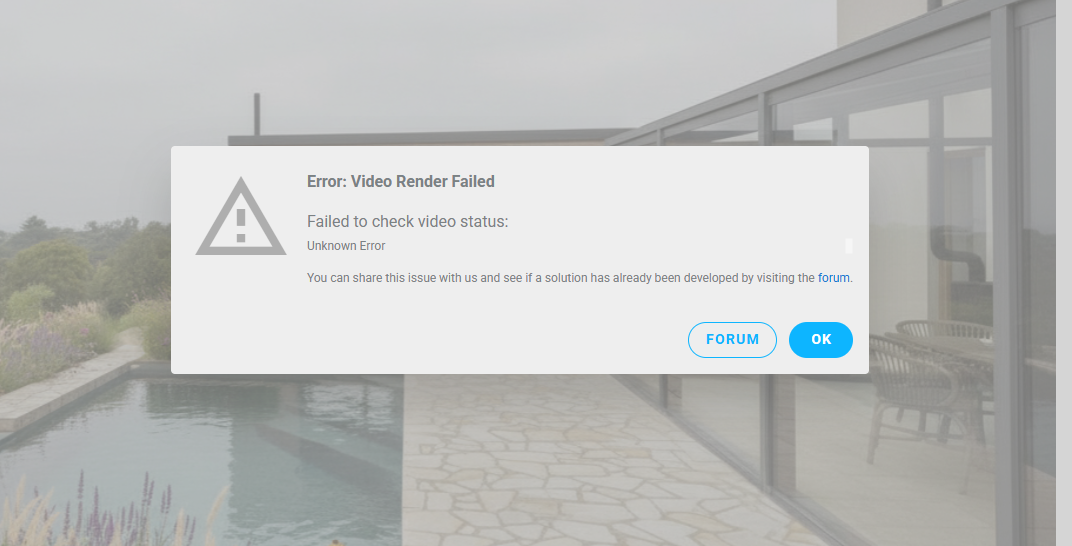
We’re looking into this issue now, and it might also be related to this post: Veras Error 401 - #4 by Ben
We’ll post updates as soon as we have more info.
Update: This is the same issue as the Veras Error 401 post - we will make updates in that thread regarding this issue: Veras Error 401
Hi!
I am testing out Veras as a plugin for Rhino.
I want use the video option to make people walk around in a render that I made (so converting a 2D visual into a 3D visual). Is this not possible? I keep getting this error whenever trying:
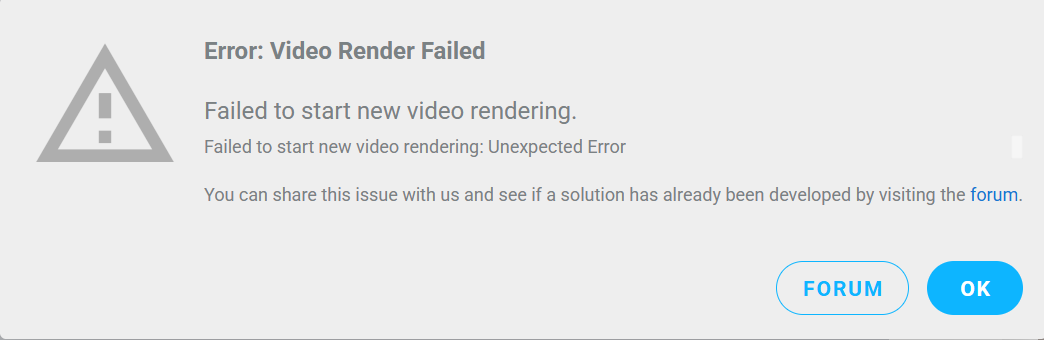
Thank you!
@Antje - can you provide more info:
- what version of the plugin do you have installed?
- do still renderings work?
- are you testing the trial?
Hi Ben, yes ofcourse!
I am using the trial version of Veras 3.0.0.0. Video rendering and normal rendering does work when I have volumes in Rhino 7 built up. However, the manual upload option does not seem to work when I upload a render.
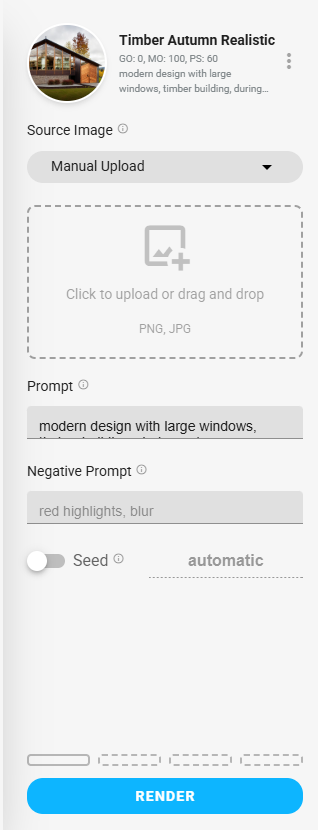
I hope this helps!
Kind regards,
Antje Heyselberghs
I was not able to reproduce this issue. See reference below. Are you sure you clicked the upload image button?
I should also mention that when we first released the video feature, trial accounts did not have any video credits. Now trial accounts can render videos.