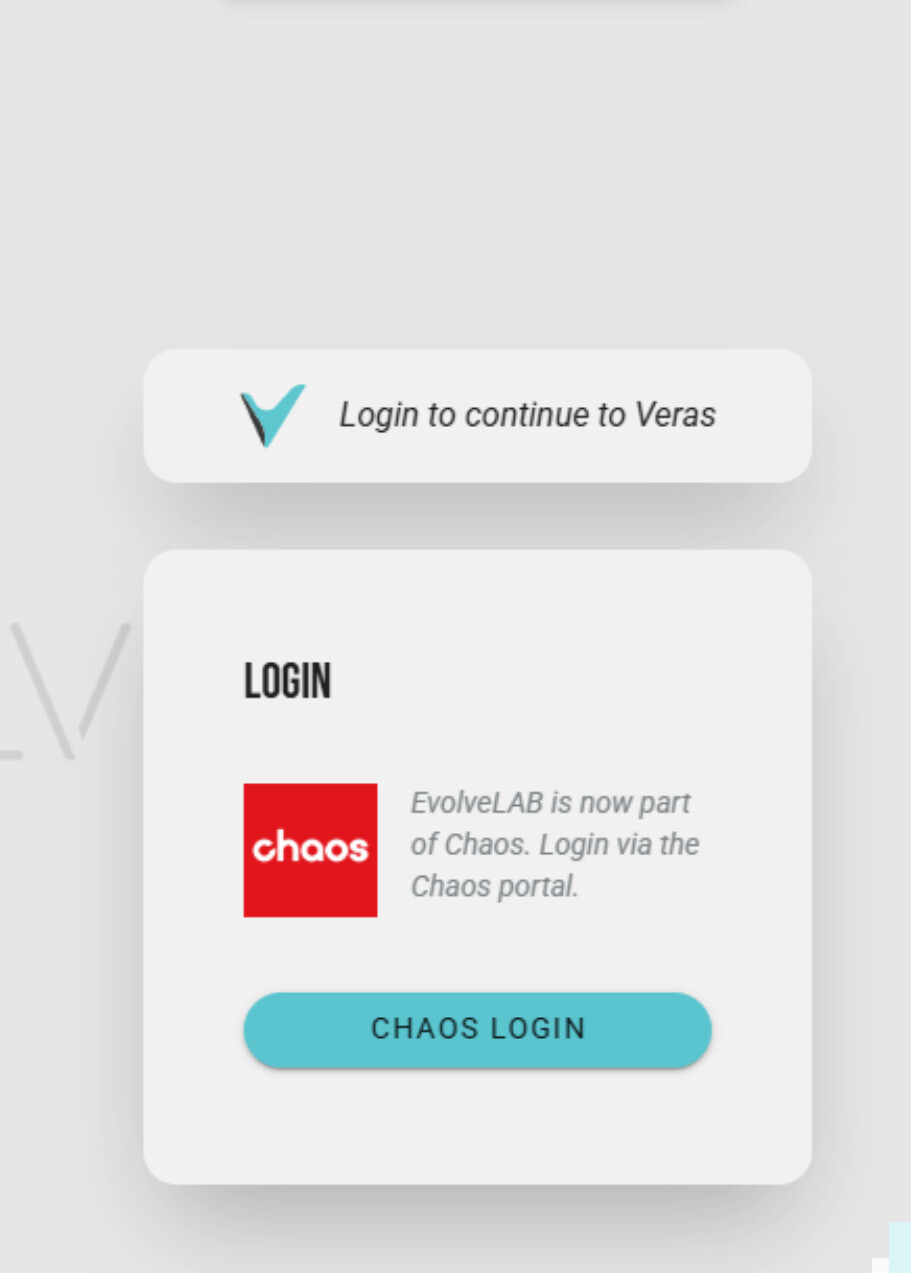
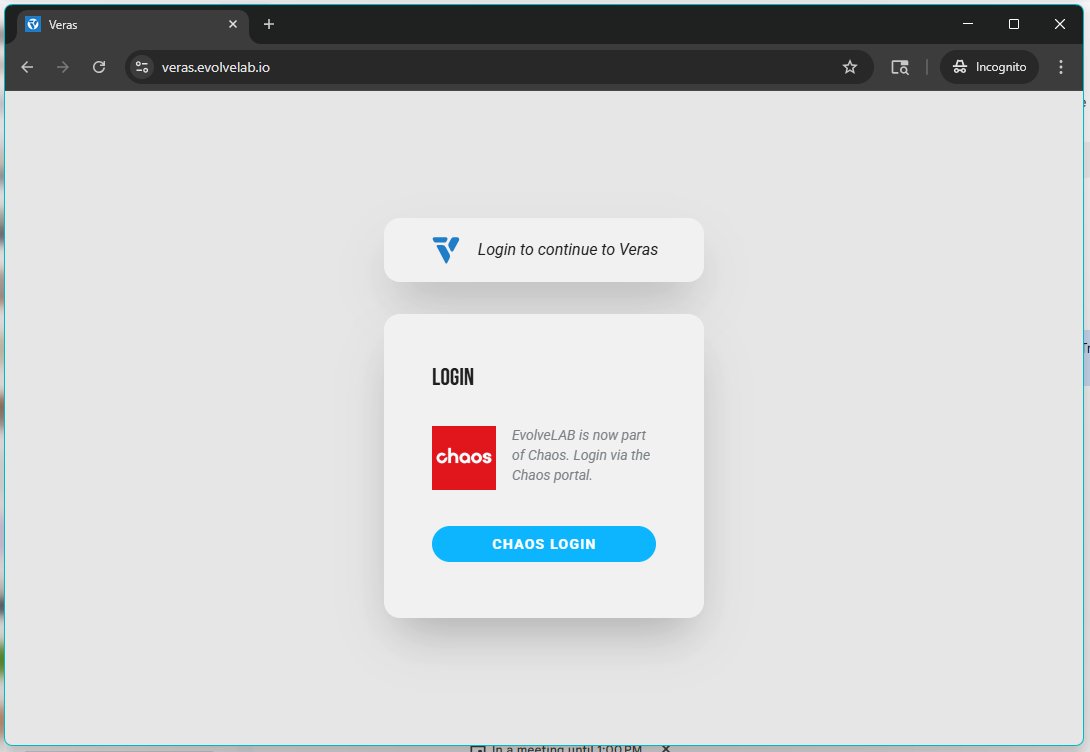
The new sign via Chaos keeps looping me into this login page despite having an account with valid license when I click to launch the web version.
Help anyone ?
The new sign via Chaos keeps looping me into this login page despite having an account with valid license when I click to launch the web version.
Help anyone ?
@Rys I can look into this for you - I’ve reached out via a private message to get your email address so I can look into this further! Please respond to that when you have a chance.
Thanks,
@Rys Can you also let me know what platform of Veras you are trying to log into? You may just need to update.
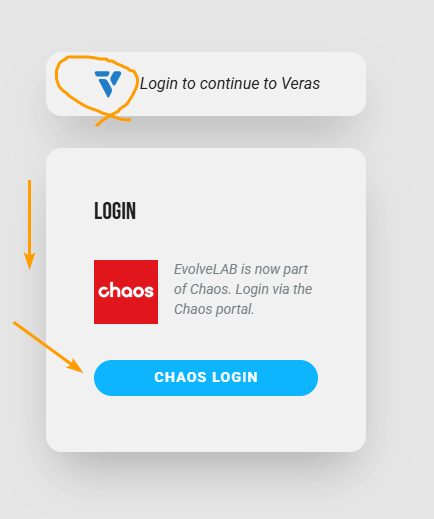
If not the web platform, it looks like you are using an older version. Here’s what the login screen of the current version should look like. Notice the new Veras logo, the updated color and style of the ‘Chaos Login’ button, and no ‘EvolveLAB’ gray text in the background.
You can download the latest version here: Download | My Chaos
If you are using the web version, you may need to do a hard refresh, or clear your old browsing data, because it looks like you are seeing an older version of Veras.
It doesnt work in way you mention.
=(
@Rys,
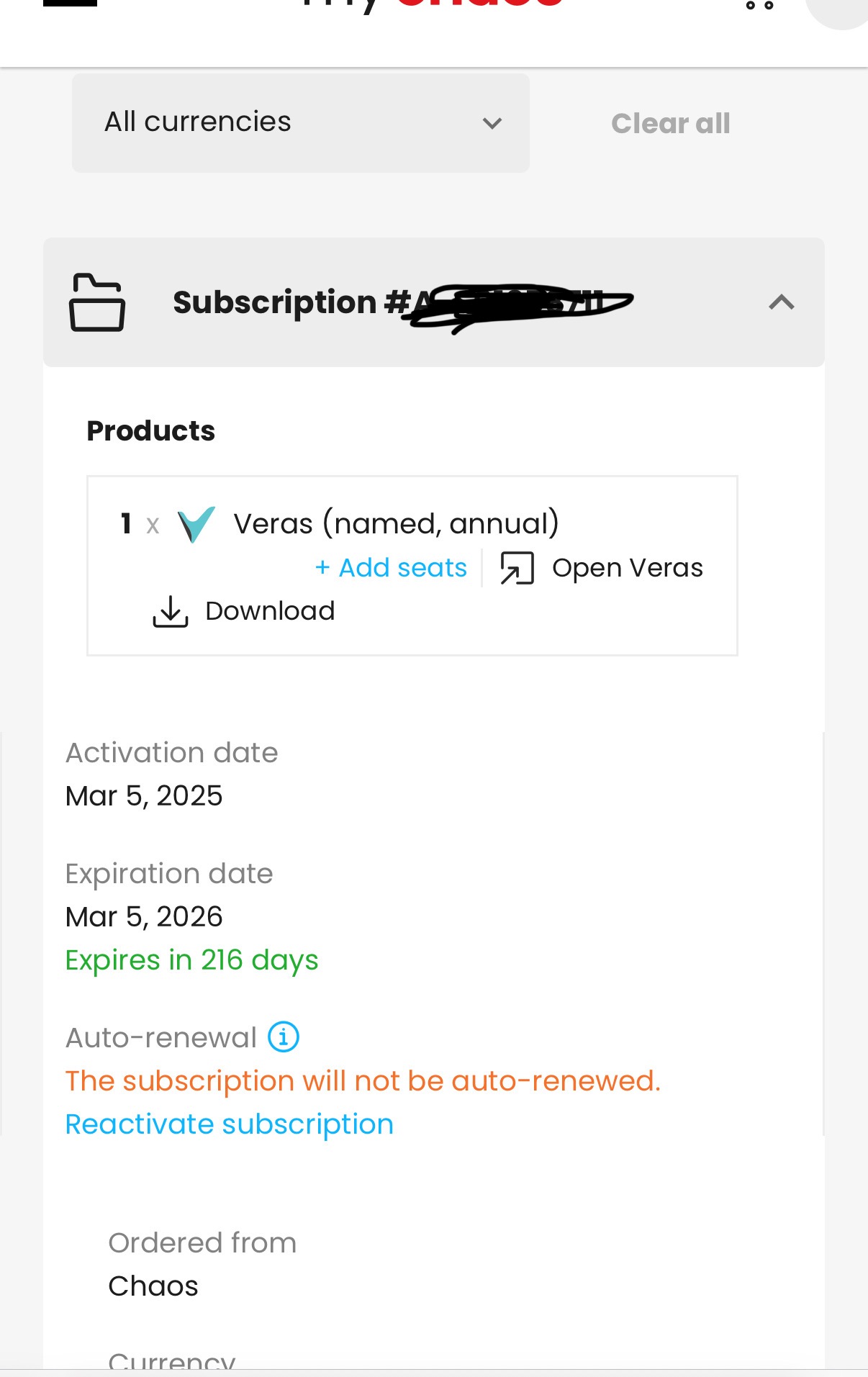
Thanks for sending me your email in the DM. It actually looks like you should have two license available for your email - one from a (floating) monthly Veras license, and another from a (fixed) Enscape premium license, so you’re all good there.
I think we need to understand why you are seeing an older version of Veras, as that may be why it is unable to let you log in.
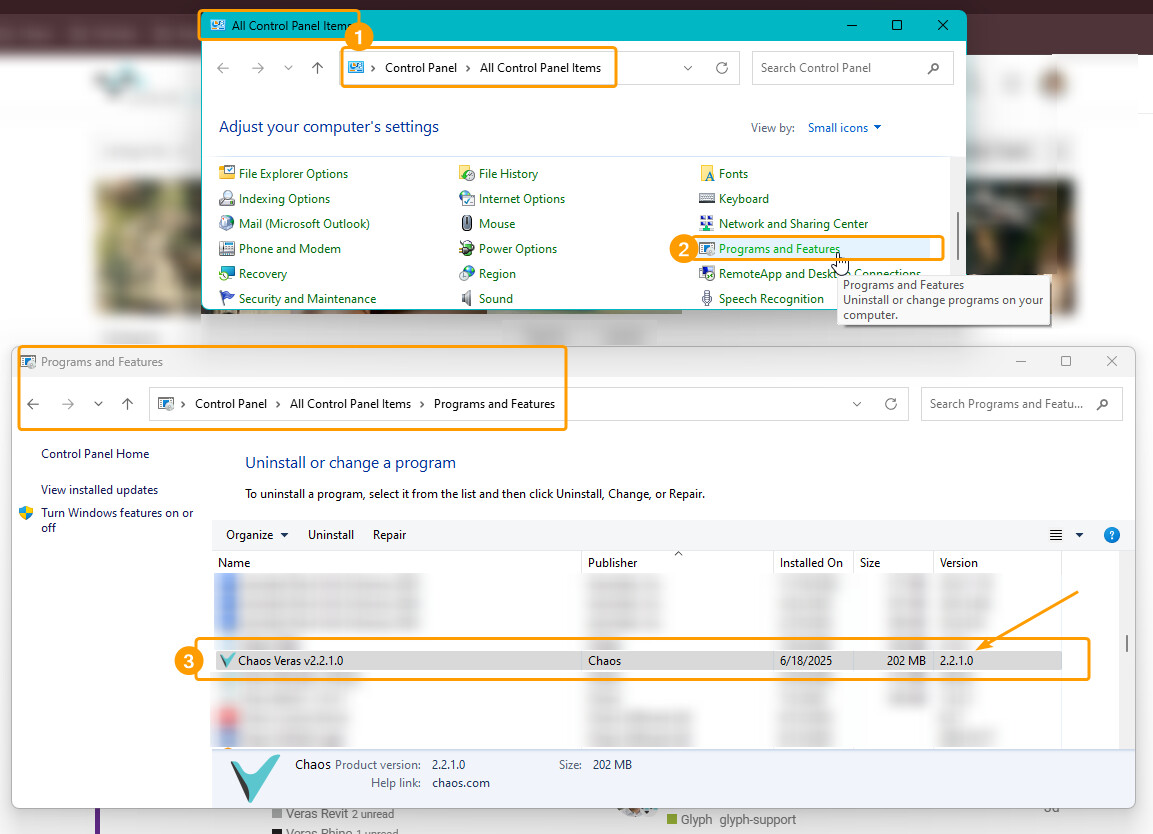
Can you please let us know the following?
2 & 3 are only relevant if you’re trying to use something other than the web app
Edit: forgot the screenshot:
Thanks,
Hi Daniel,
Things are not good. The licenses currently in use are only trial licenses, issued because we’ve had no proper access for over a week now.
I’ve sent you a private message with my license details and am genuinely hoping this can be sorted out quickly.
All the troubleshooting steps you’ve outlined have already been followed and confirmed. The issue lies with web access, which remains unavailable — so the installers or my operating system are not relevant in this case. For what it’s worth, I can confirm everything is up-to-date on our end.
Thanks
Rys
@Rys Thanks you for the additional info. We’re currently looking into this, and I’ll keep you updated with any progress. Once the issue is resolved, we can also request to get you a refund for any lost time.
Thanks again for your patience and the extra information.
@Rys Can you please share a full screenshot of your web browser with Veras open, before you try to login?
Here’s an example. Note that it includes:
We think there may be a misunderstanding about the issue, and would like to make sure we’re on the same page to resolve this issue.
Thanks,
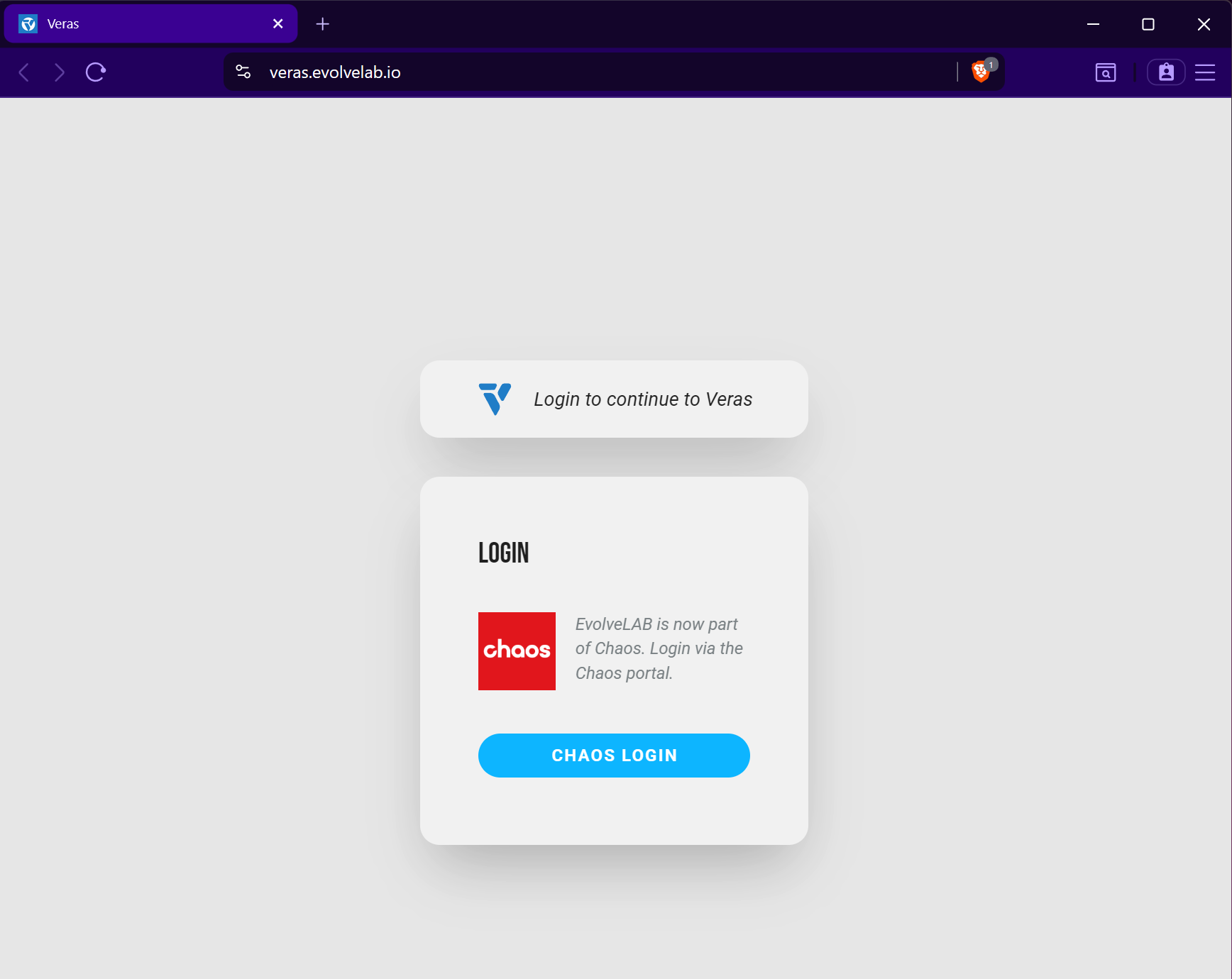
@Rys Thanks for the update - it looks like you are now seeing the correct (current) version of the Veras web app!
If I understand correctly, you are saying that after you log in, it sends you back to this login screen, instead of letting you into Veras. Let me know if I’m misunderstanding.
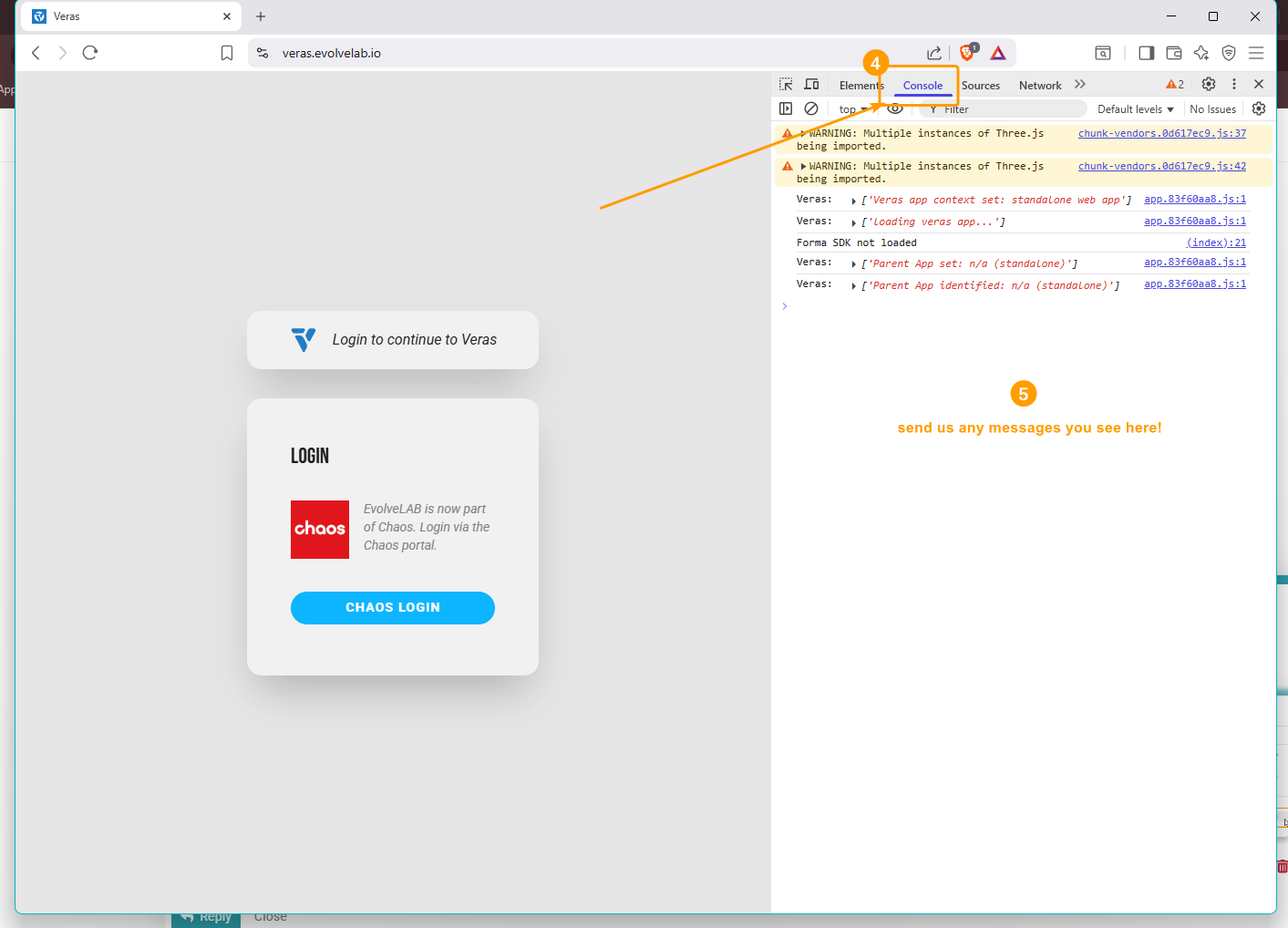
In that case, can you please try logging in with the browser’s dev tools Console tab open, and screenshot the entire window along with any message you see while trying to log in?
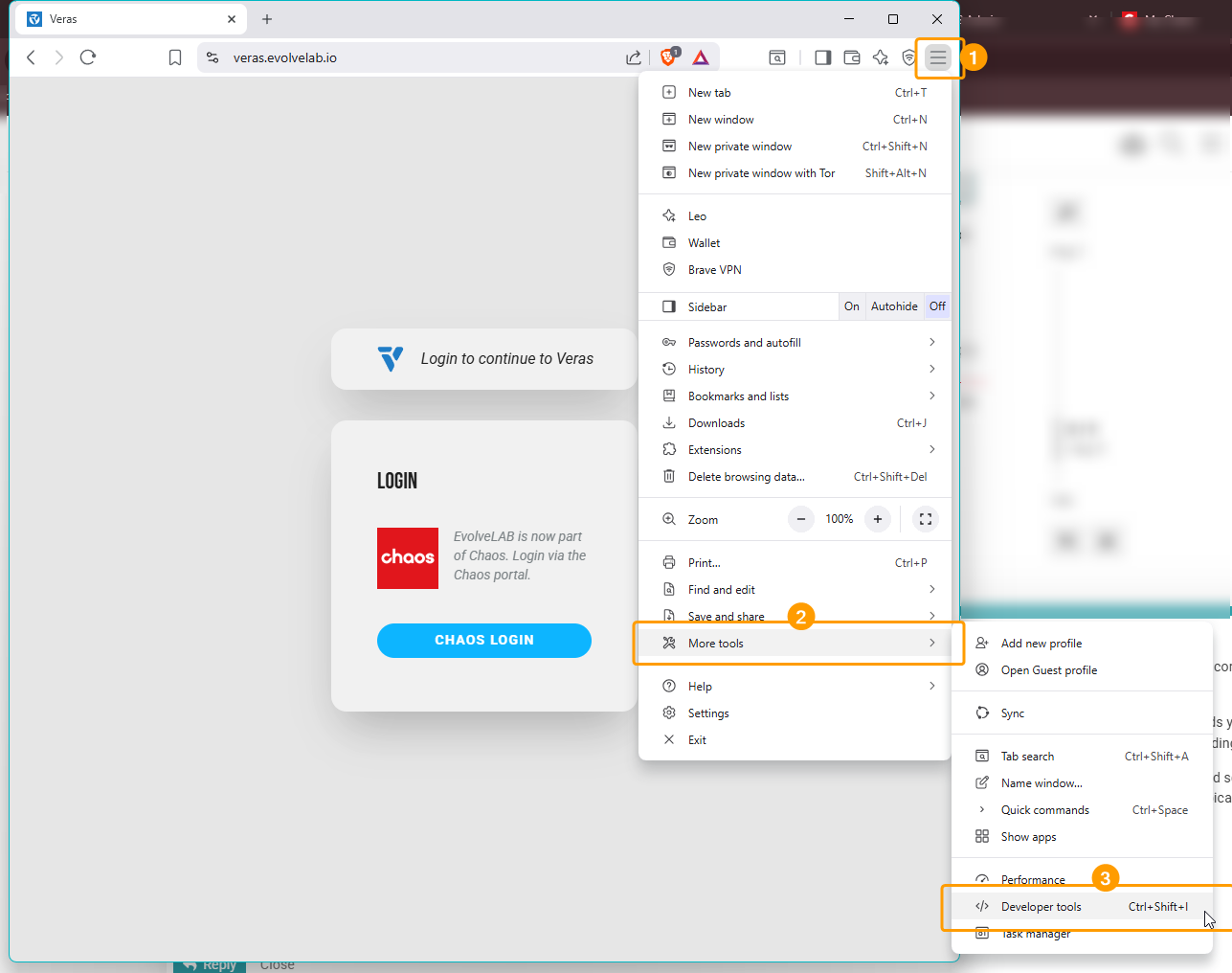
You can typically open the dev tools in Brave by pressing control + shift and i simultaneously (command + shift + i on mac), or by opening them from the Brave menu as shown in the below screenshot:
Then, open the Console tab, and keep it open while you go through the login process. Send us a screenshot of anything you see appear in the Console tab, as this will help us narrow down your issue. Note that you may need to scroll up or down in the Console tab to see everything, and you can expand some messages to show more detail. Focus on any red message, or messages marked as Errors.
Alternatively, if you’d prefer, we can setup a call and go through these steps with you.
Thanks,
Hi @Daniel
It seems likely that the issue has been resolved on your developer’s end, as everything is now working without me needing to test any of those steps. Clearly, something went wrong during the migration to Chaos.
I’ve also sent you a private message regarding the refund for the lost week of productivity. Could you kindly respond to that at your earliest convenience?
Thank you.
@Rys I’m glad to hear the issue seems to have stopped occurring. Please do let us know if it ever does reoccur and we’ll continue looking into it. I’ve put it a request to get you a refund, and cc’d you. Refunds are processed as Chaos customer support tickets, which typically get resolved within a few days.
Thanks again for your help and patience while we were looking into this strange issue.
Hi Daniel,
Thank you. Just to confirm, the refund request should cover reimbursement for two weeks of lost work.
@Rys I believe I’ve request a month refund, I hope this will be sufficient. You should have received an email with a link to view the details and discussions of this Chaos support ticket at the email you’ve shared with me via private message.
Thanks,
Quick update: Your refund has been issued. You will probably receive an email, and should see the refund in 5-10 days!
Hey Daniel. Looks like you are the one to ask for help. I have tried customer support with Chaos , but I have not got the issue resolved. I would love some help with troubleshooting my issues like this and the session error saying that I don’t have a subscription or that I have too many sessions open. I love the product, but I have just canceled my subscription until this is resolved. I would like to come back when this is resolved. Thanks
@hctc I’ll send you a private message to get your email, so I can look into it.
To clarify - which of the following issues are you running into? Let me know if it’s multiple:
@hctc - Quick update - last week we released Veras 2.4.1.0, which resolves some of the issues you mention above. Specifically:
I hope this helps resolve some of the issues you were running into. Please let us know if you run into anything else and we’d be happy to look into it!