
Download: Installer
Features 
Step-through Guide
A new guided experience to help users get started quickly and efficiently.
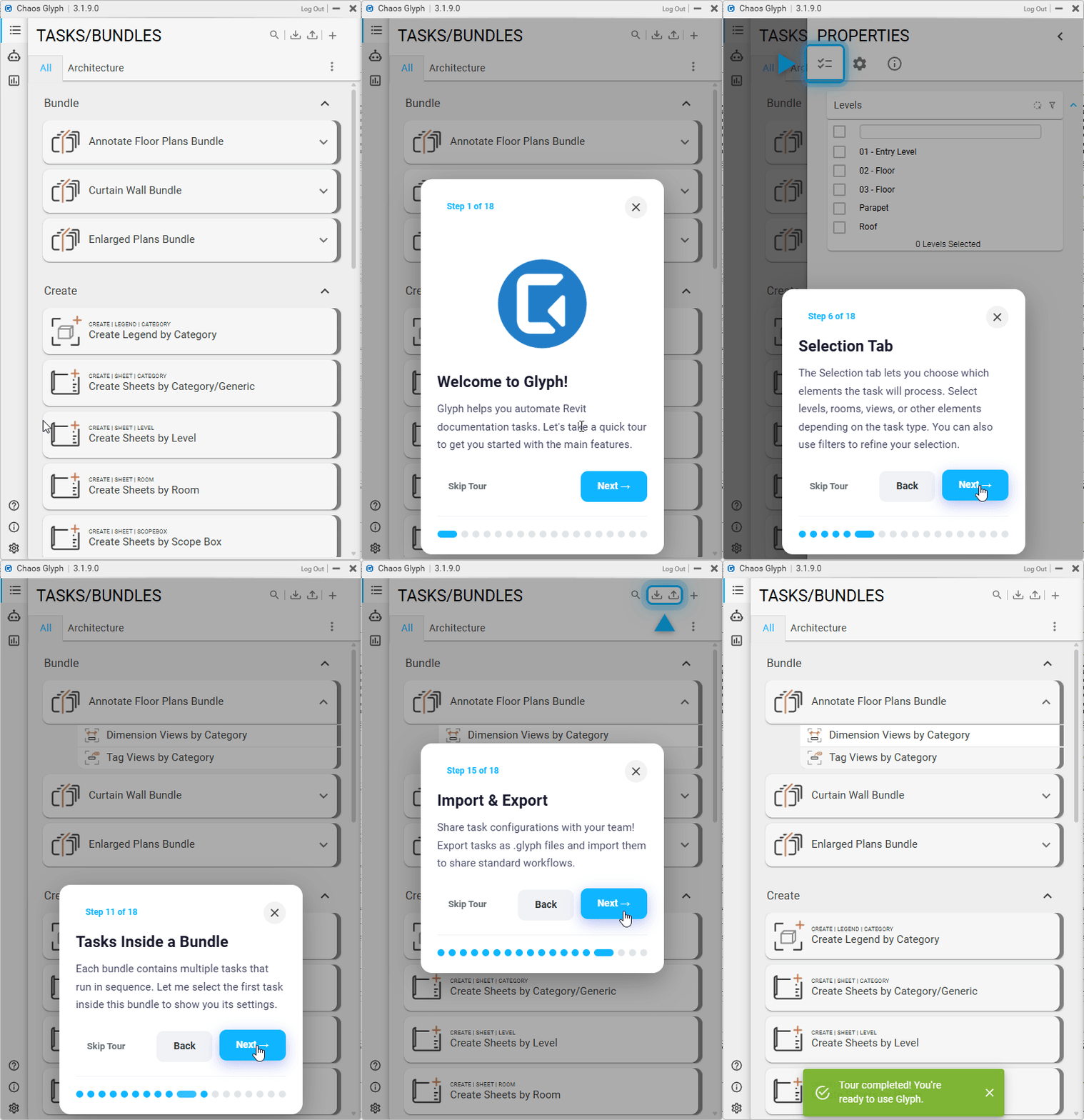
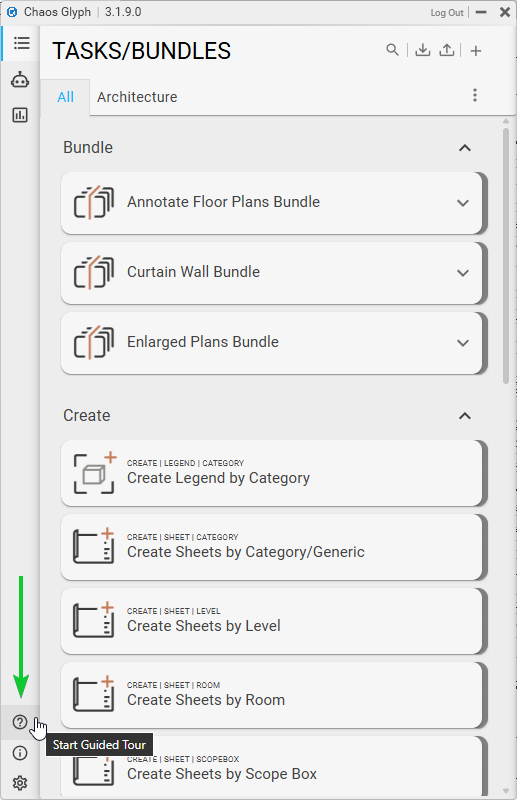
Available guides:
- Complete Tour
- Quick Start
- AI Assistant Guide
- Task / Bundle System
Wall-to-Datum Grid / Axis Dimension Option
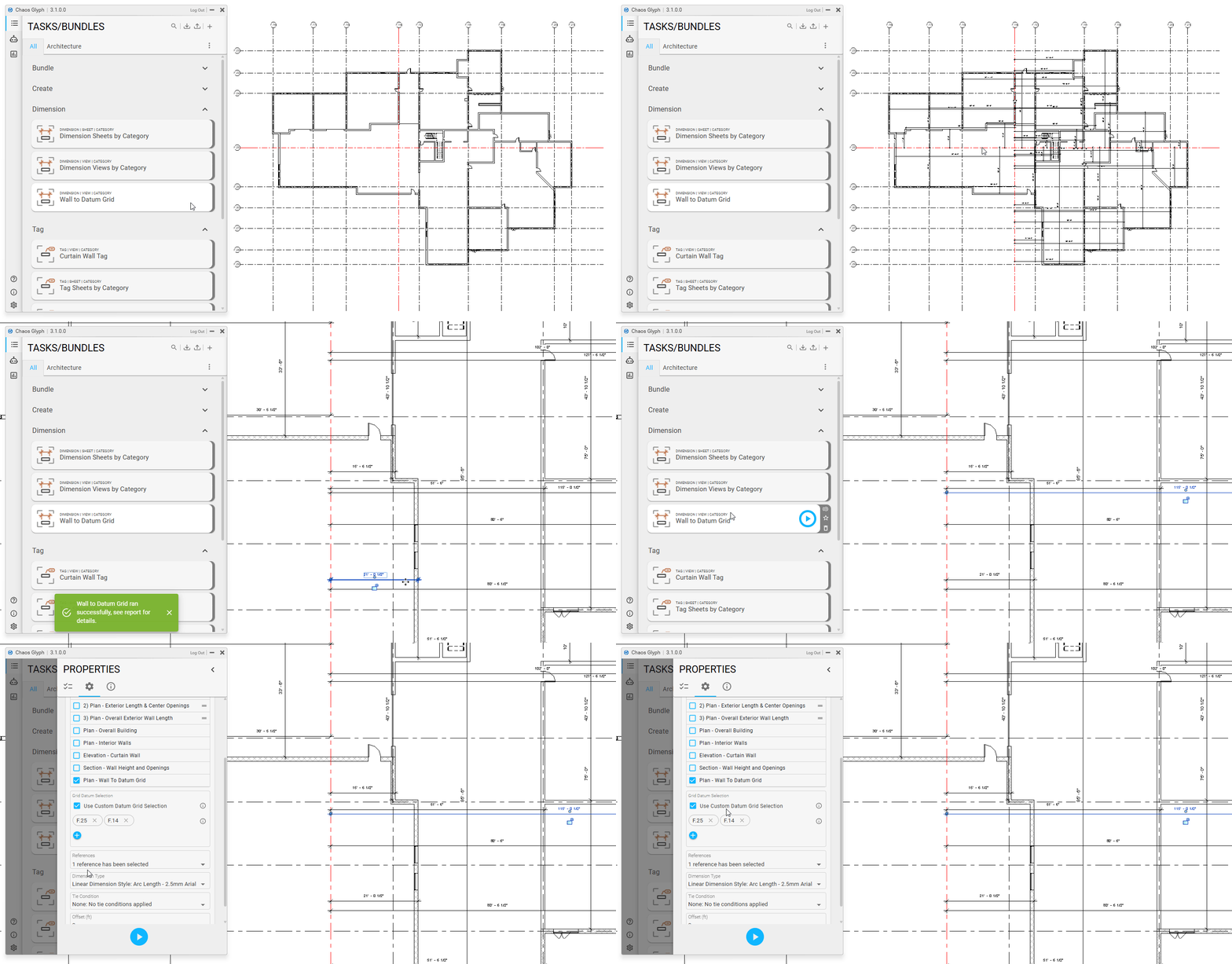
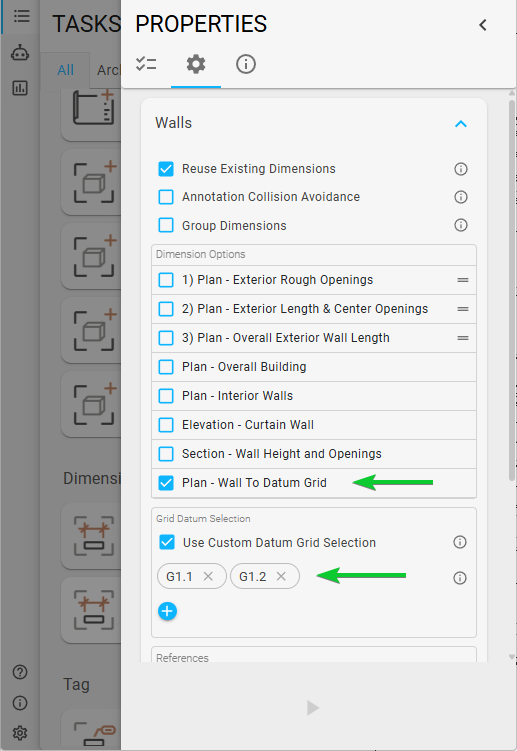
With this new wall dimension option, you can now tie walls to specific grids or axes.
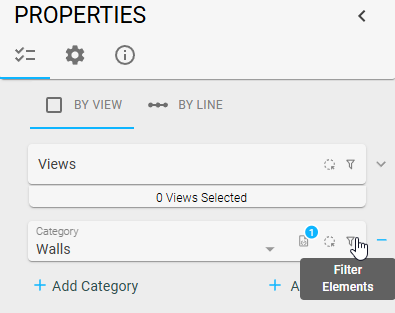
Tip:
If you don’t want certain walls to be dimensioned, you can filter them out directly in the UI using the following button:
Bugs 
- Fixed prohibited characters in sheet and view names.
- Fixed tag offset issues for the following categories:
- Pipe
- MEP Fabrication Pipework
- MEP Fabrication Hangers
- Conduit (LocationCurve)
- Pipes
- Rebar
- Fixed a Revit 2026 error when creating new Element IDs
- Fixed annotation collision avoidance settings affecting:
- MEP Pipework
- MEP Hangers
- Ducts
- Pipe
- Fixed cases where dimensions displayed as
0'0"for MEP pipework (horizontal and vertical) when dimensioning to datum grids.
Guides 
- Looking for help? Check out the Guides.
- Quick start guide
- Additional Resources