Curtain Wall Elevation - Tie to Hosted Level

I am excited to try out the new feature of dimensioning to the hosted level but am running into an issue with it working on curtain wall elevations

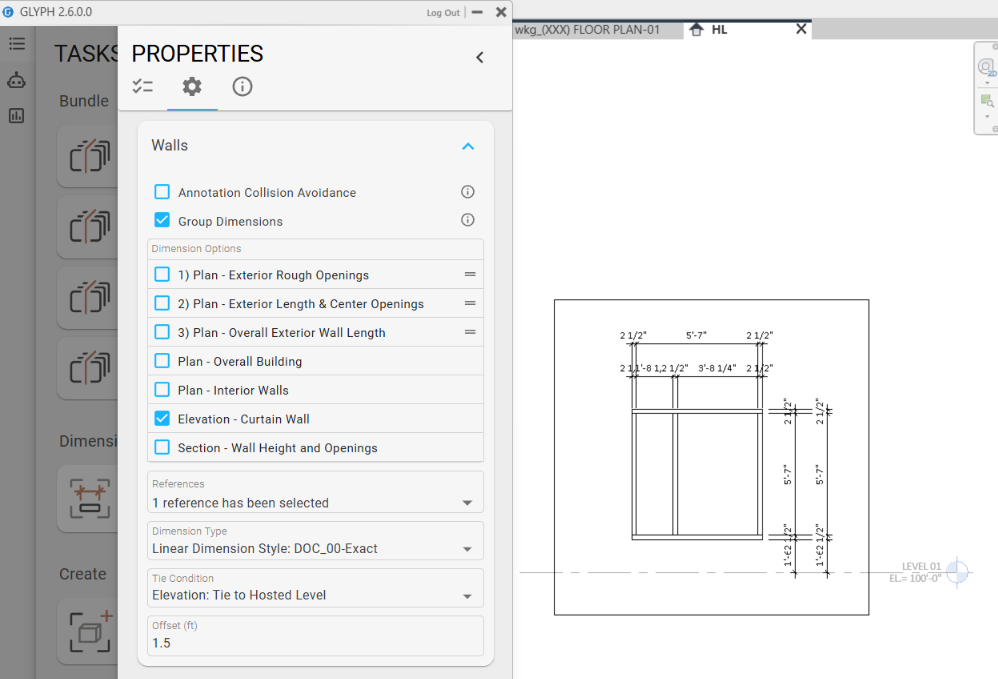
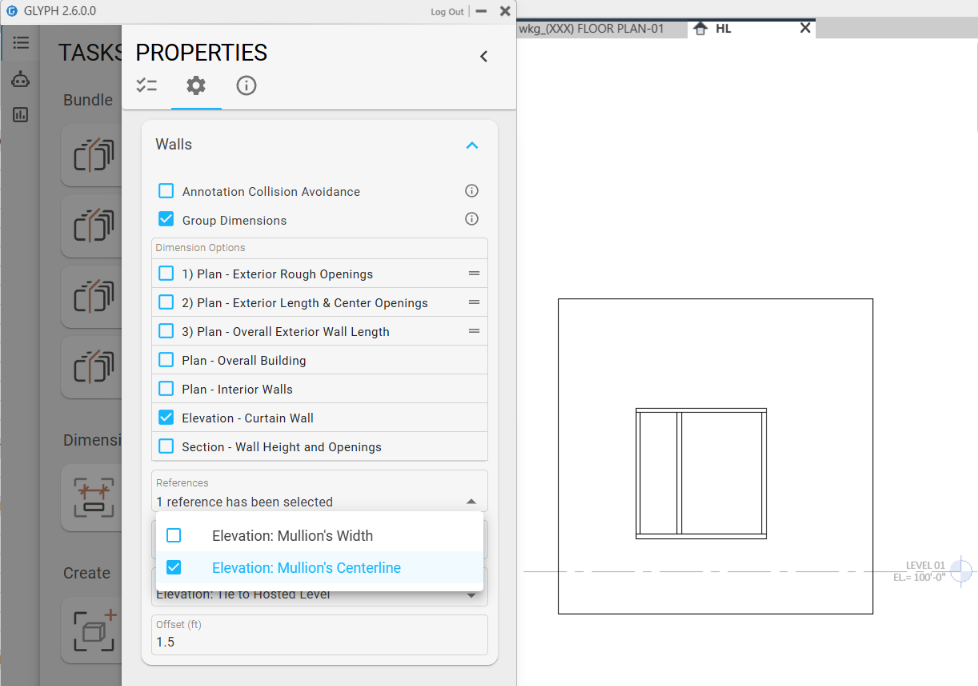
First is a screenshot of a single task set up to dimension the walls in the current active view. The Reference has been set to “Mullion’s Width”.

Running the task produces two dimension strings (only one is expected) that are tied the host level elevation.

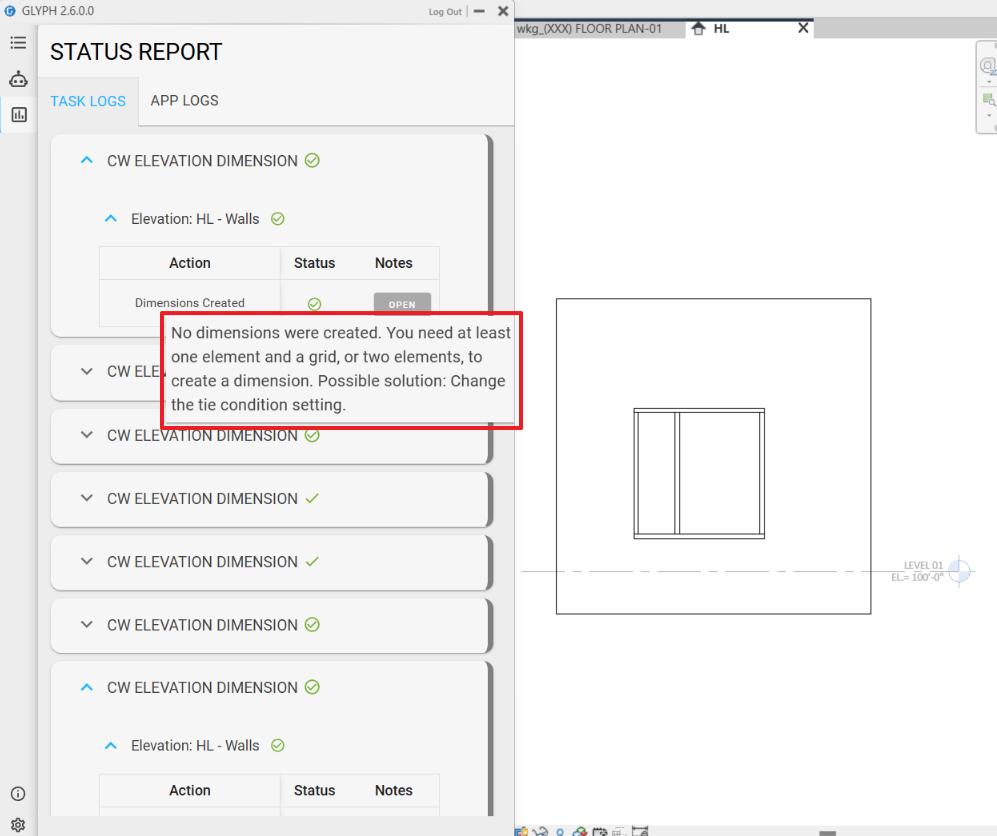
Changing the task to dimension the curtain wall centerlines does not produce any dimensions.

Reviewing the log shows the following message. I tested this in a blank vanilla Revit project as well with the same results.

Hi @Elliottk,

Thank you for the feedback! I was able to replicate the issue, and both bugs will be fixed in the upcoming 2.7 release this Monday, along with the new Multi-Leader and smart tagging improvements.

I had a chance to test out the fix on this and it work perfectly in most cases. There is an edge case that I wanted to bring to your attention that may be able to be addressed in a future update.

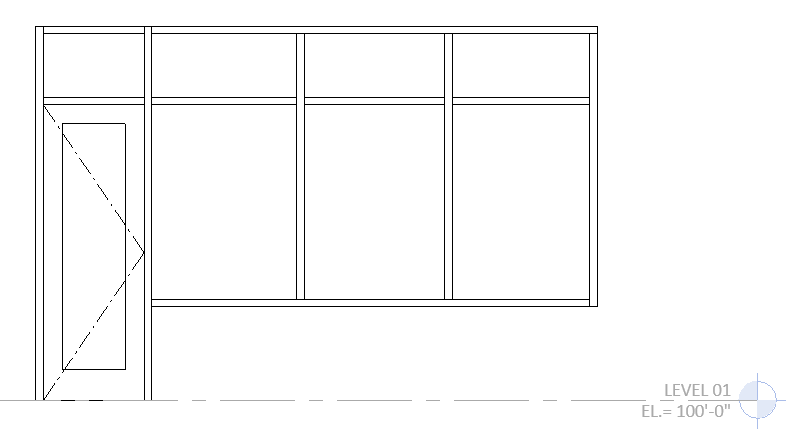
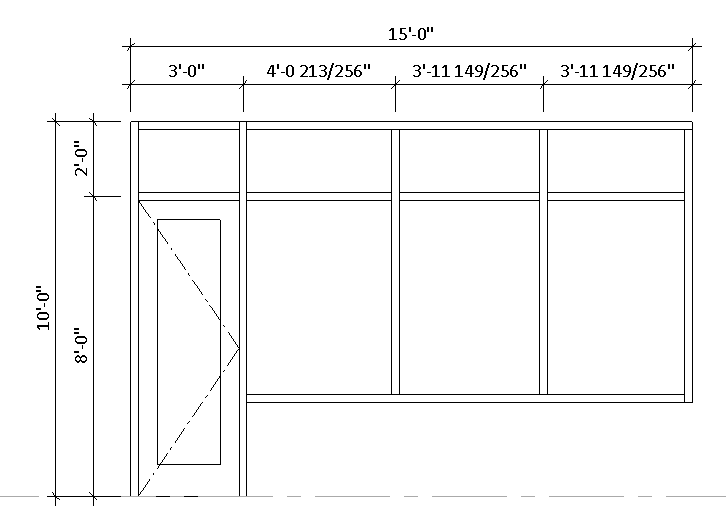
For glazing elevations when a curtain wall or storefront panel has a zero base offset and the ‘tie to host level’ condition is specified, the elevation is skipped and no dimension are applied. It would be nice if the dimensions were still made in a similar way as what is produced when ‘no tie condition’ is selected.

Tie To Host Level

No Tie Condition

@Elliottk, as always, thank you very much for bringing this to our attention. We’re releasing a small update tomorrow, and the fix for this bug will be included.
Thanks again!

2 Likes

Here to report the fix you released in 2.7.1.0 fixed the issue. Thanks for the quick fix.

1 Like

Glad it’s fixed now! Thank you for reporting this bug.