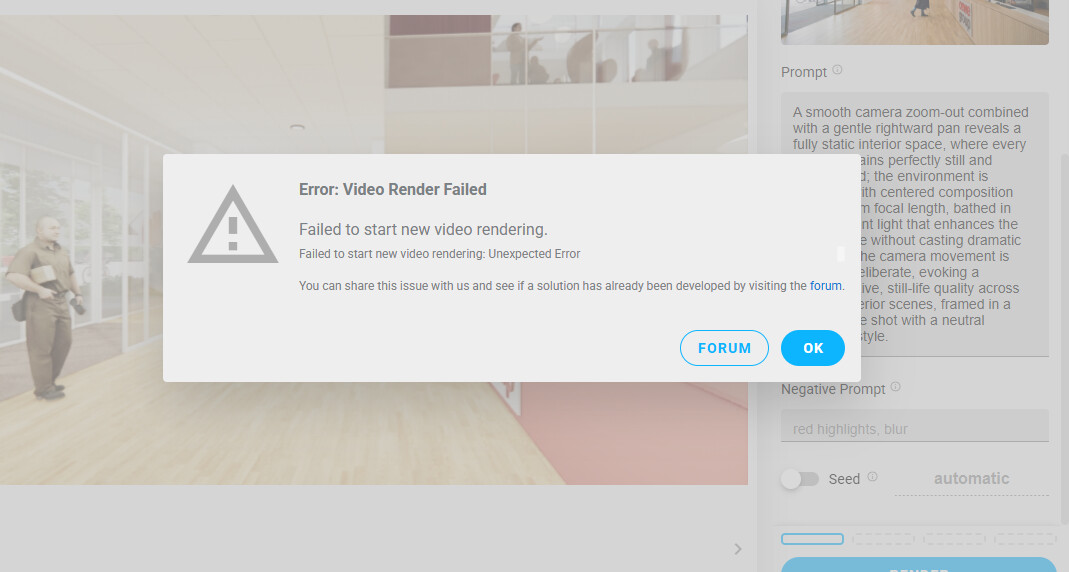
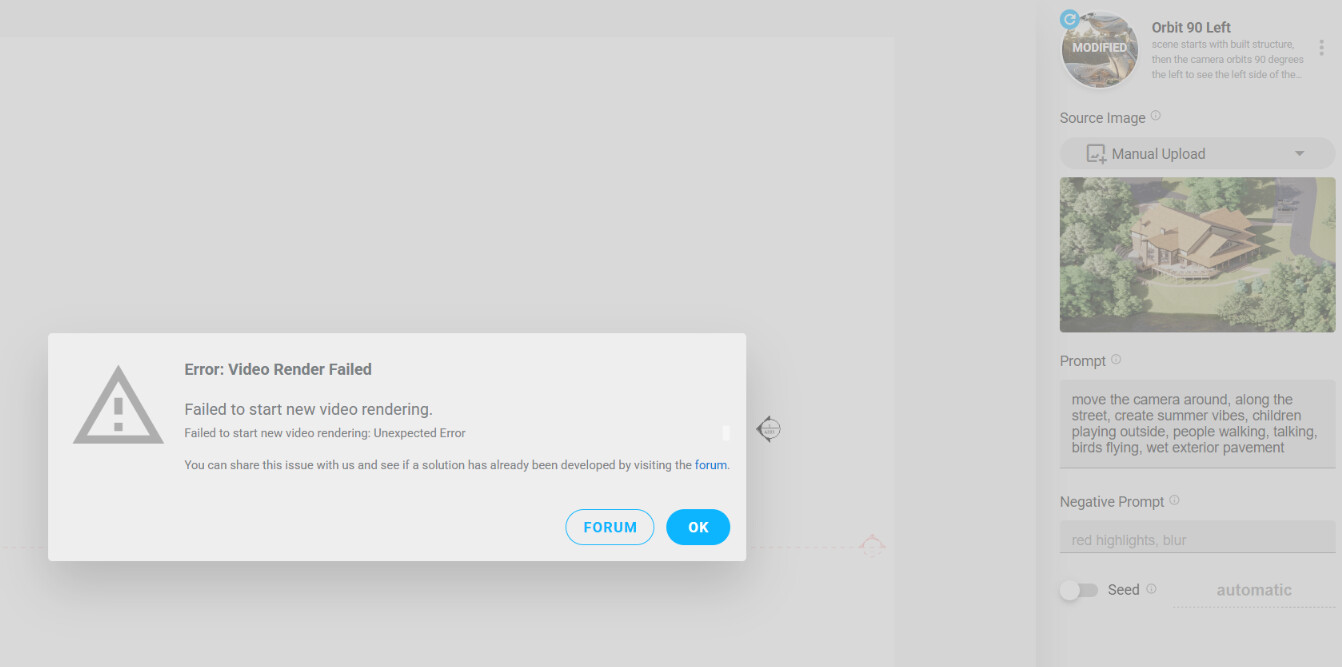
Could someone explain why I can’t start a new video?
Every time I try, the following error messages appear.
Could anyone help me? Thank you.
Could someone explain why I can’t start a new video?
Every time I try, the following error messages appear.
Could anyone help me? Thank you.
@floow_moe Is this on a fresh session that you have just logged into?
This error can occur when your credentials have gotten too old for the Chaos license system.
If you log out and back in it should resolve the issue.
Unfortunately, logging out and starting again didn’t resolve the issue—it’s still present.
Since the license is brand‑new, the problem is likely unrelated to the license itself.
Do you have any ideas for me? Any guidance on what I might have missed would be appreciated.
I’ve noticed a new issue. When a rendering fails and I receive a notification that it is not working, I try various methods to recover the rendering or video.
Normally I would experiment with different solutions to avoid the failure. However, I’ve now observed that each time this happens I lose some of my remaining render credits. As a result, I end up with no successful renders and fewer credits left.
Do you have a solution for this?
We are fixing the issue. Will message you directly to look into your account details.
@Greg Good morning! I am experiencing the same issue. Every time I try to start a video the same message apperars and it fails…any idea to solve it? Thanks in advance
@carlosts looking into this now. Found an issue that’s related but might not be the underlying cause. I’ll keep you updated here.
I know you said this is happening on every attempt. But is it always with the “Source Image” as “Manual Upload” as seen in the screenshot?
Good morning @Greg and thanks for your many reply! It seems that it solved. If the image manually uploaded is big, Veras does not recognize it or a red message is notifying that performance can be affected.
Another orange message appears sometimes notifying that the image could not be upload to the cloud. So the solution was to reduce size of image in manual upload.
Video from rendered image or source image did not show any other problem.
Thanks anyway for the help!
TY for the update - we need to make that more obvious in the UI.
Thanks to @Dave - the latest Veras - Release 4.2, automatically scales the images to what the video generation needs, so that you don’t have to do it yourself!