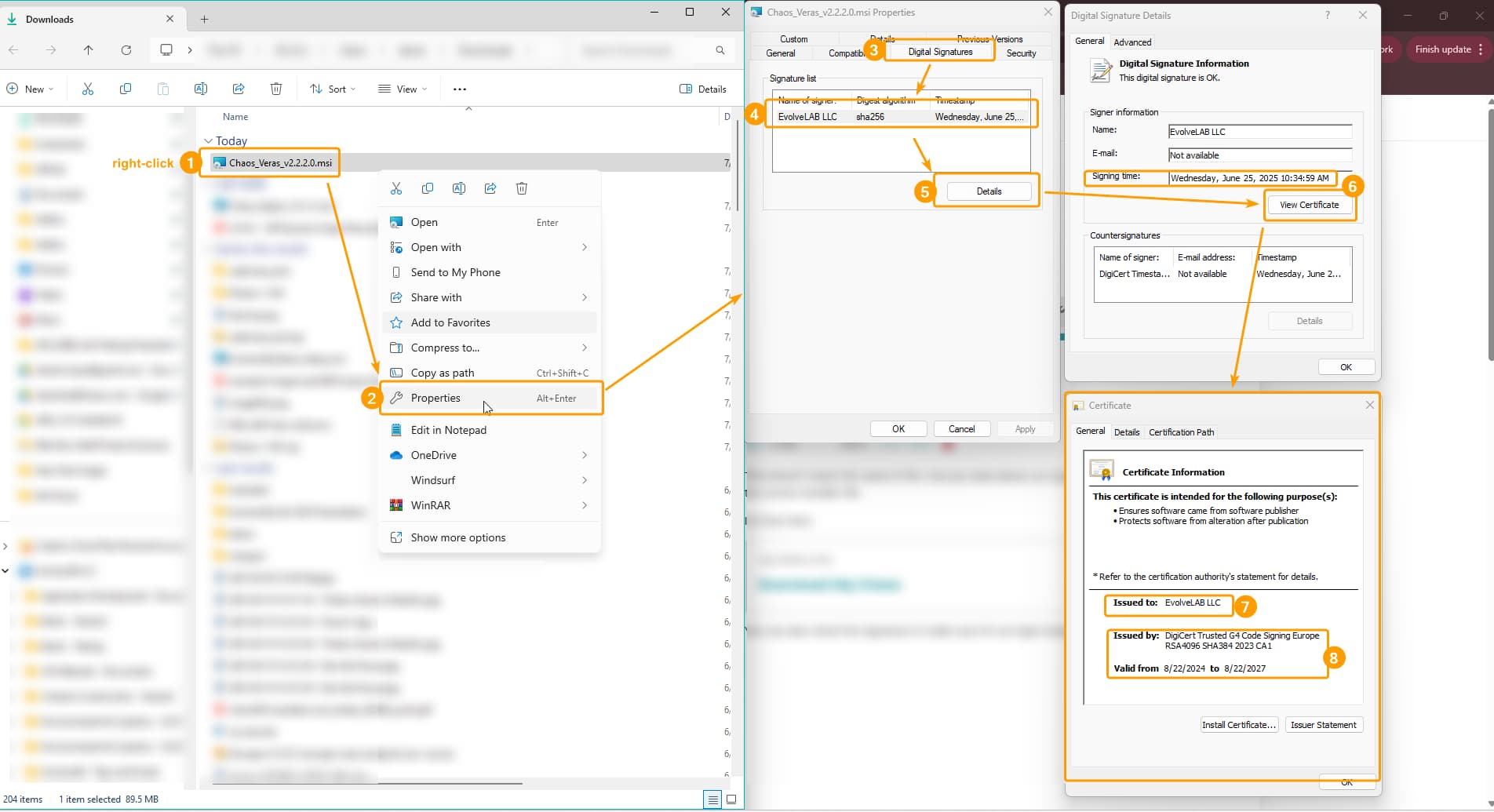
I downloaded the latest Veras installer for SketchUp 2024 from Chaos.com (Veras_for_SketchUp_2024_x64.msi), and the install completes without errors, but Veras does not appear in SketchUp’s Extensions menu. I’ve tried:
Repairing and reinstalling the MSI
Manually checking all plugin folders (AppData, ProgramData, etc.)
Extracting the installer with LessMSI
Loading veras_loader.rb via the Ruby Console
Posting to Chaos Support, who redirected me to EvolveLAB
Could you please provide:
The location of the actual plugin files installed by the .msi
OR
I’ll try to zip up the .rbz file for you, but it’s not just a single file, I believe it’s everything in that folder. If I send it to you outside the signed .rbz, you might get one of those ‘Unsigned Plugin’ warnings, and need to manually add and then allow the plugin using the Extension Manager. We’ll dive into that if it becomes necessary, but let’s see if the official installer works first!