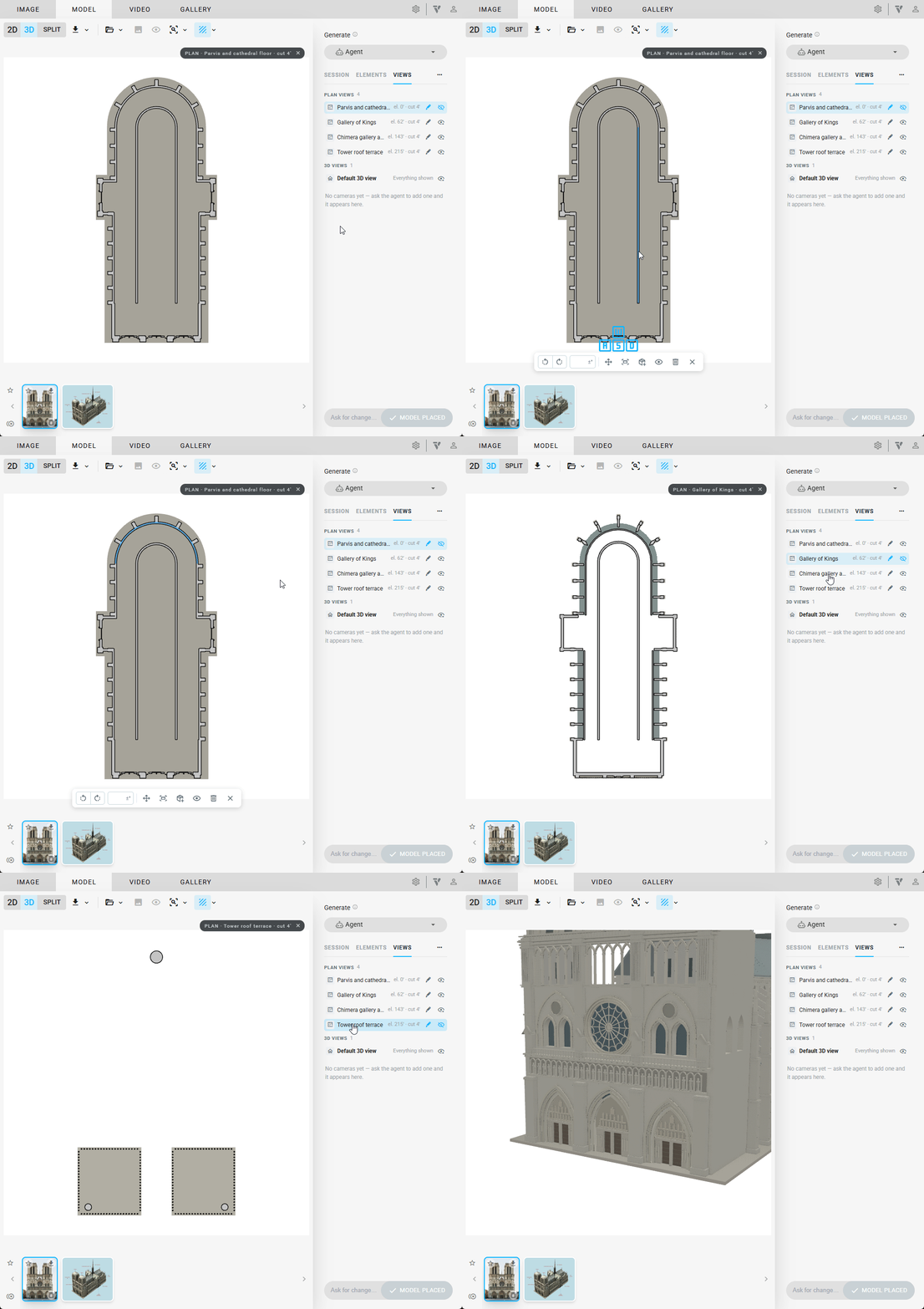
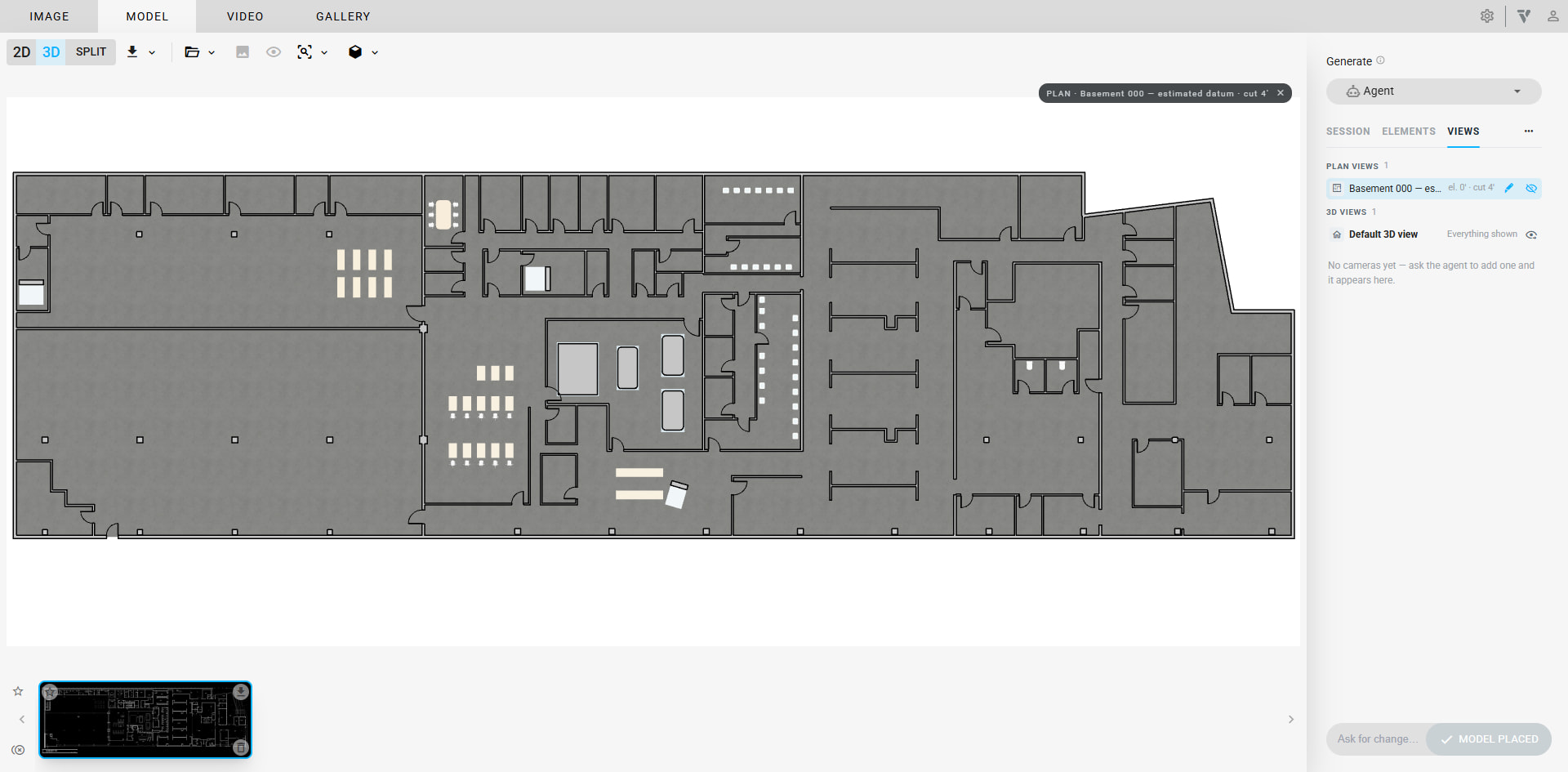
Every level in your agent model now gets its own floor plan, listed under VIEWS above the 3D views
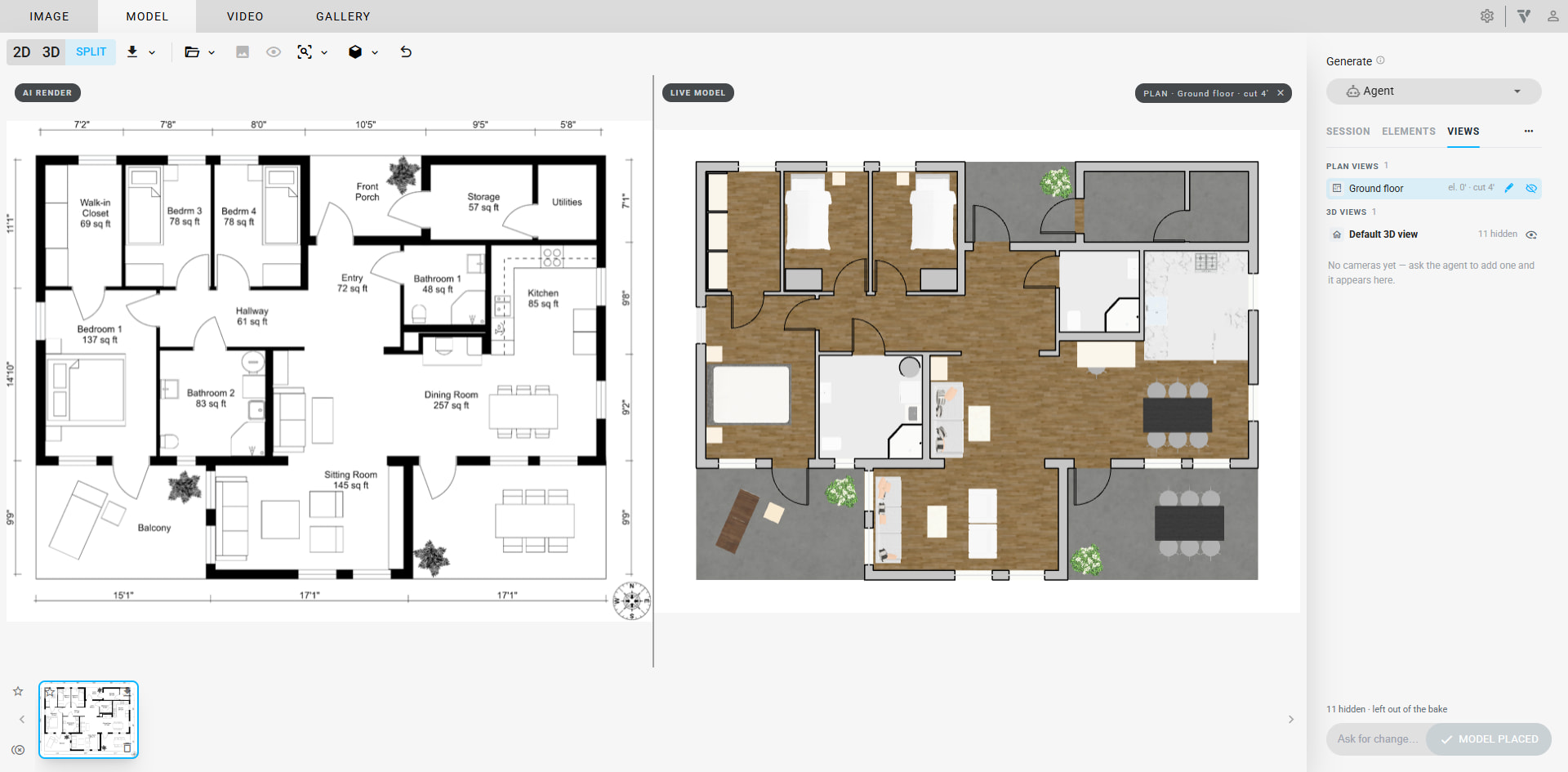
Plans are cut 4 ft above the level, with cut walls and solids filled gray and outlined in black
Door swings are drawn in every plan view, with the leaf shown open and its arc
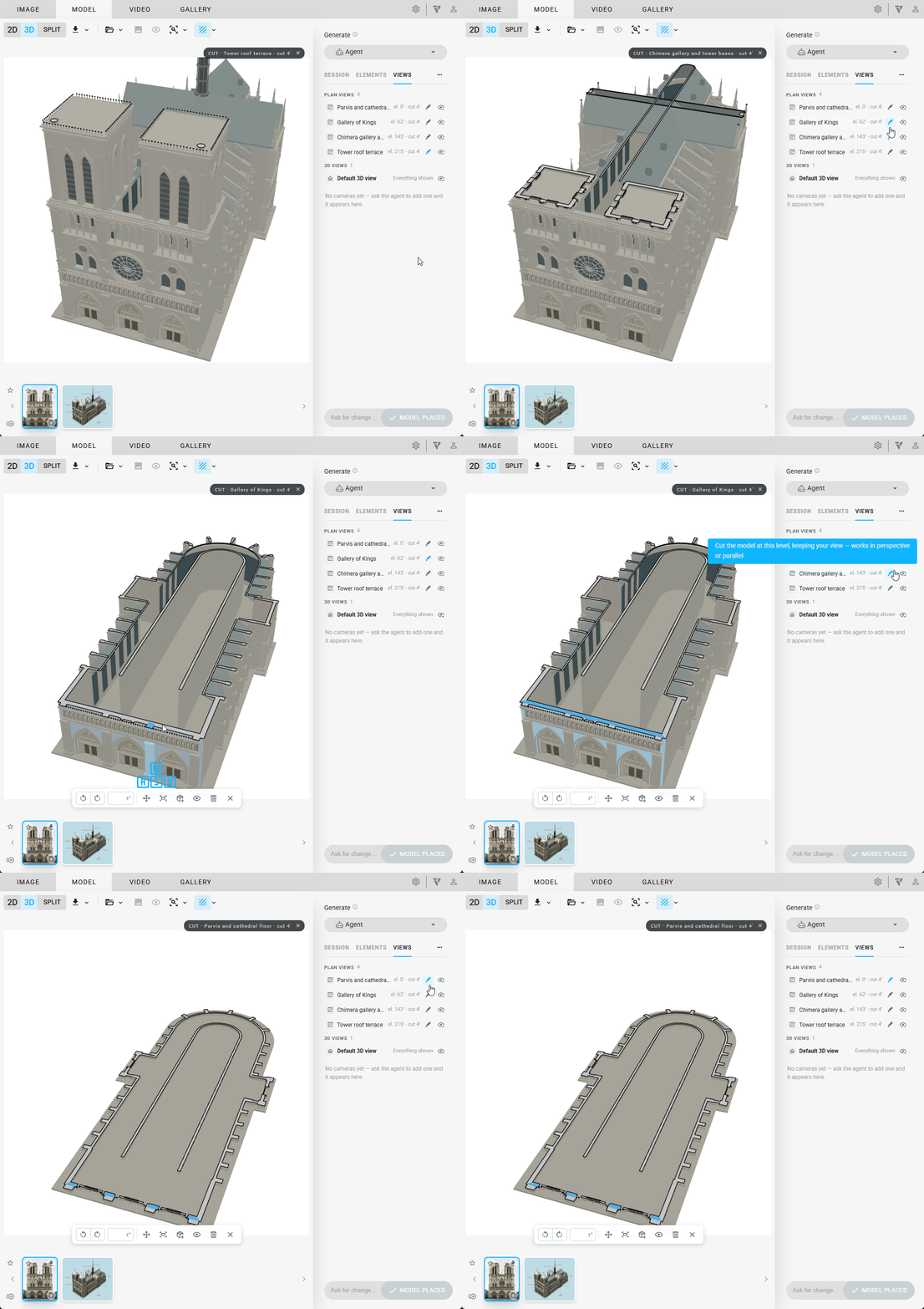
Use a level’s cut button to cut the model at that level in any camera, keeping everything below it in view
The 3D viewer now has a Parallel projection option alongside perspective, and the agent’s top, front, back, left and right views render parallel by default
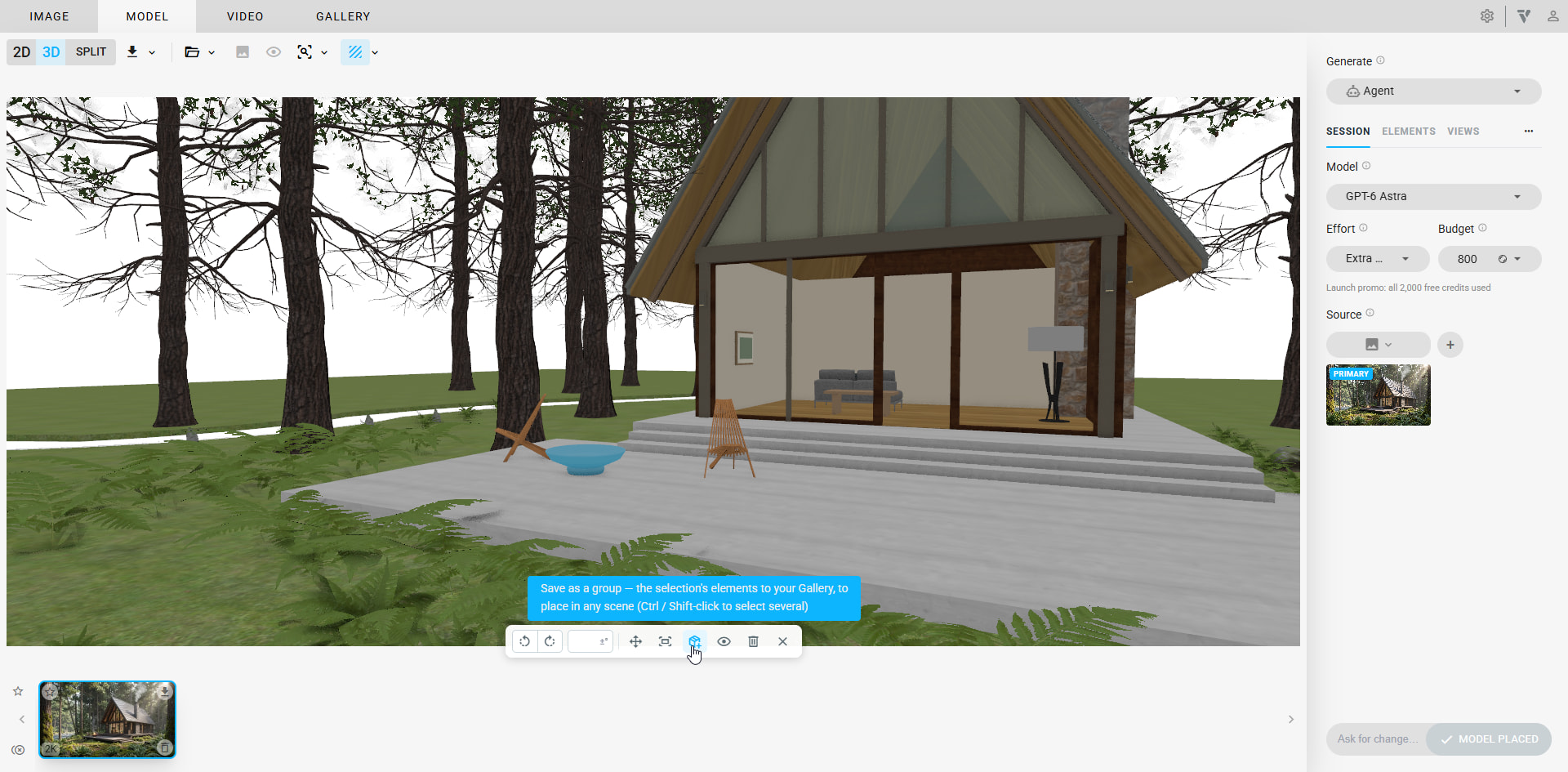
Select one or more elements and choose Save as a group to keep them in your Gallery as a reusable 3D model, doors, windows and openings included
ELEMENTS › Add from Gallery lists every 3D model in your Gallery and places your pick where you click: a saved group comes back as real, editable elements, and any other model (generated, uploaded) is placed as an asset
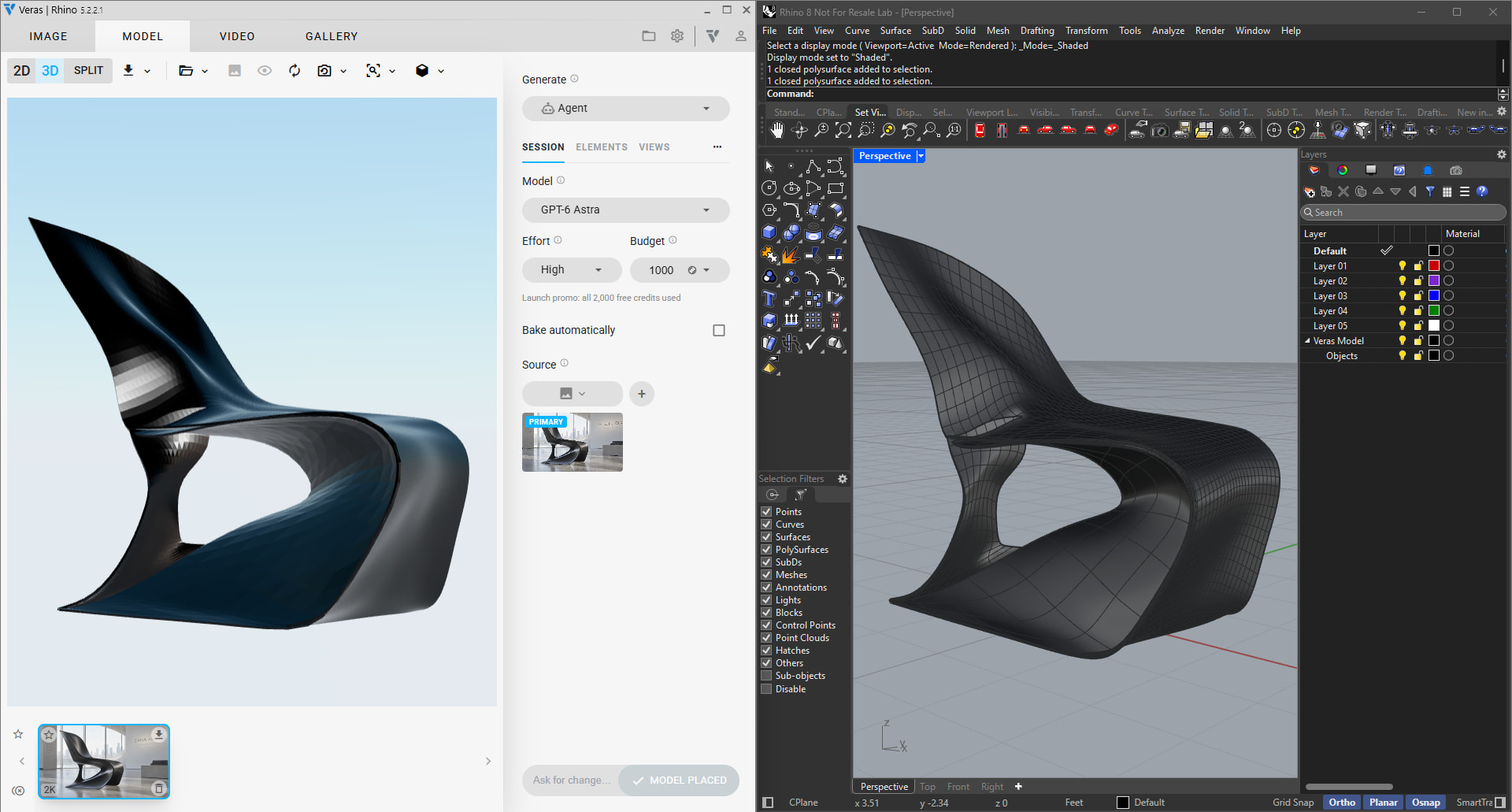
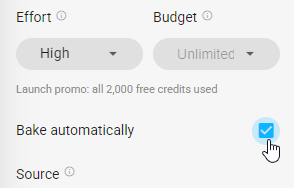
A new Bake automatically option in the SESSION tab sends the agent’s model to your host app as it’s built, element by element, so walls appear in Revit, Rhino or SketchUp as they appear in Veras
Elements the agent removes are removed from your host model too
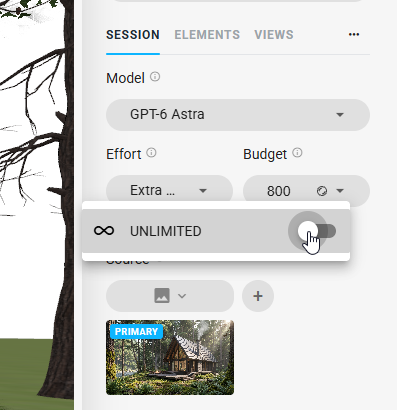
The SESSION tab’s Budget can now be set to Unlimited from its menu, so a long session never stops to ask for more credits. Veras confirms before a session starts or is lifted to Unlimited
Moving, rotating, resizing and hiding objects in the 3D workspace can now be undone and redone, for both agent elements and placed assets
Agent Mode
Follow-up requests are much quicker: after the first build, the agent goes straight to the change you asked for instead of re-analyzing and re-planning the whole scene
The progress bar now resets after each answer, so it shows what the agent is doing on the current request
Bug Fixes
Arctic Clay
Openings cut by the agent (voids) no longer show up as solid blocks in Arctic Clay; they stay see-through as intended
Bake to SketchUp
Cosmos assets baked in full to SketchUp now keep their Enscape asset link, so they render as the proper Enscape asset
Foliage and other cut-out textures no longer bake with black outlines and gray backgrounds, and no longer render as white planes in Enscape
Notes
The native Revit and Rhino bakes of the new modeling tools (curved edges, lofts, fillets, shells, surfaces and more) require the 5.2.2.0 plugin; update the plugin to bake these shapes natively