Hi,
I´m just playing with the new Veras 4.0 and Nano Bananas.
I´m missing the ability to use seeds for creating images. The option is only available in the video tab.
Any ideas where to look?
Thanks,
Thorsten
Nano Banana doesn’t have Seed as an input. That is a setting for the older render engines. To get a similar lock on you can provide Reference Images to grab aspects of other images.
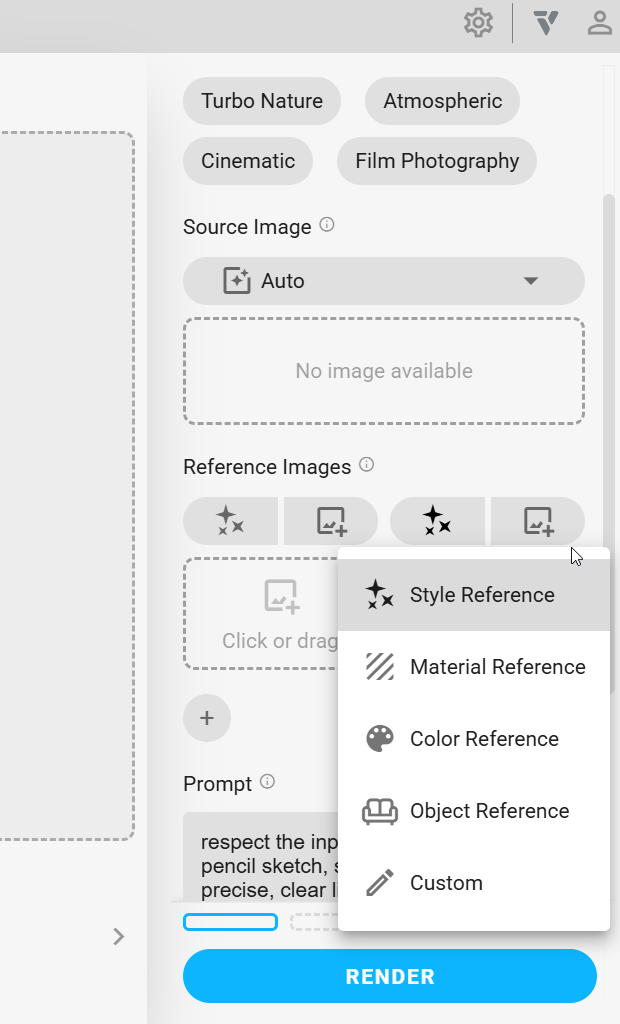
You can also specify your previous rendering as a reference.
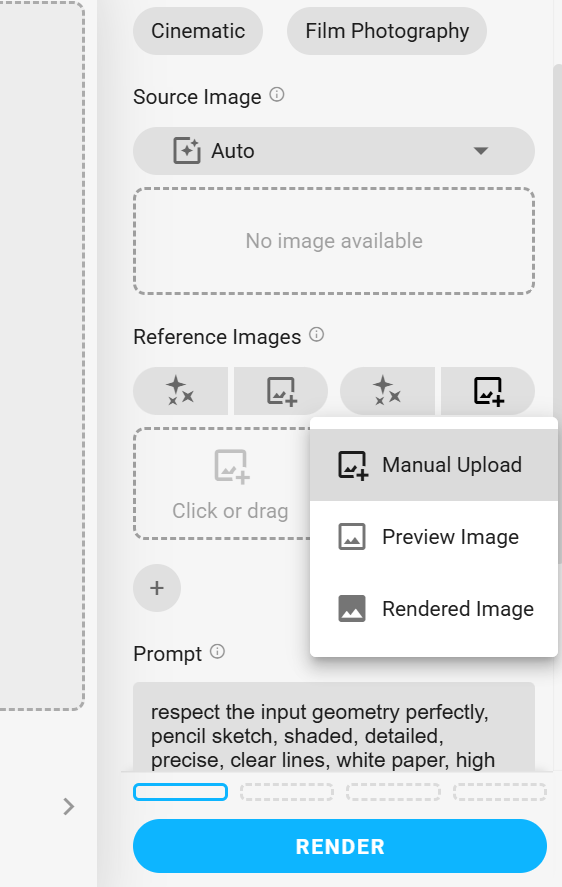
Seed was really only a number and if things about your scene changed too significantly or elements of your prompt were too different that seed number could lead you to a result that is not expected. Reference images is just a much more reliable way to inform the AI of what you are looking for.
2 Likes
Ah, thanks, @Dave - got it. 
Does saving a Preset help ensure that say you make changes to your model, then the next time you render a scene, it will replicate the same style it was rendered in previously, with the updates to the design?
Presets are just saving all the settings you have in the property pane.
As long as what you had in your prompt isn’t too specific that it doesn’t make sense in the next scene.
Say I was rendering a set of images for a home.
With my first rendering maybe I start outside looking at the front, its going to be helpful to not only describe in the prompt how you want the image to look but also what is in the image, what color the house is, what materials you want for siding and roofing, the grass, driveway, stone walkway…Making stuff up here. Your prompt could be very different here than when you get around the back of the house. Now your prompt is talking about the deck, patio and pool.
But now with Render Engine 7/Nano Banana we can attach that first image as a Style Reference and a Material Reference to ensure the results look cohesive.
Before you could try to use Seed, but for a situation like that where much of the geometry is different that seed may not yield a similar result. Just kind of too many variables.
TL:DR, Dave nerd advice use Reference Images to make your life a lot easier.
1 Like