This workflow demonstrates how to use Veras to explore design options, lock in a chosen look, and generate a multi-view animated walkthrough — all from a single model.
1. Explore Design Options
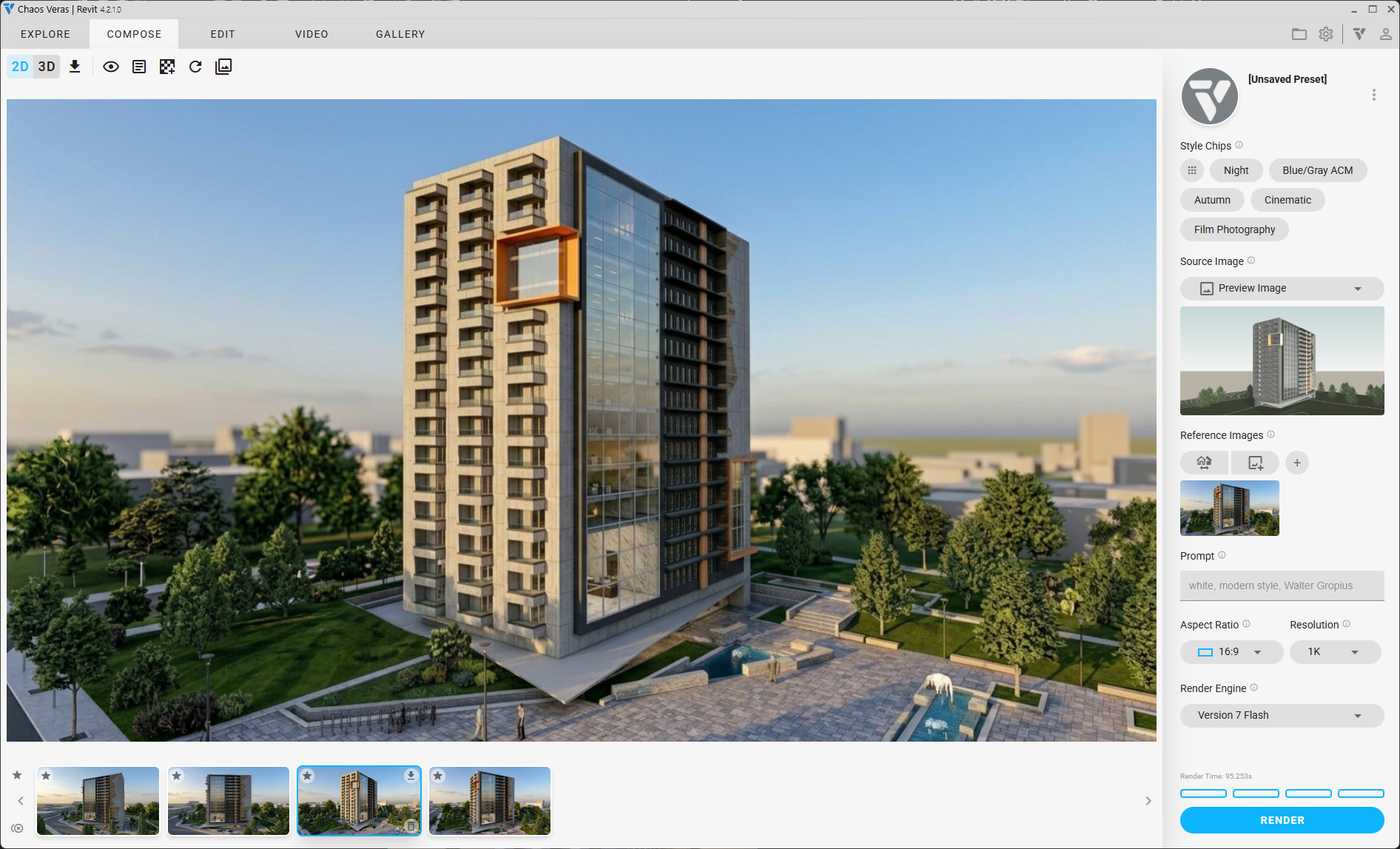
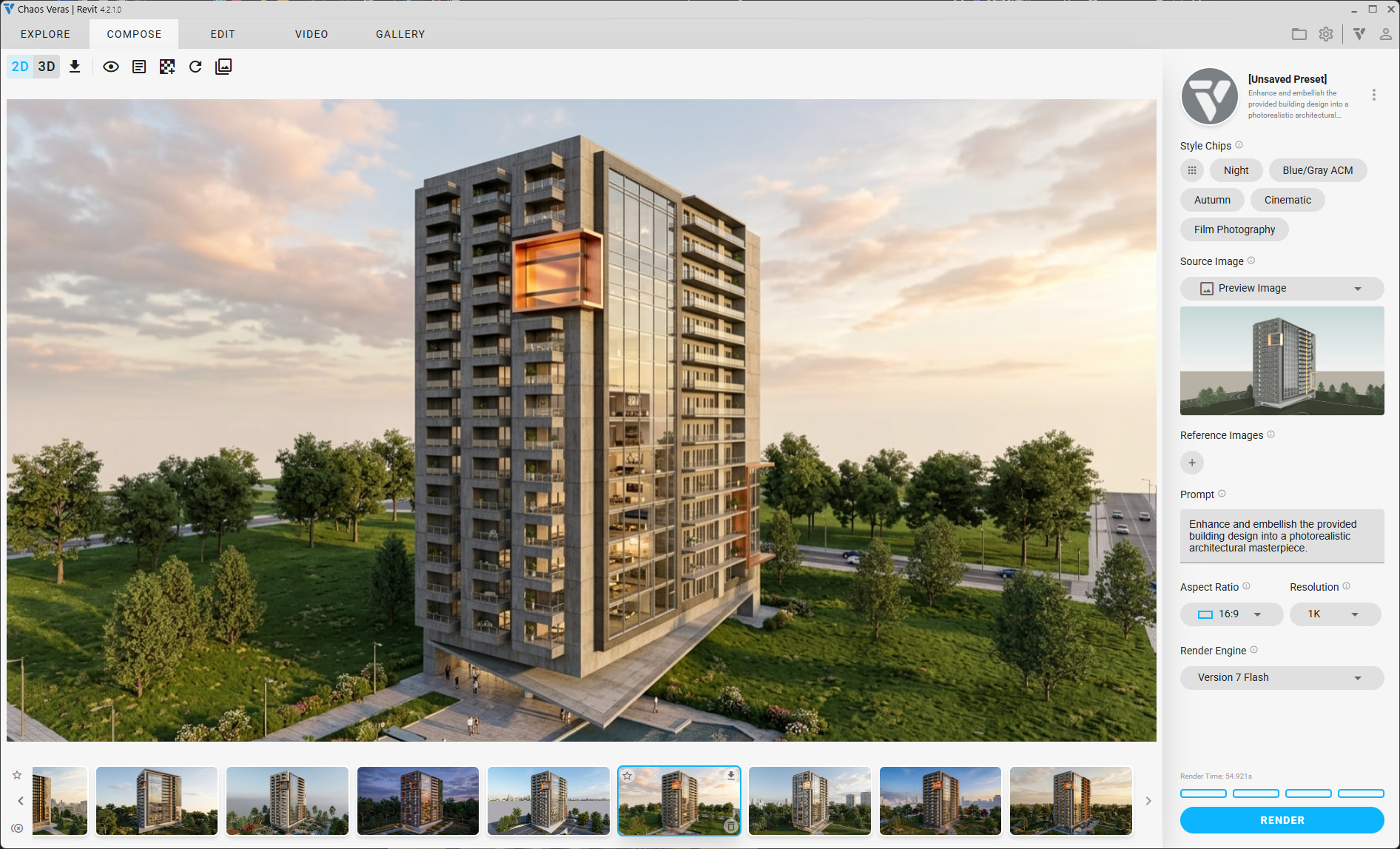
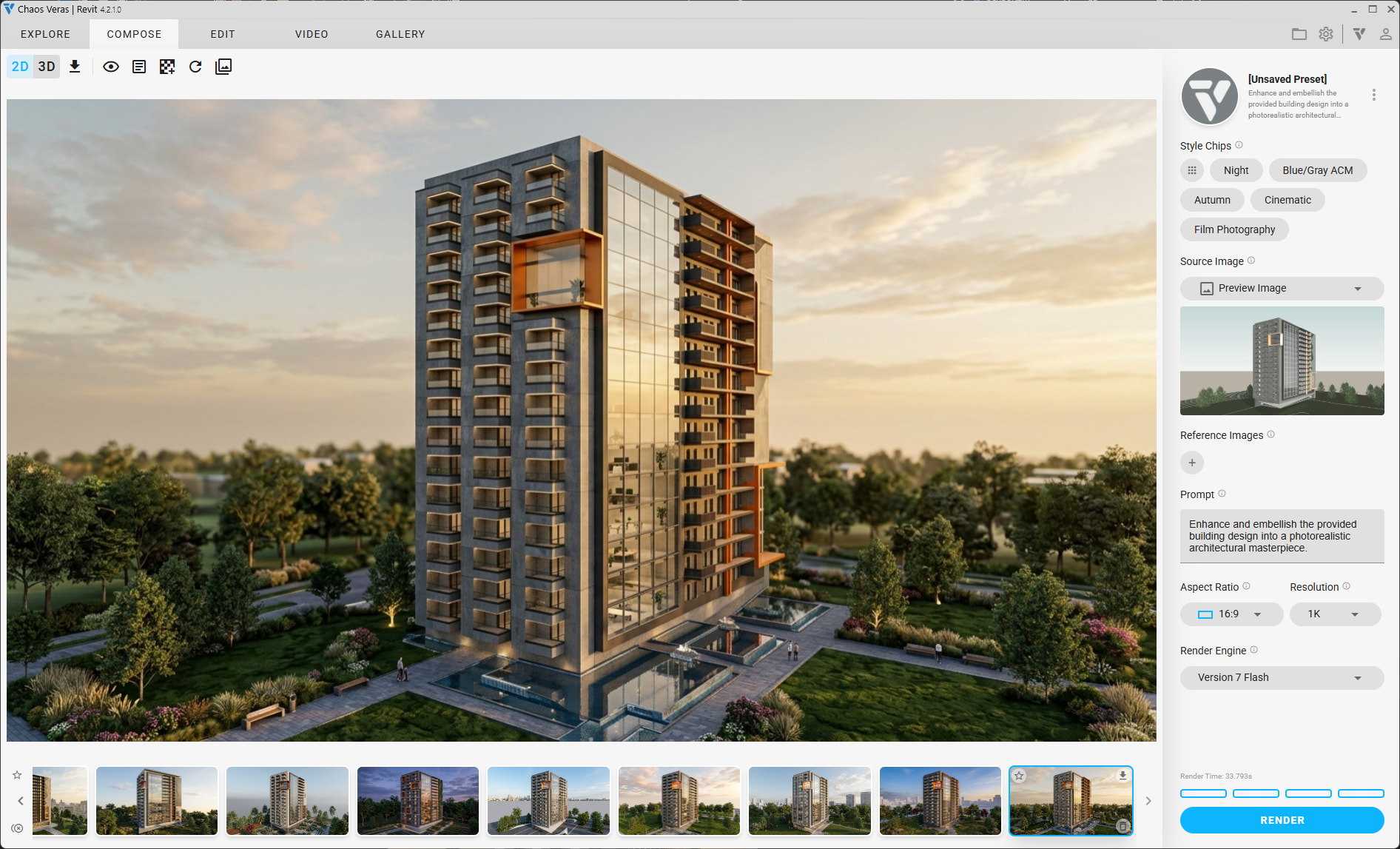
Iterate until you have an image with the desired design. Note: There is a lot of AI-generated geometry that is not part of the original model.
2. Lock the Design
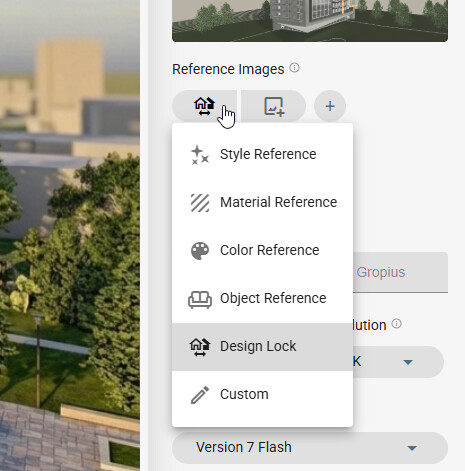
Once a design is chosen, set the Design Reference to the selected rendering and use the Design Lock reference type. No prompt is needed.
3. Render Multiple Views
Next, change the camera angle and render again. Rendering 2-4 versions per view is recommended to generate enough variety to choose from.
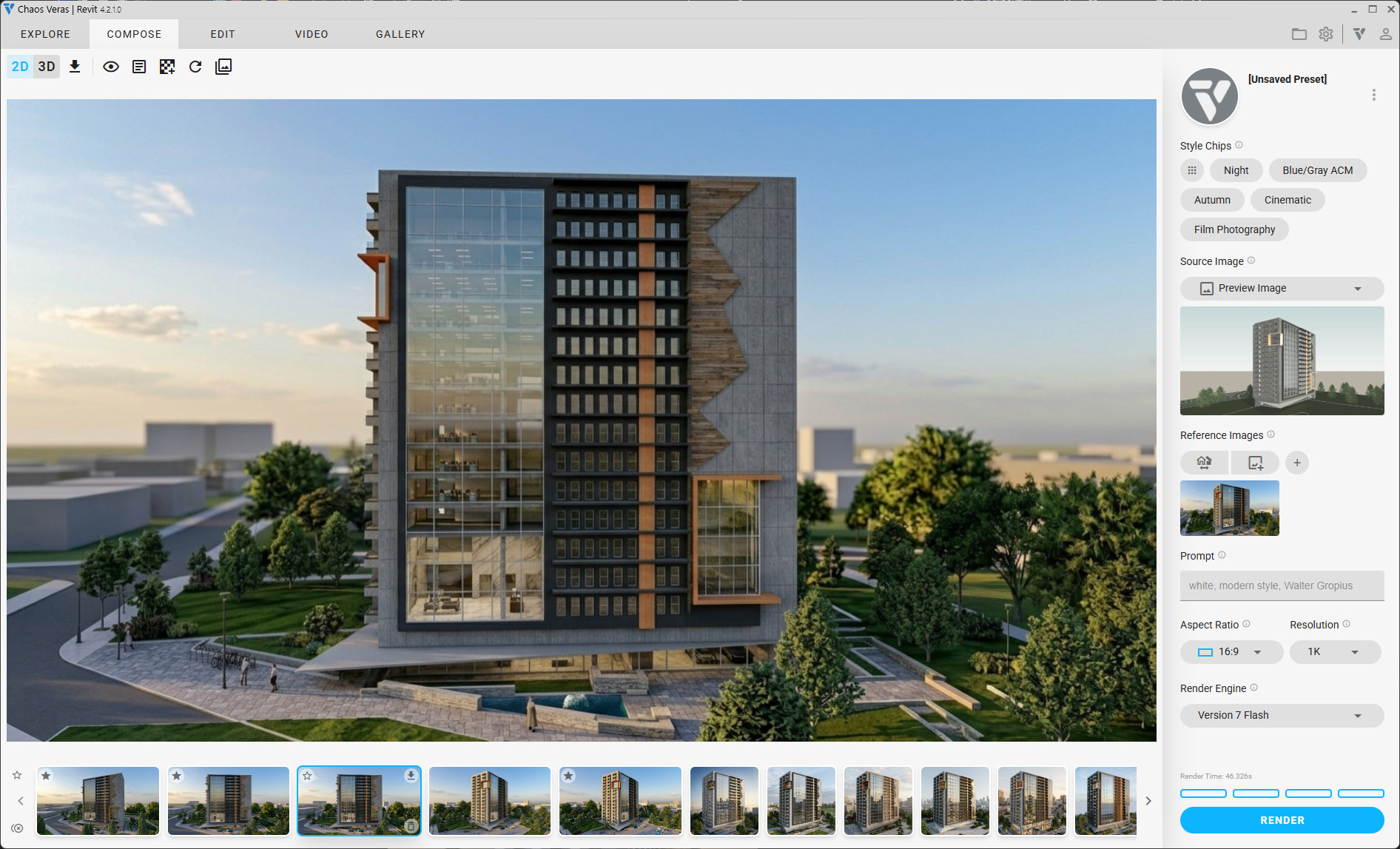
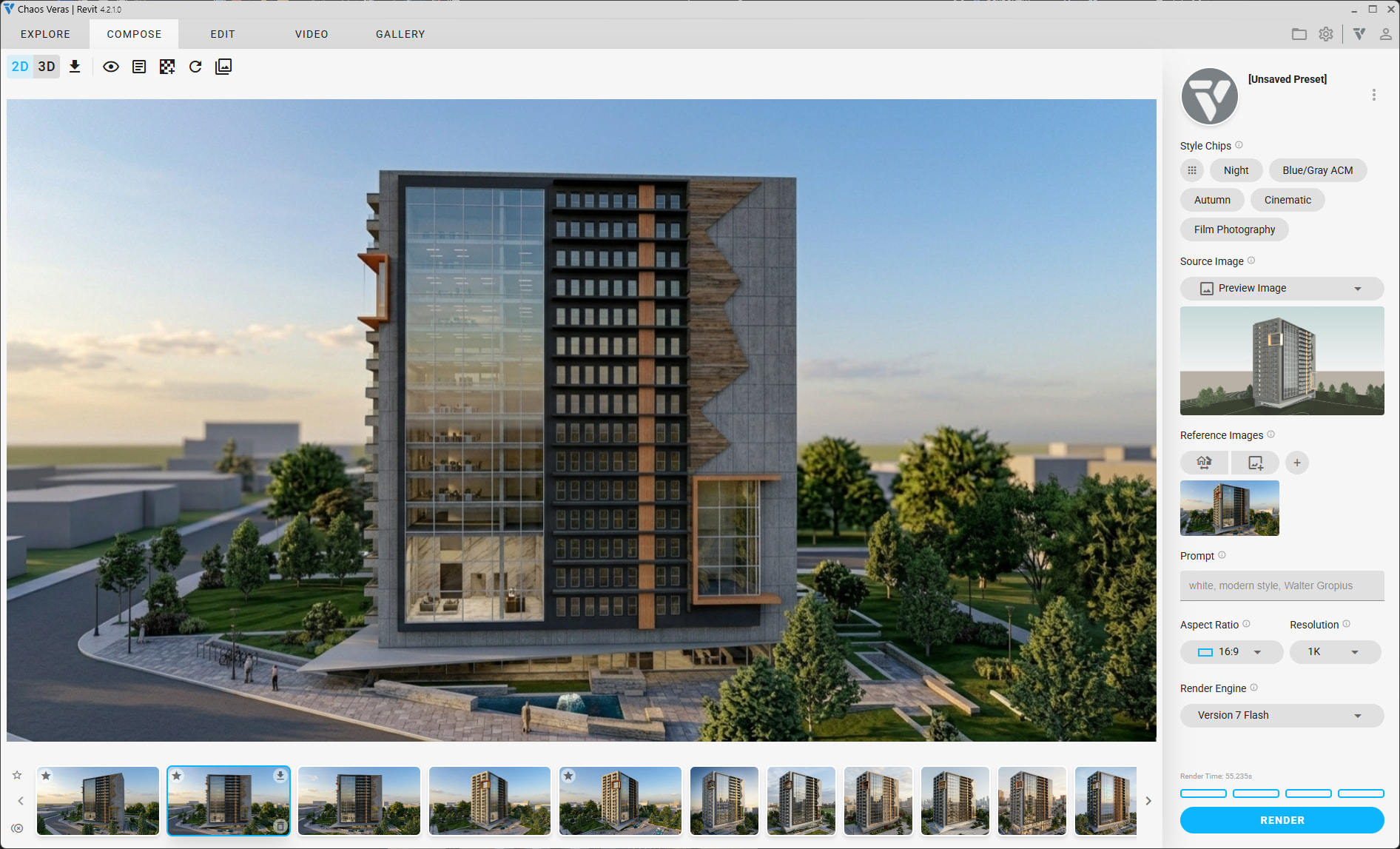
Repeat this process for multiple views.
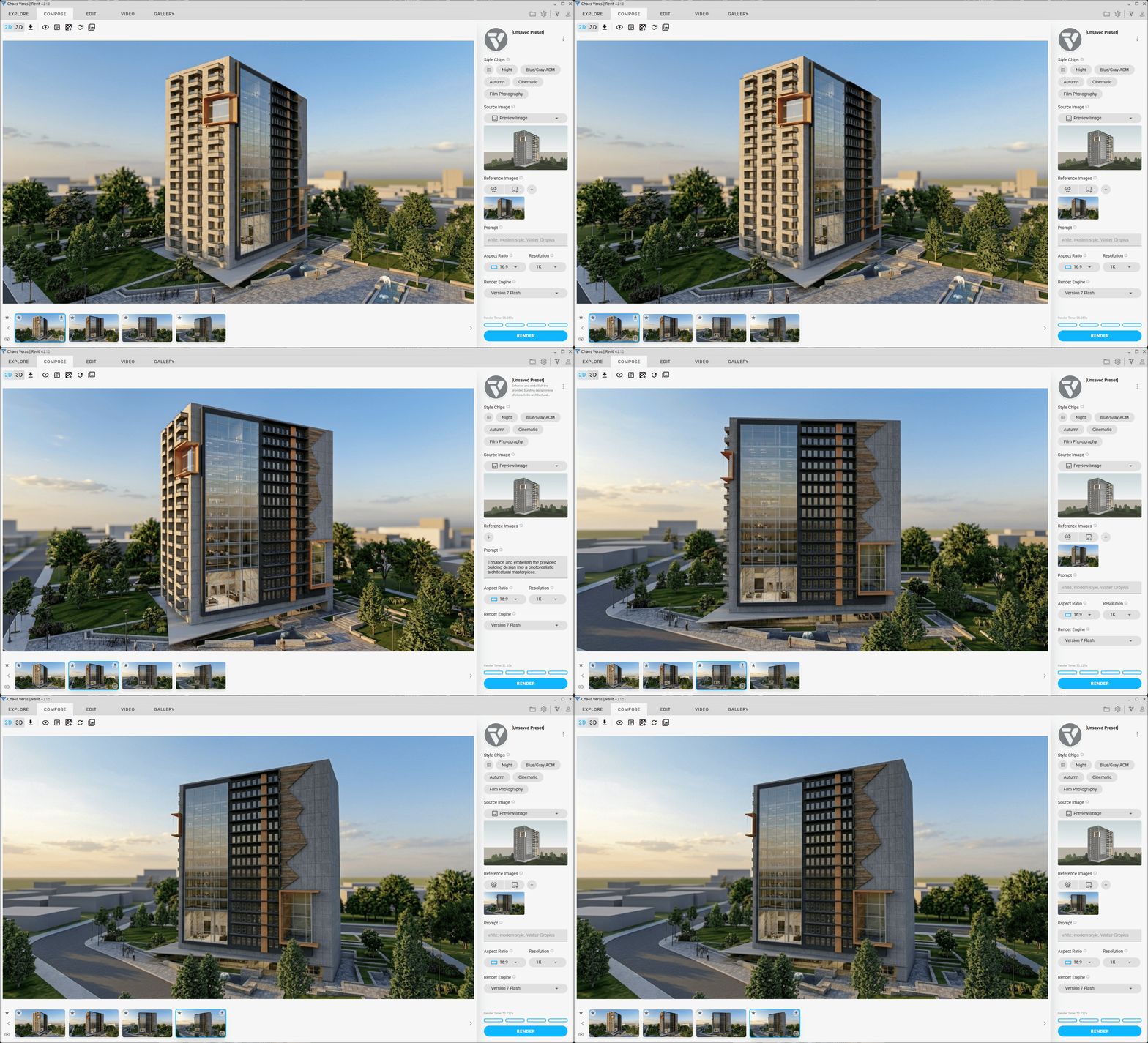
4. Create the Walkthrough Video
Once you have a set of persistent views, use the First Frame / Last Frame feature to connect them.
Prompt: Update the camera position and rotate to the new view.
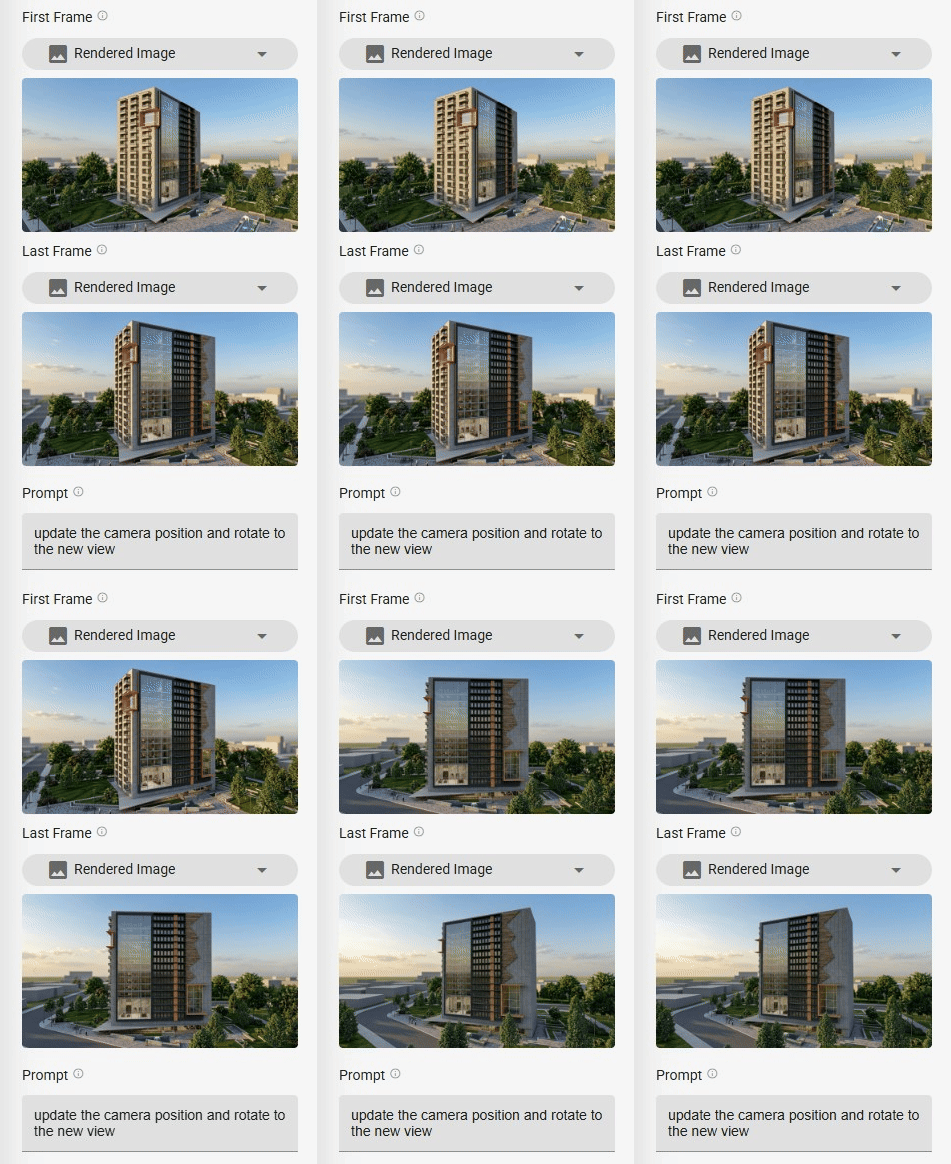
4 frames = 3 videos. You can then combine all three into a single video:
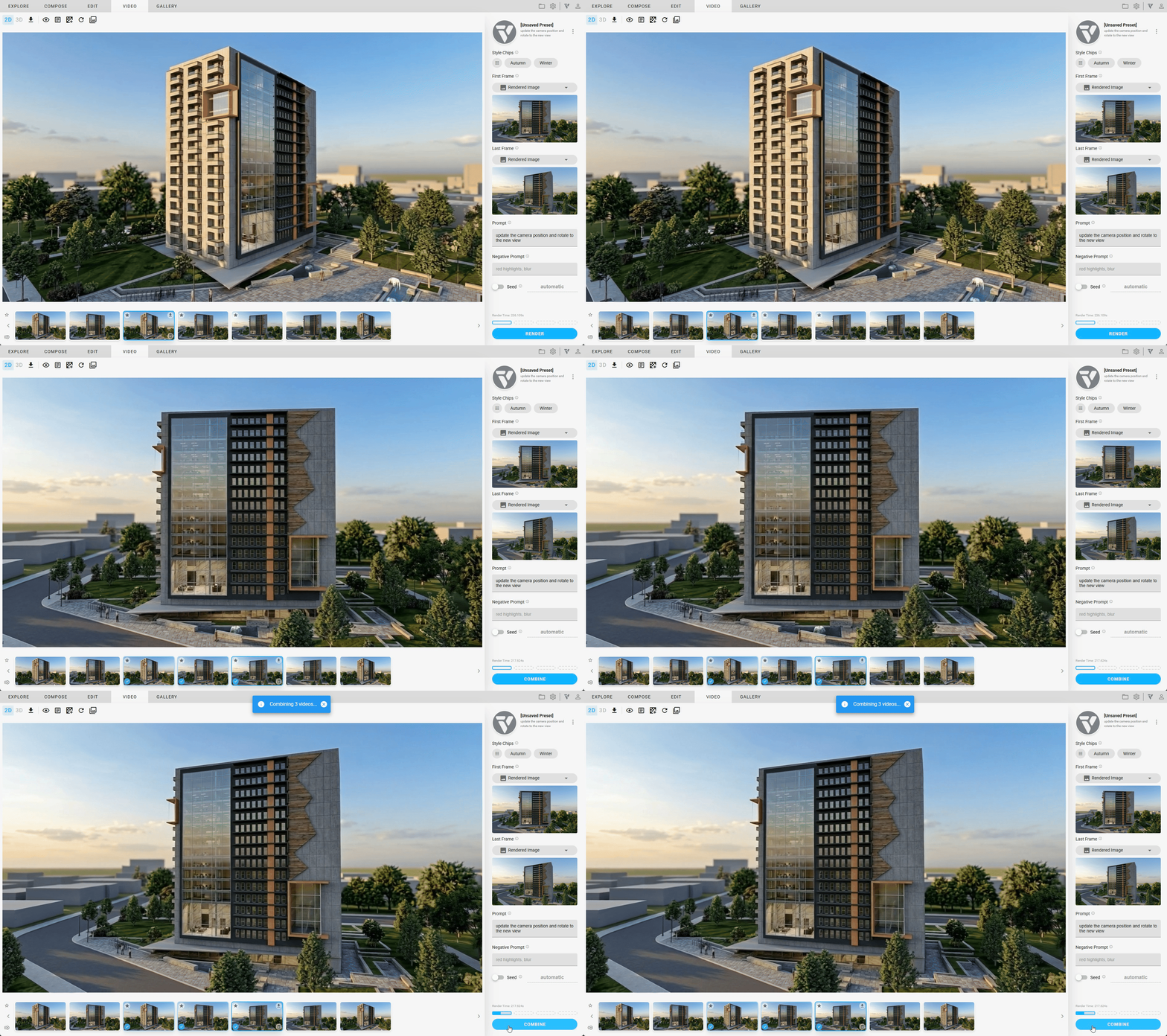
Result
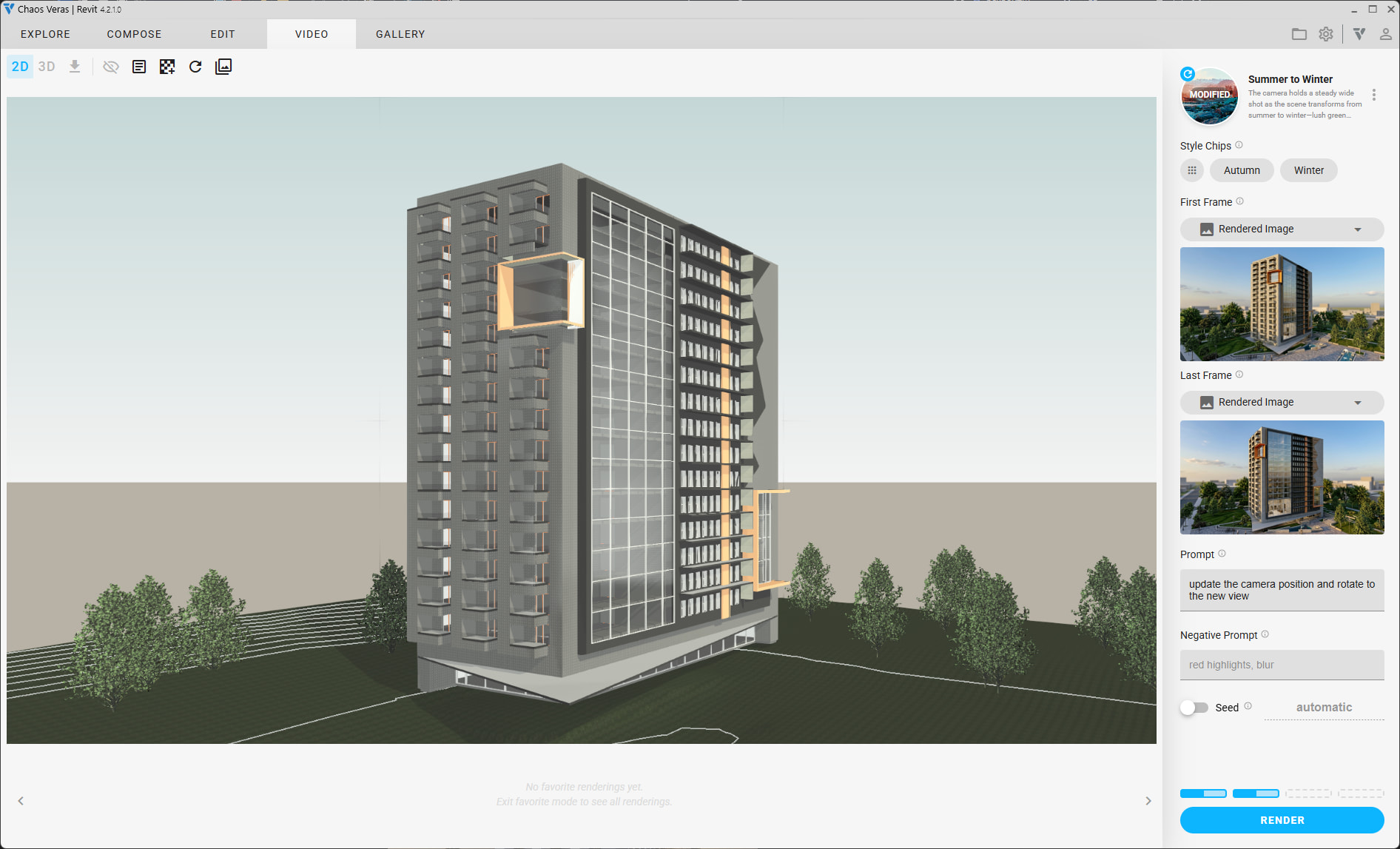
Original model vs. render:
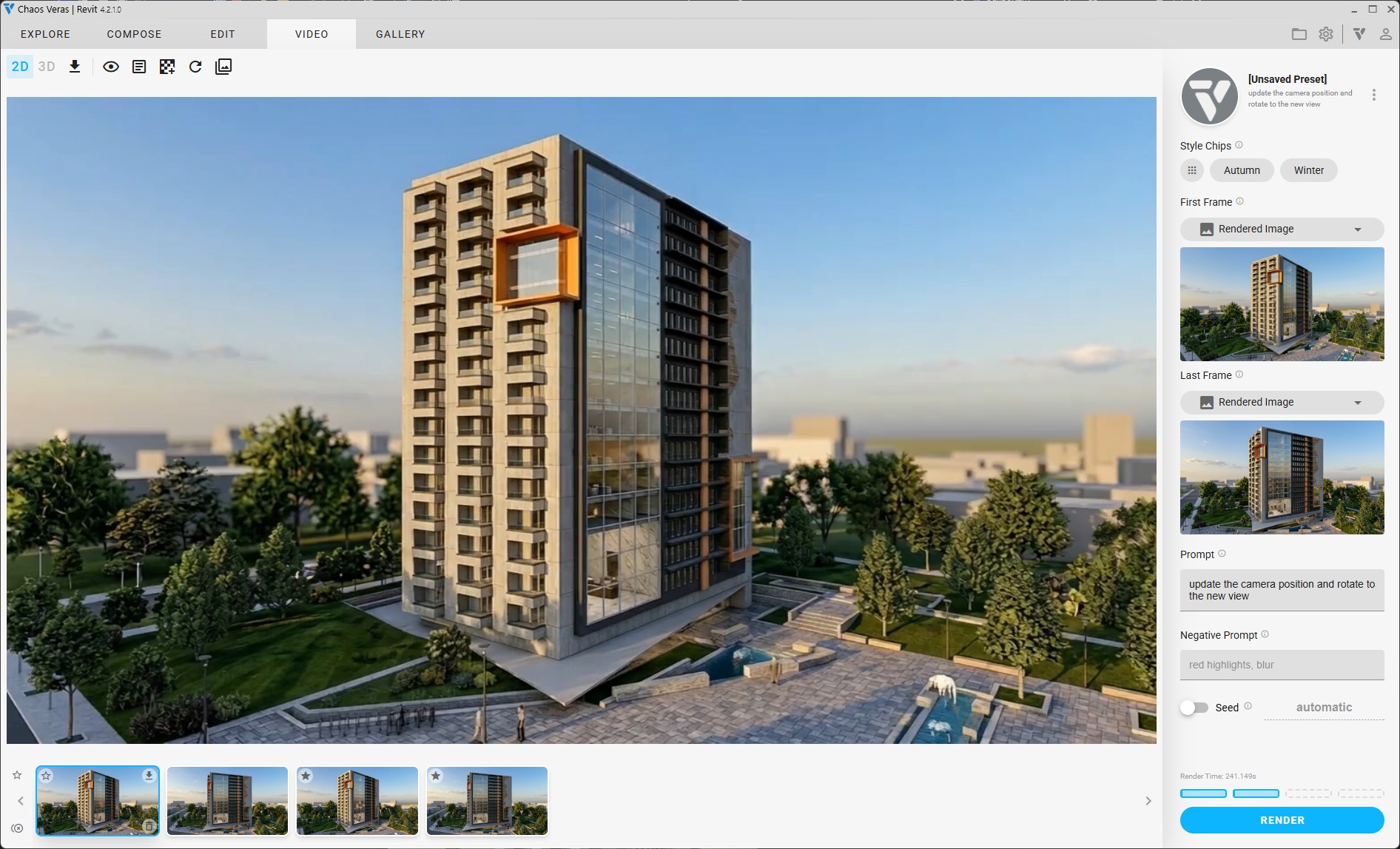
Final video: