I am using the latest version of Glyph. I have a Revit project file that I have the building core model linked into it. For some reason, I cannot create interior elevations or any other type of elevations in the project file that has the linked in Revit model. Yes, I am clicking off the flag for current file and turning on the flag for Linked in model in the operations settings. I have tried everything I can think of. I opened the actual model that the rooms are modeled in and ran the same operation, everything works just fine. So what am I doing wrong?
Hi @caddguy60,
-
can you post a screenshot of your Glyph settings? I just did the same thing in 3 different models, and everything ran successfully.
-
Are you getting any errors in the status report?
-
Which Glyph version are you using?
Thank you,
Miguel
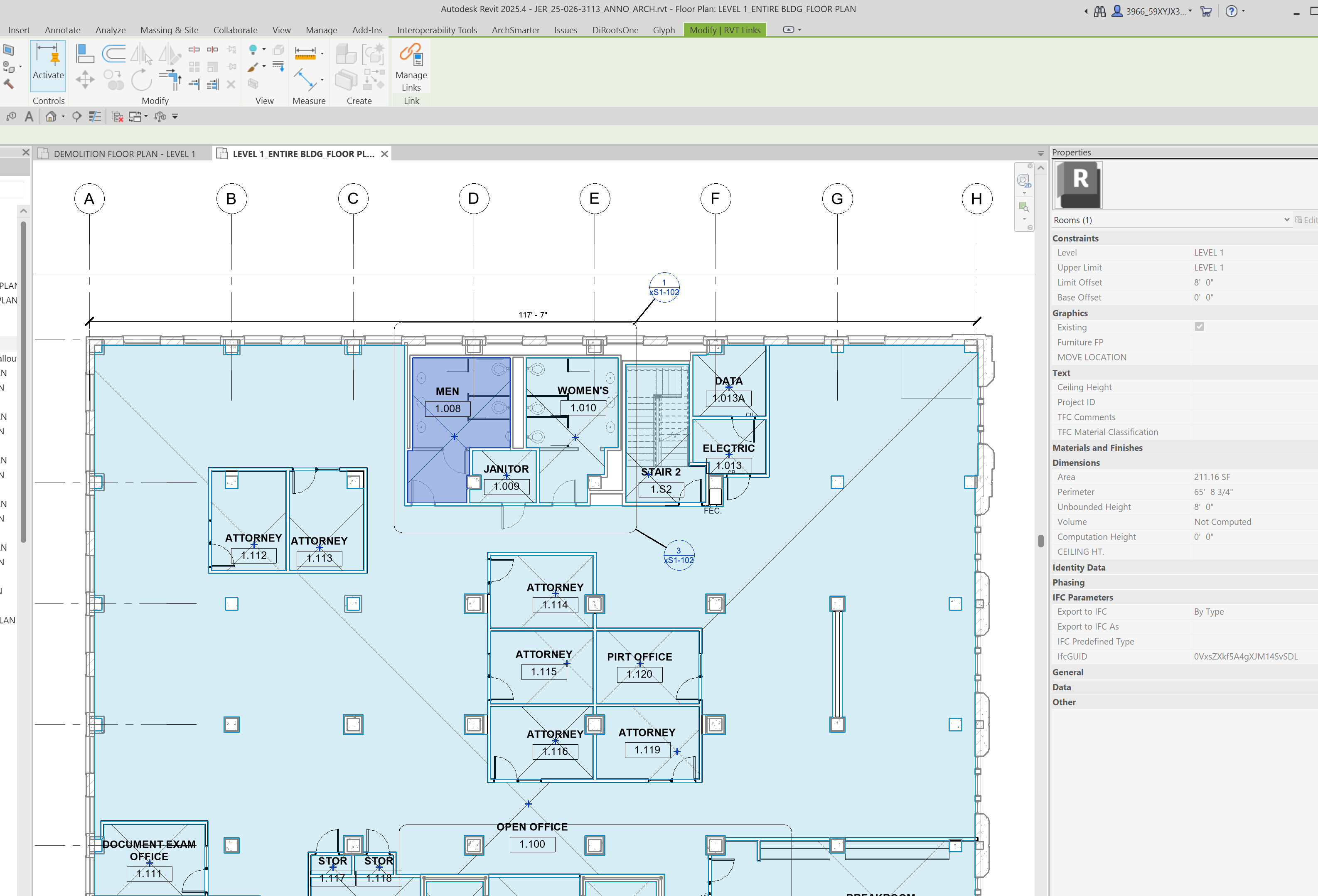
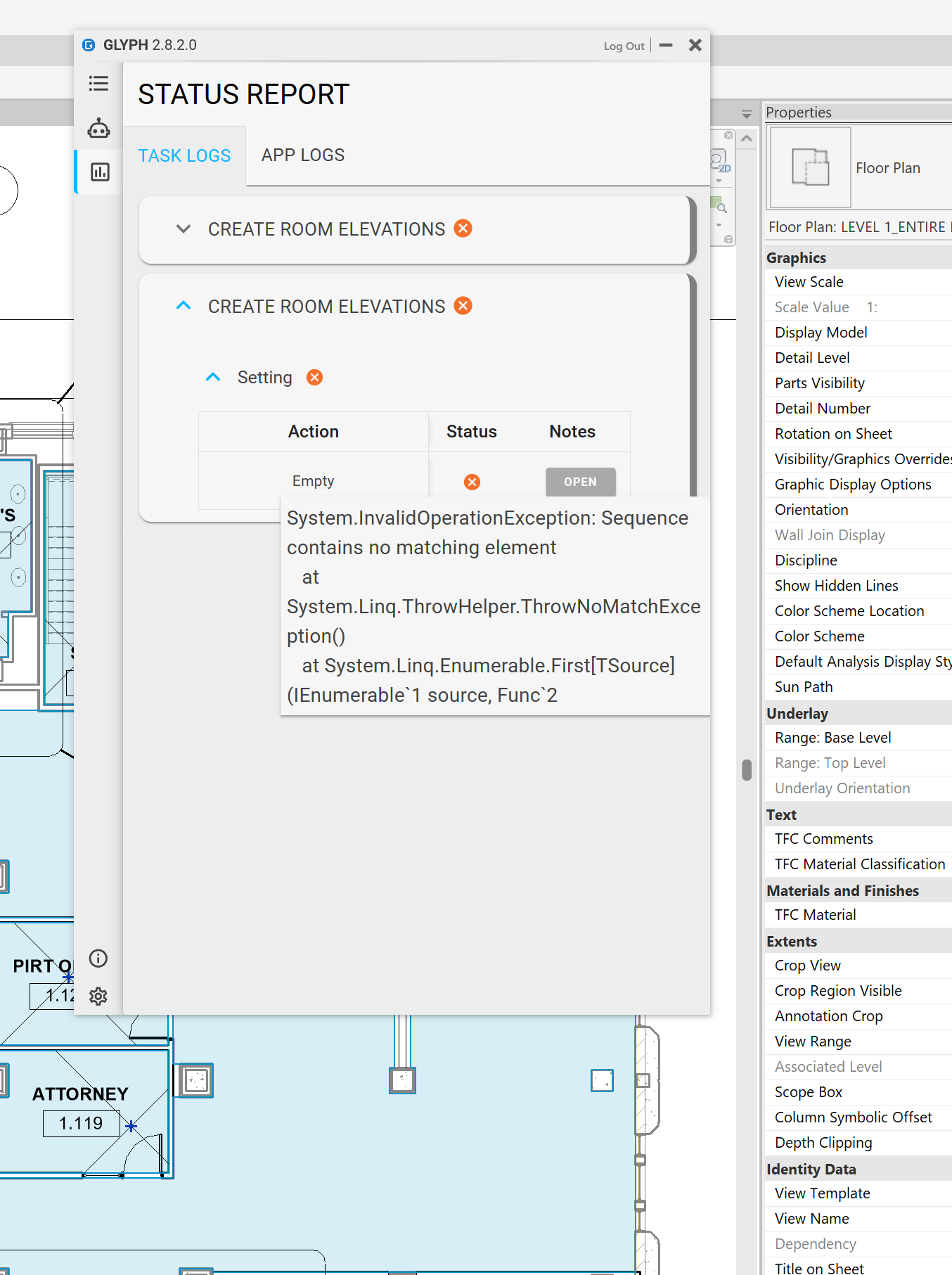
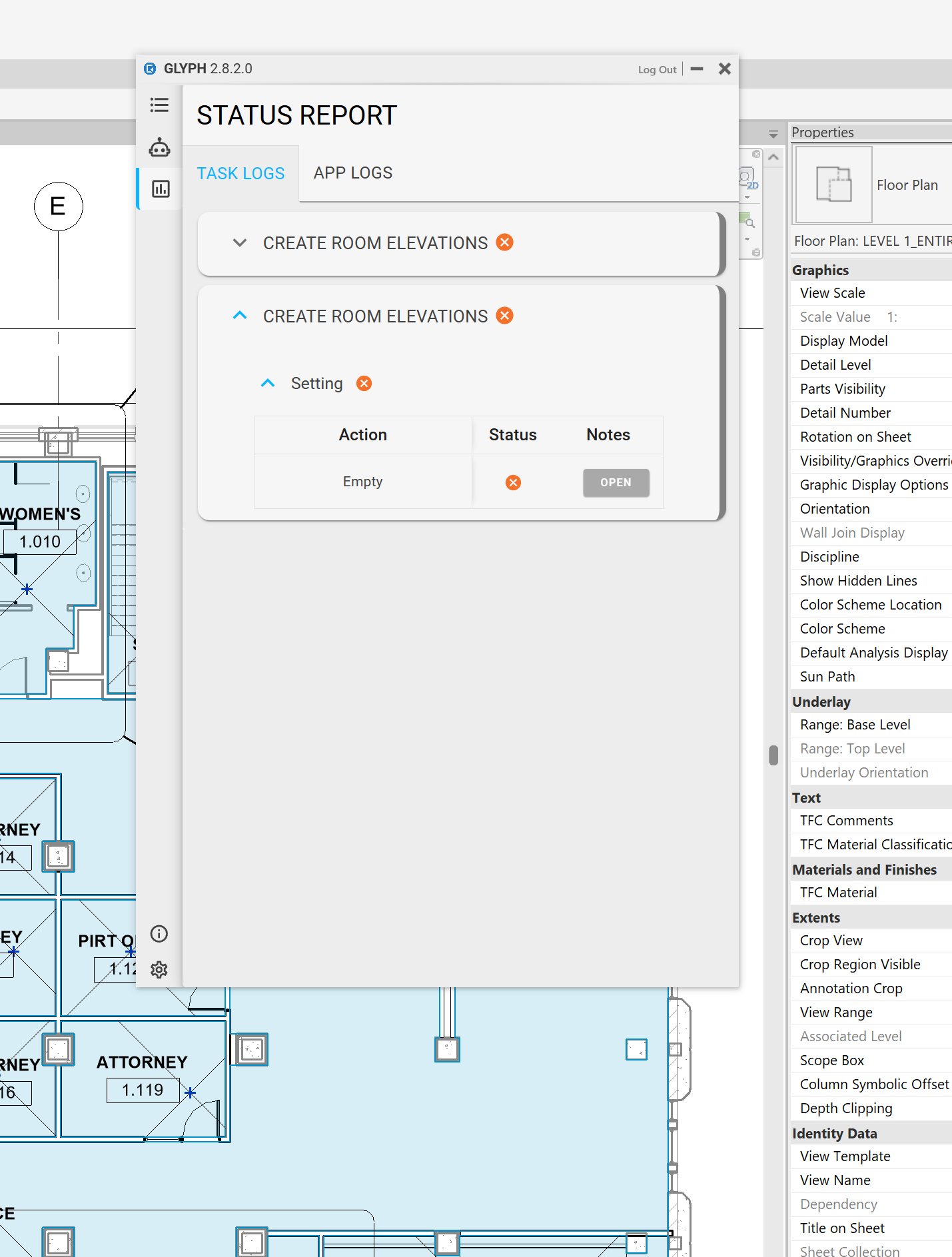
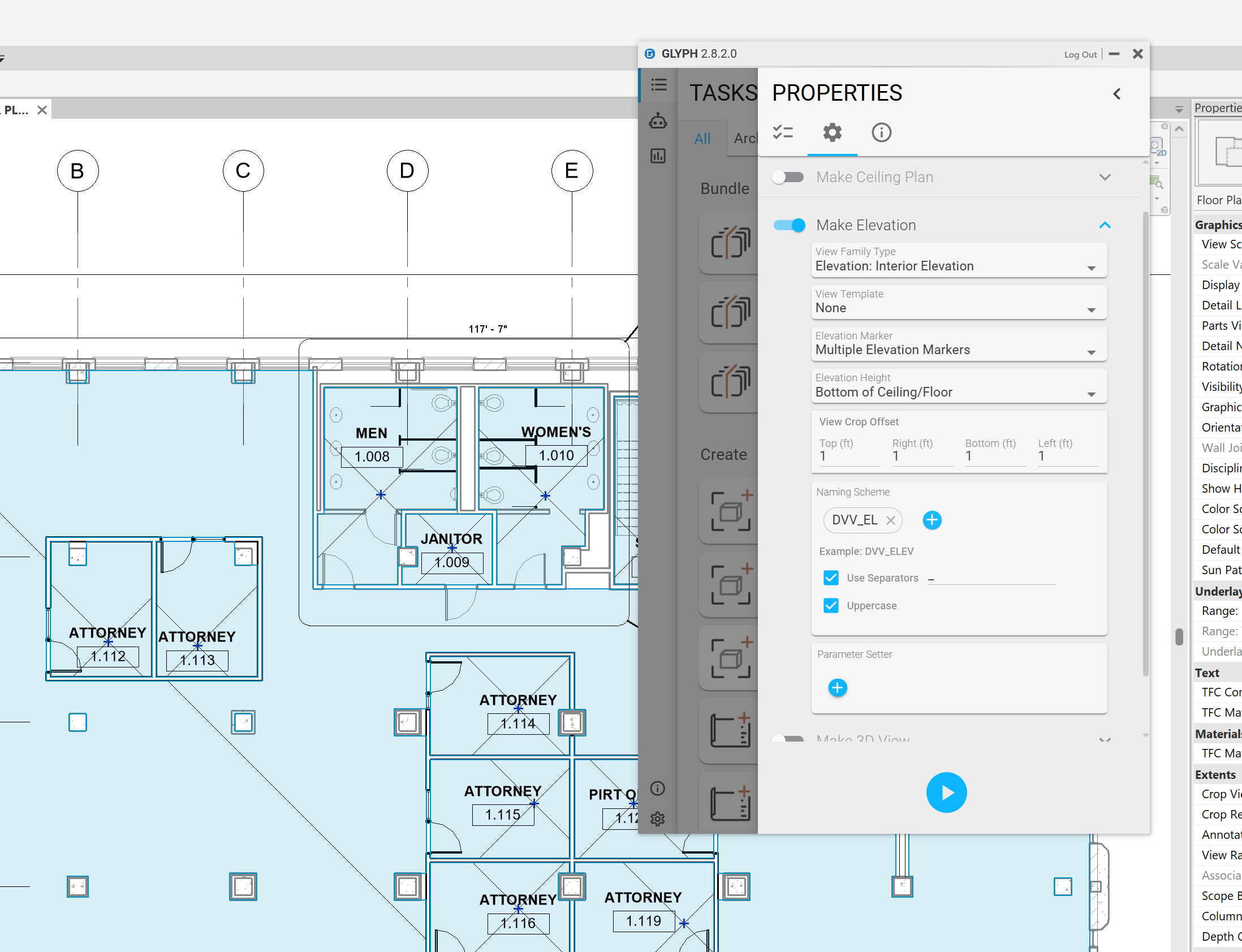
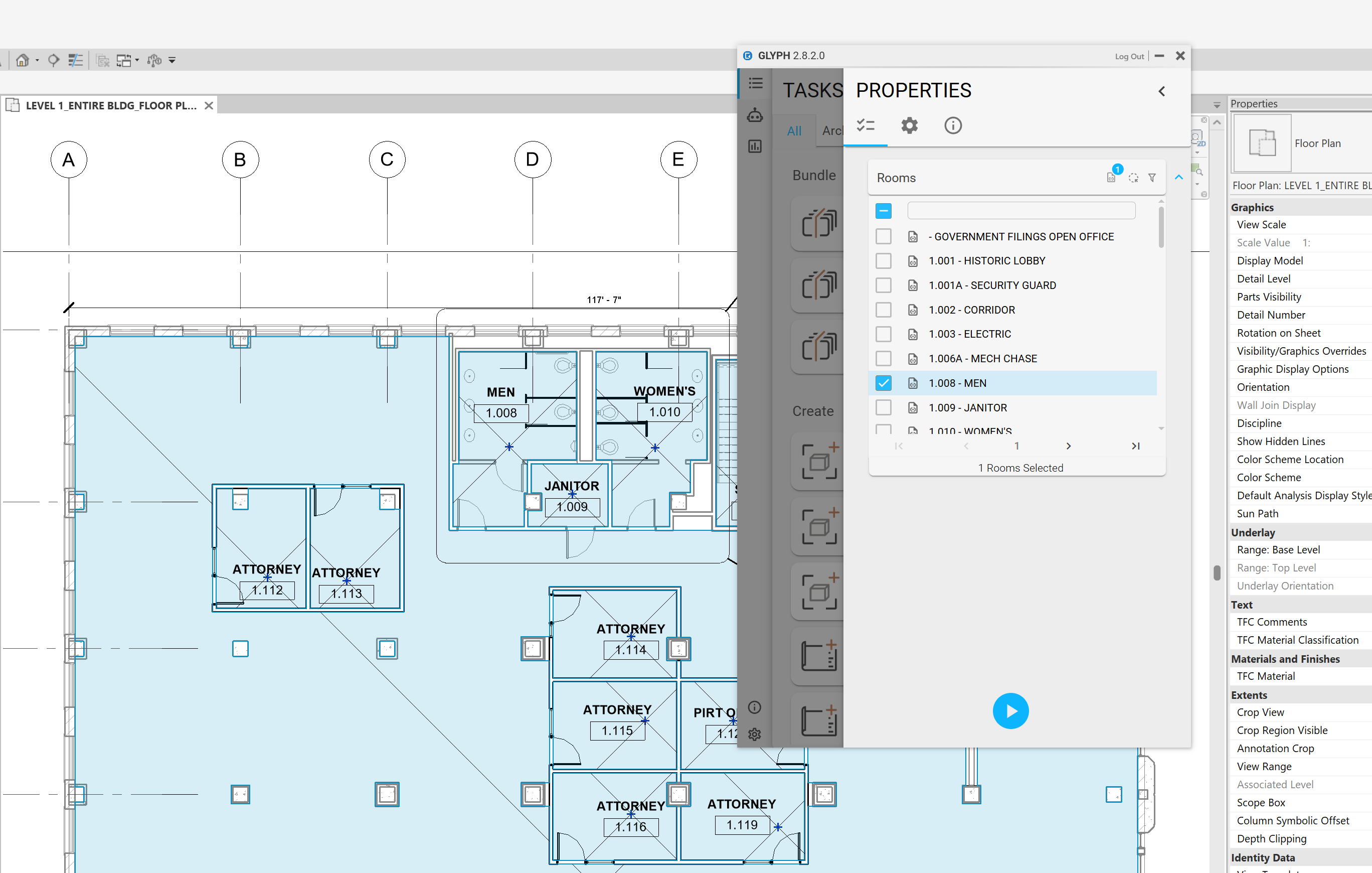
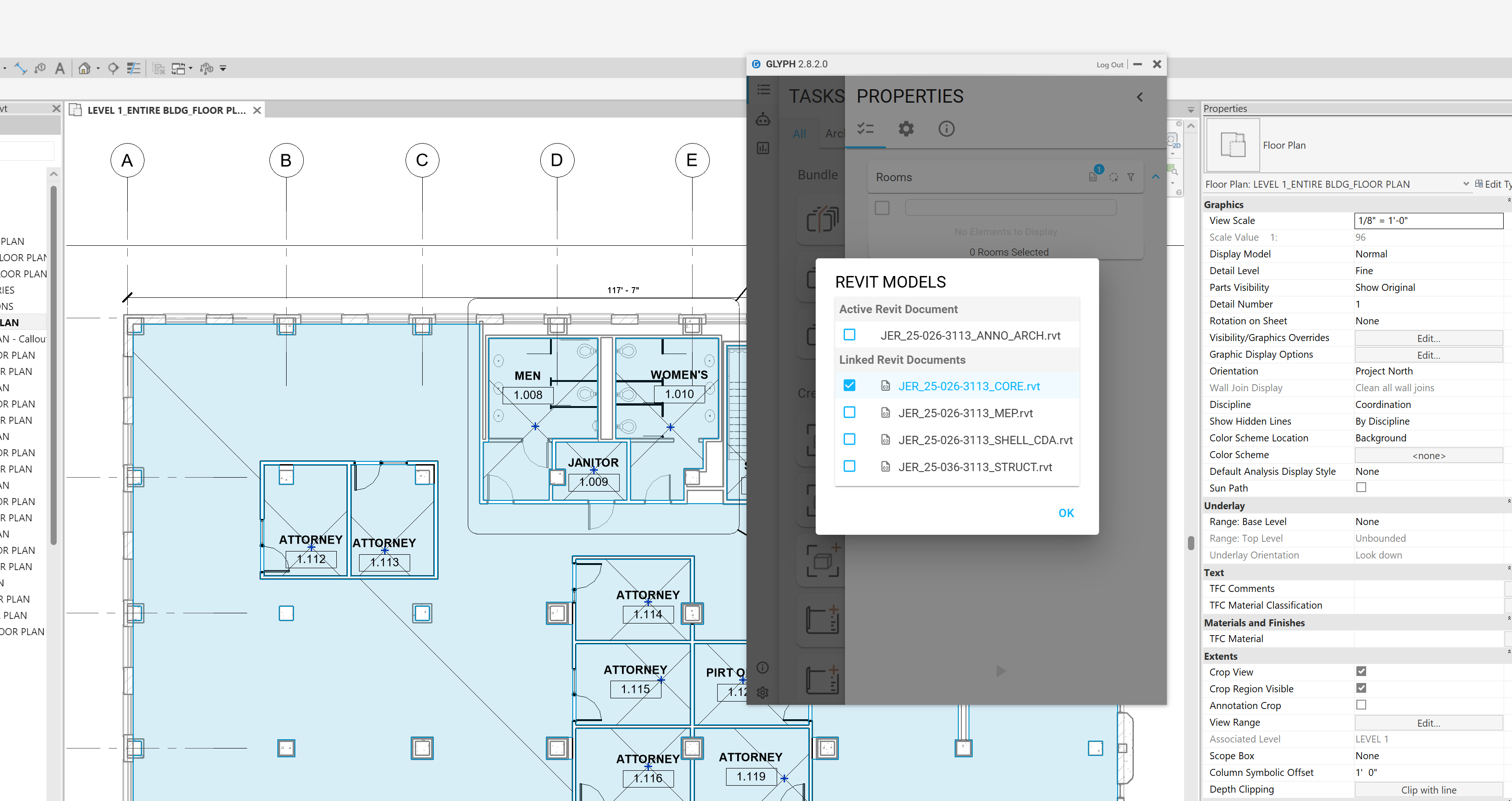
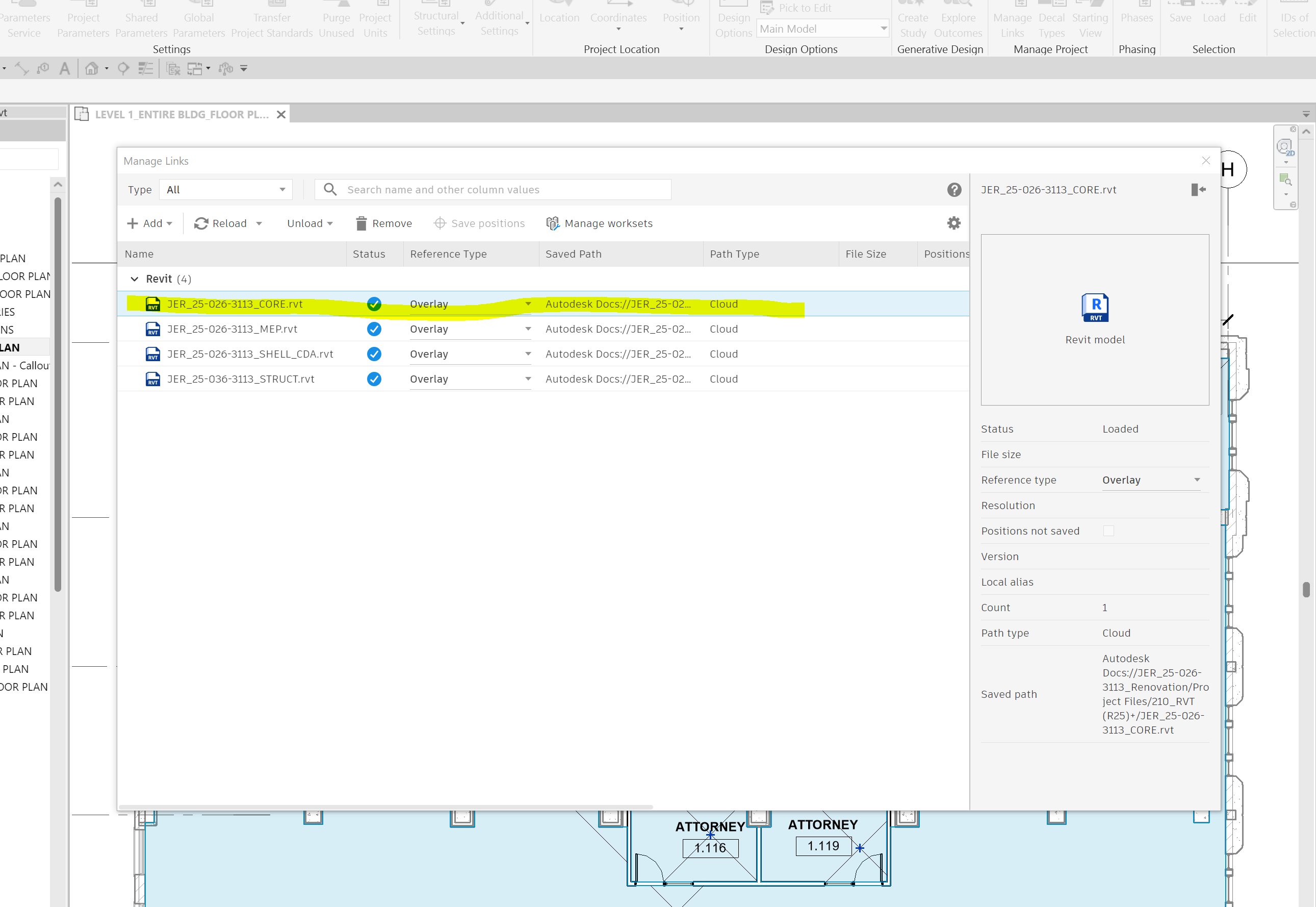
Hi @caddguy60,
Thank you for posting a photo of the setting. I’ve fixed the issue, and the update will be included in the next release.
The problem was caused by the naming scheme and a missing parameter within it. This has now been resolved and will be included in Monday’s 3.0 Canary release.
Thank you for your patience,
Miguel
Excellent, I cannot wait for the fixed version!
Thinking of this a bit more…Any chance I can rename something in my file so it would work now?
I should also let you know that when setting up the parameters to build the elevation view names in your app, it is not possible to actually get into the room’s instance parameters to get the “Name” and “Room Number” from the linked files which is very important. You can only get parameters from the current model, where those parameters do not actually reside.
Right now, you need at least one room in your active model so we can retrieve the parameters and populate the UI list. Once this list is populated, Glyph will pull the Name and Room Number parameter values from the linked rooms and name the newly created views accordingly.
To fix your current setup:
- Close Glyph.
- Create a room in your active model.
- Reopen Glyph.
- Open the Create Views by Room task (or whichever task you were using to create elevations) and add a parameter to the naming scheme (such as Name or Room Number).
- Select linked models
- Run the task by selecting the linked rooms.
Hope this helps!
Thanks for the quick response. I tried exactly what you suggested, however, the task would never finish, it just hung up Revit and I had to kill it via Task Manager. Only when I copied all the rooms I wanted to create elevations of into my current model from the linked model would it complete the task. I am thinking it is definitely an issue with reaching back into the linked model’s API for the task at hand. I cannot create plans of each room either unless I have all the room objects copied into my current document.
@caddguy60, May I ask how many linked rooms you are selecting at once?