Hello,
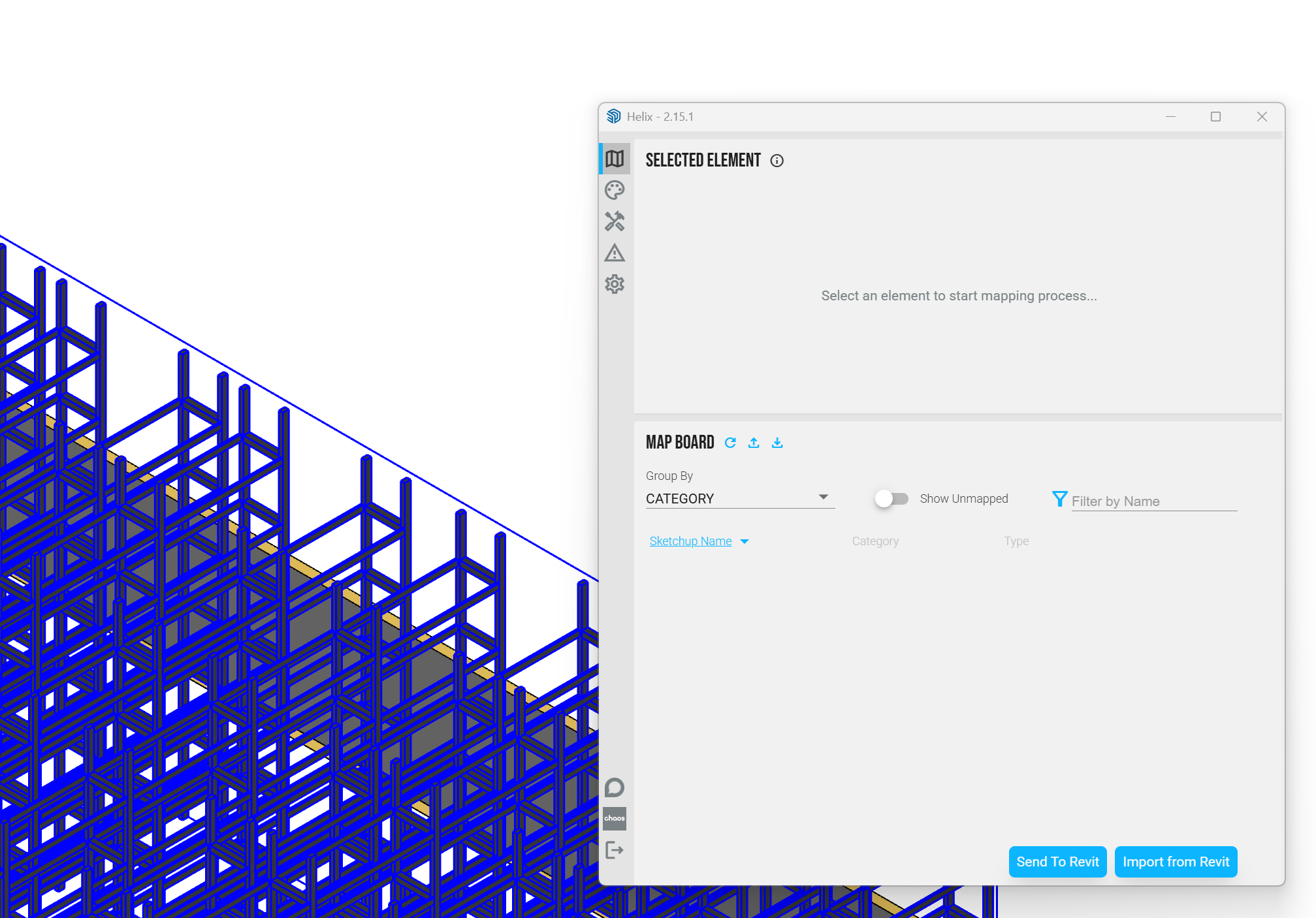
we have been using Helix successfully so far. Since last week, Helix no longer recognizes elements, or only does so after 10-20 minutes. See image.
Does anyone have any idea what might be causing this?
Previously, elements were displayed in the Helix window immediately after clicking on them in SketchUp.
Can you try updating to the latest version? 2.15.3 was just released.
I believe the bug you are experiencing was resolved in version 2.15.2.
“Fix mapping disappearing when closing then re-opening the SketchUp Helix UI in the same session”
Latest isn’t going to hurt though. Also, if you are able to share the file it can really help with diagnosing the issue.