@timk I was able to get the Revit model you shared with me to (mostly) synchronize to SetkchUp without too much effort. Here’s an image of the first result:
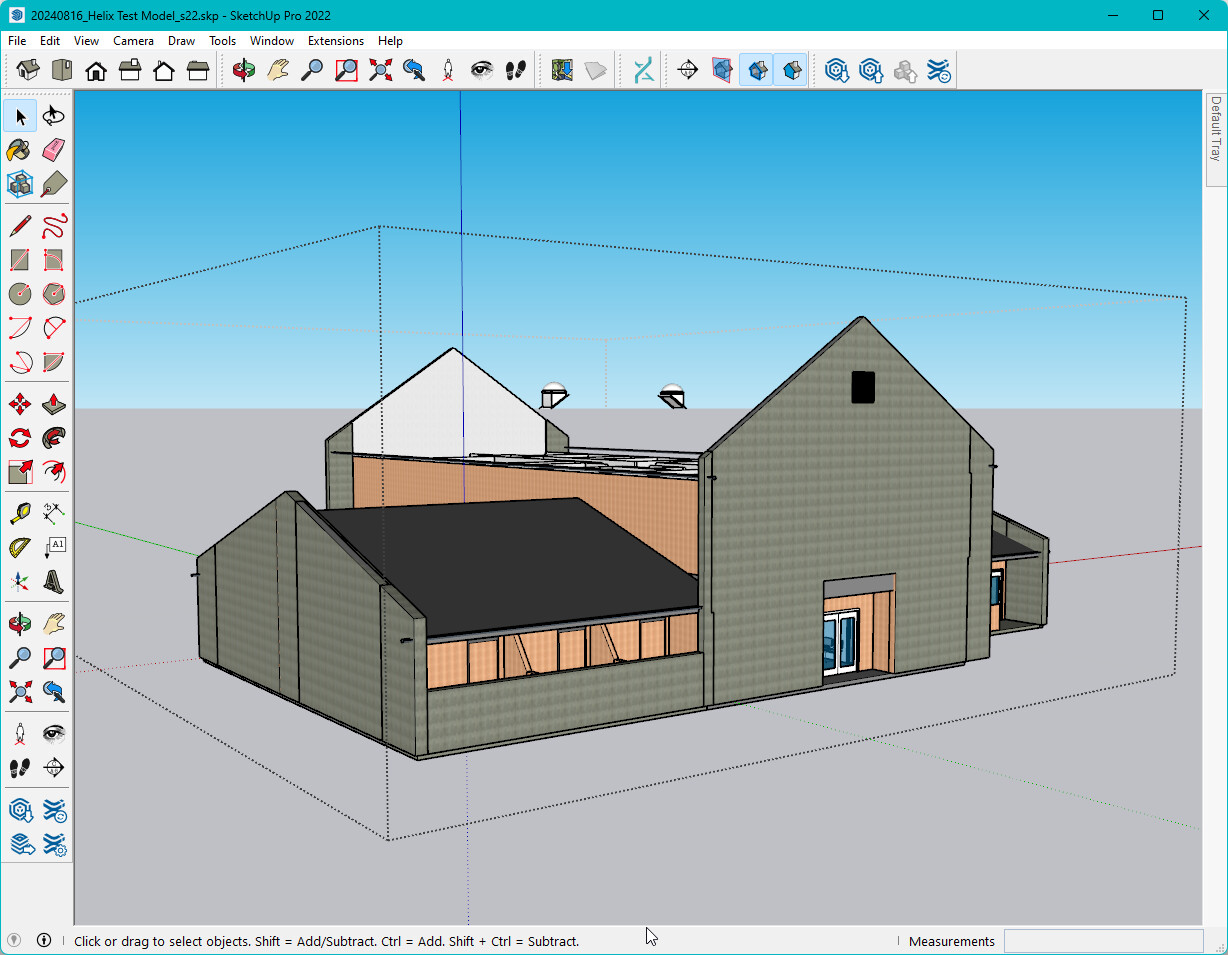
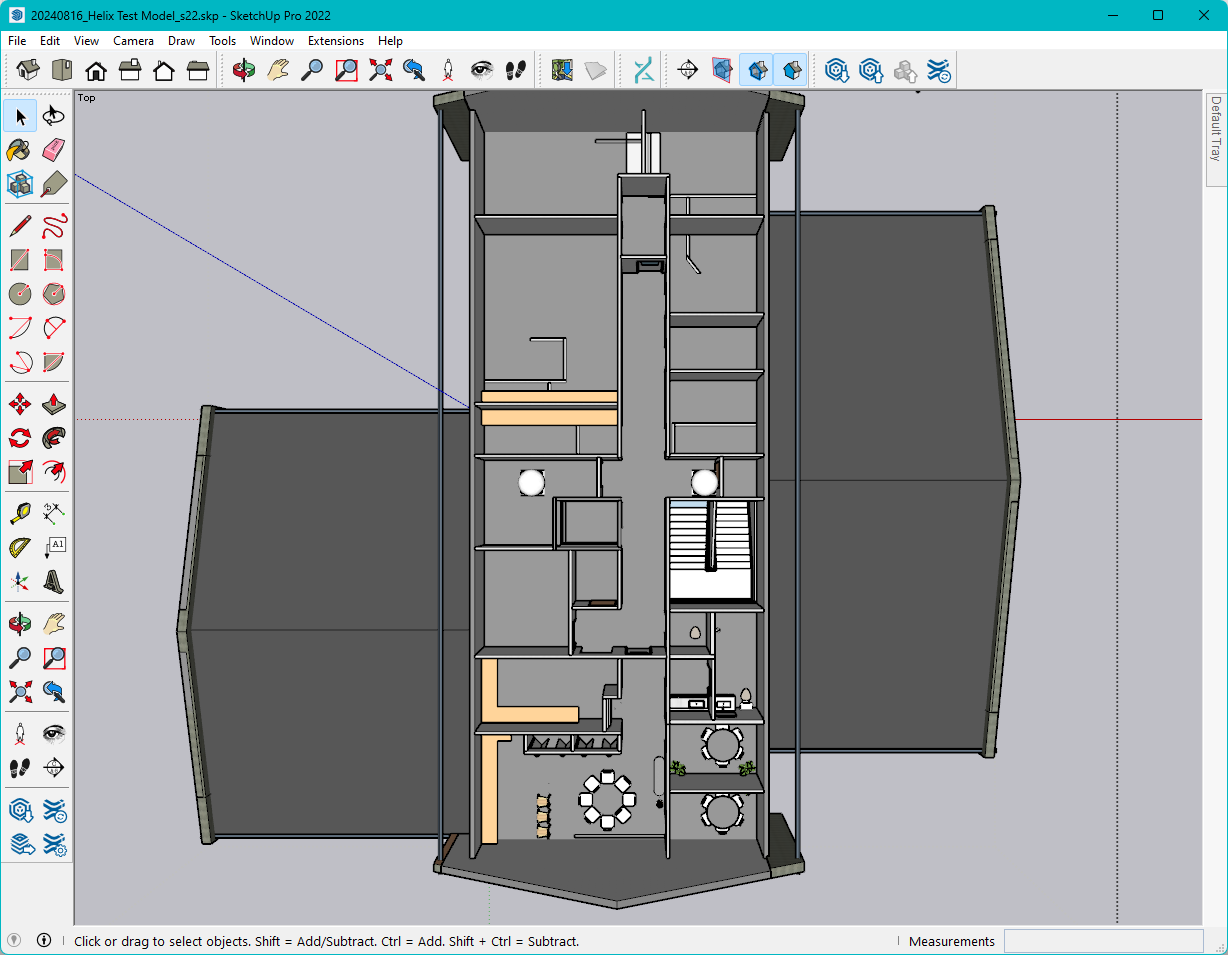
It seems like most of the walls, doors, components, and some of the roofs came though. The main roof didn’t for some reason. Here’s the steps I took to do this:
- Opened the model in Revit 2022.
- Clicked on ‘Export Levels’ in the Helix tab of the EvolveLAB ribbon.
- Clicked on ‘Export Model’ in the Helix tab (this took a few minutes to complete).
- Opened a new empty SketchUp 2022 file (using the Simple - inches template)
- Opened the SketchUp Helix window, and clicked on ‘Import from Revit’ (This took about 5-10 minutes for me).
Did you do anything differently from the above? If so, please let me know what else you have tried, so I can try that too, and see if I can discover any errors.
Thanks,