To install the latest version, please click the link above.
Improvements
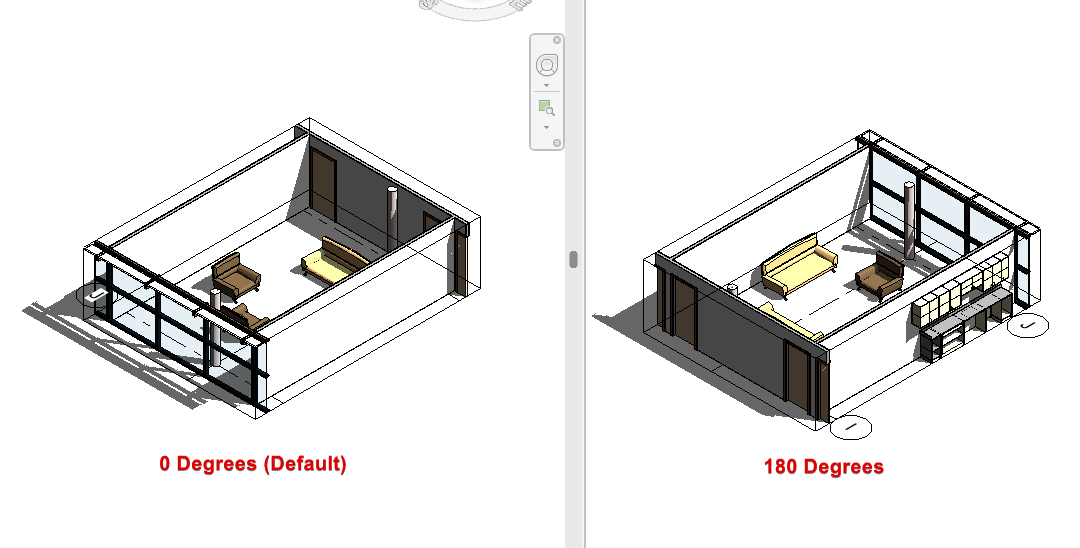
Automatic Family Selection: The “Interior Elevation” view family type is now automatically selected when creating elevations by room. This prevents the use of “Building Elevation” types, which are limited to one view per elevation marker.
Bugs
Fixed an issue with placing views on sheets when the initial view exceeded the available space.
Fixed a bug where the glyph would get stuck while dimensioning or tagging if the view had not yet been opened.
Assembly Naming: Fixed a UI error that occurred when multiple assembly views were created with identical names.
@hobz.94 I believe we have figured out the cause of the bug, and are working on a fix.
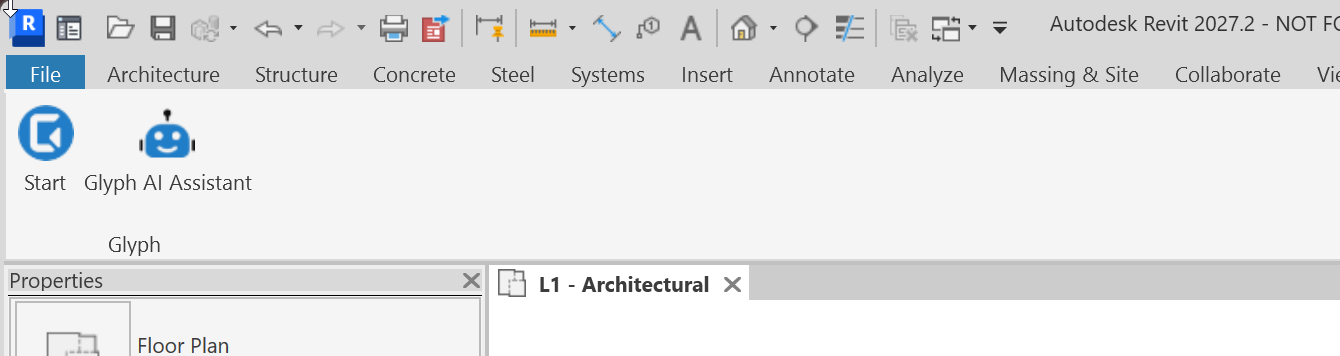
Revit 2027 changes where it looks for addins, and Glyph was not being installed in the correct post. I was able to manually move the files, and then Revit 2027 picks it up: