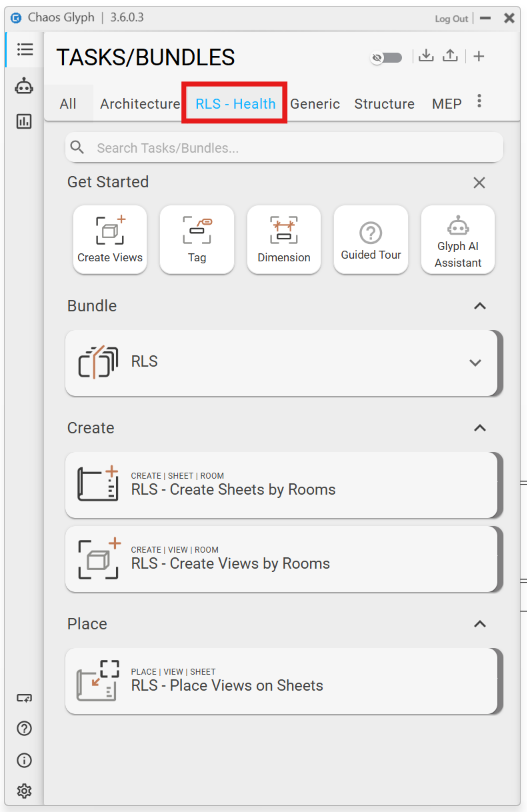
I’m currently developing a set of Tasks and Bundles for a Room Layout Sheet workflow used within our company. I’ve created a new custom Tab specifically for this workflow and created the associated Tasks and Bundles within it.
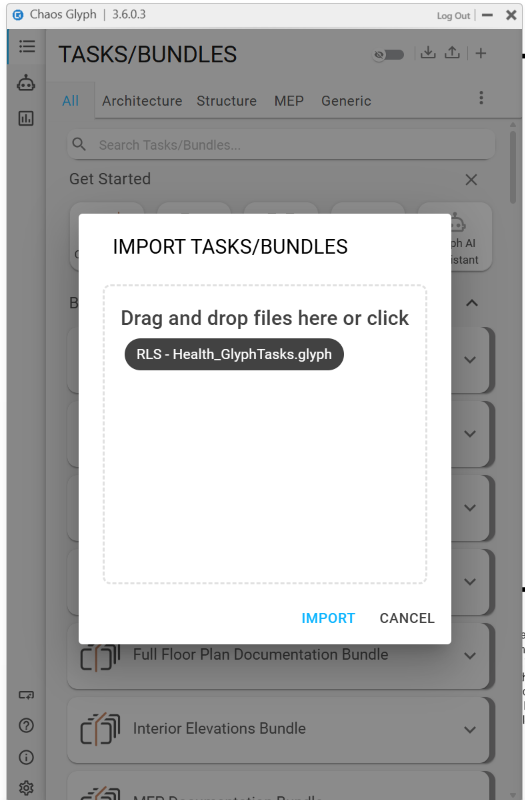
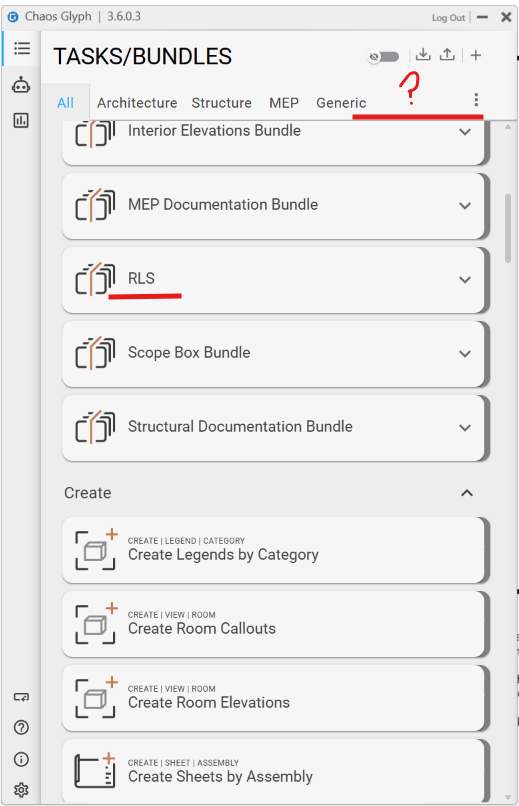
While I can export the workflows Tasks and Bundles to a GlyphTasks.glyph file and import them into another Revit session, the custom tab does not appear to be retained. The Tasks and Bundles are just imported individually without the Tab structure.
Is there a way to export and import the custom Tab together with its associated Tasks and Bundles, so the complete workflow structure is retained for all company users without requiring each user to recreate the Tab and manually assign the Tasks and Bundles once they’ve been imported?
Or… is it possible for us to configure Glyph so that admin approved Tabs and their associated Tasks and Bundles are loaded by default into all sessions? This would be my preferred workflow.
After testing, I found that creating the Tab, Tasks and Bundles within a Revit .rte template file makes them available whenever a new model is created from that template.
Is this the intended workflow for defining and distributing company Tabs, Tasks and Bundles?
I think it would still be beneficial to be able to export and import Tabs together with their associated Tasks and Bundles, particularly for applying the same workflow to existing projects or multiple templates.
@Miguel is currently out of office, but I’ll let him know about your idea when he gets back.
It’s likely he can give you more info about if there is already ways to transfer custom tabs just using the .glyph file instead of having to save it in the Revit template - or if he’s got something on the upcoming roadmap for this!
That’s correct, saving your Tabs, Tasks and Bundles into an .rte template is the intended workflow for distributing them across the company.
On export and import, this is already possible. Tabs aren’t exported by themselves, but the tab name is stored inside the Task/Bundle it belongs to. So when you export a Task or Bundle and import it into another project, the tab is recreated automatically along with everything inside it.
The guide button on the bottom left corner of the UI will be able to guide you through the process on how to import/export your Task and Bundles.
Hi @PDavies ,
Thank you for testing this. Yes it seems like it’s a UI refresh bug. I have added this to our backlog and it will be fixed by the next release.