3d Mode for Revit 2023 and 2024 Bug: Error in Base App

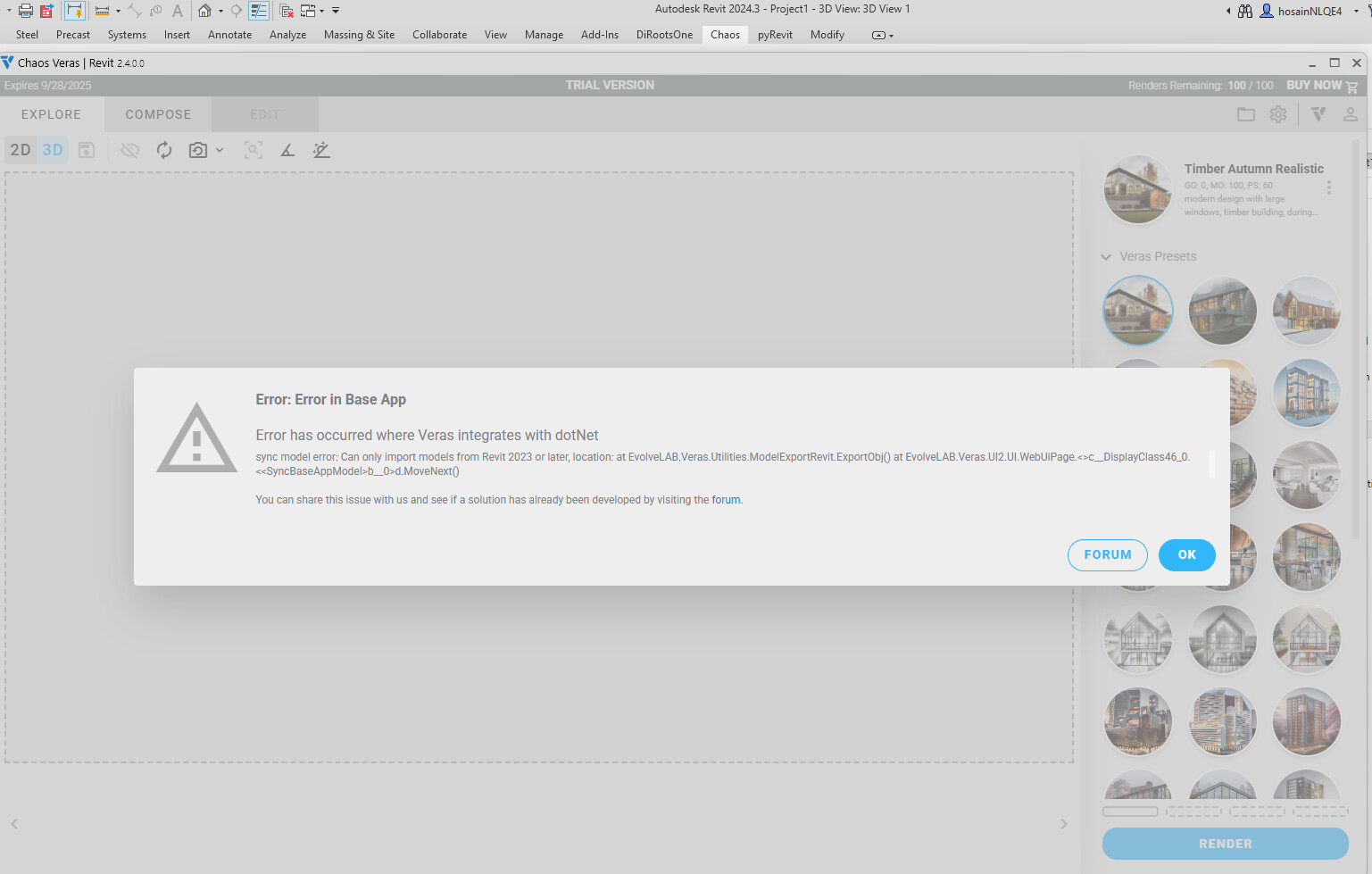
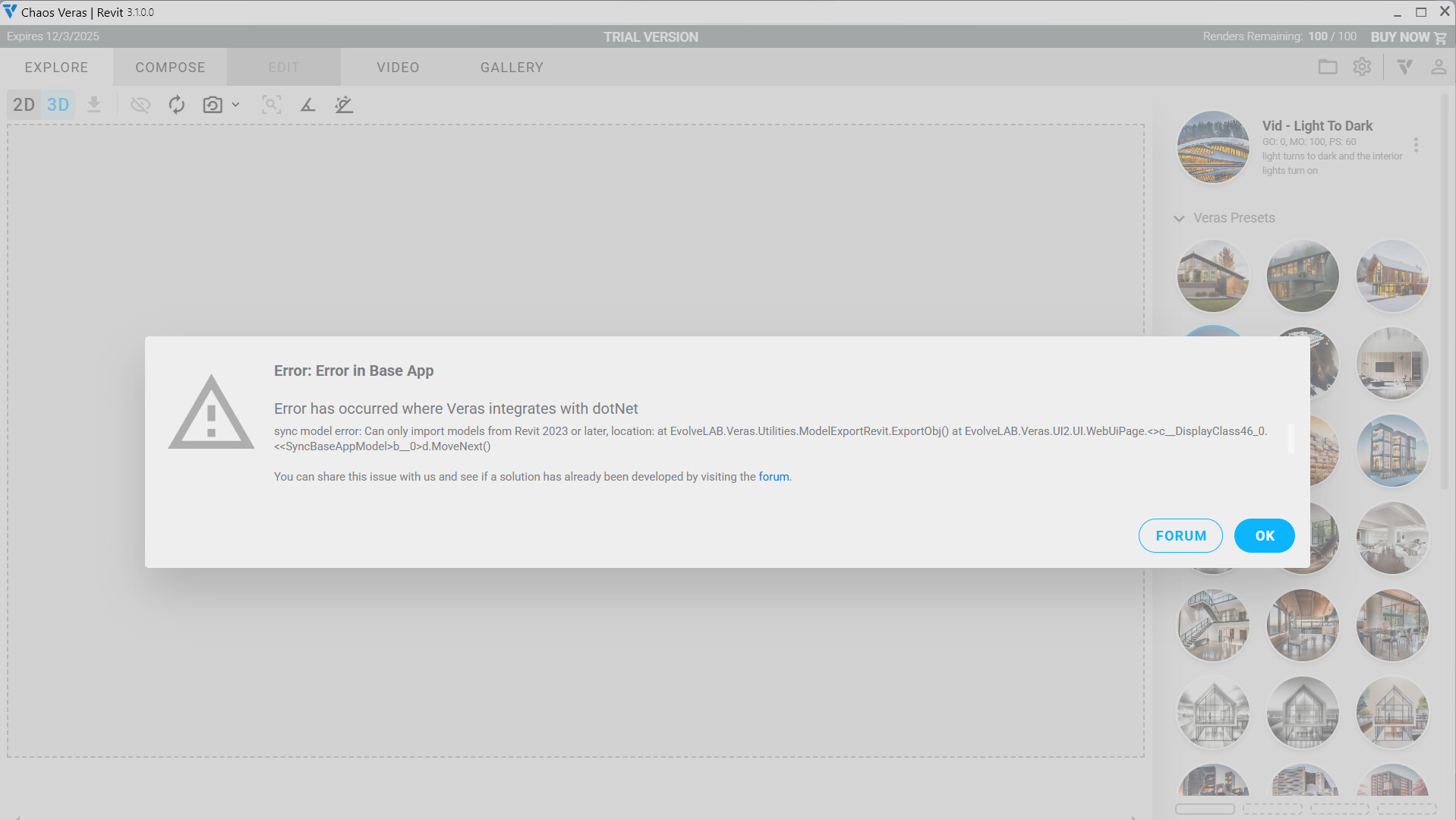
Error: Error in Base App

Error has occurred where Veras integrates with dotNet

sync model error: Can only import models from Revit 2023 or later, location: at EvolveLAB.Veras.Utilities.ModelExportRevit.ExportObj() at EvolveLAB.Veras.UI2.UI.WebUiPage.<>c__DisplayClass46_0.<b__0>d.MoveNext()

@abdelsattar Can you let us know what version of Revit you were using Veras with?

I believe (@Greg or @Ben correct me if I’m wrong) that the ‘3D’ mode is only currently supported for Revit 2023 or newer.

Thanks,

Hello @Daniel . Yes, this is the truth.

Hi Daniel, it happens even when in 2024. How can I fix this issue?
Kind Regards

Strange, thanks @HO6N for the additional info. I’ll look into this with Revit 2024 and see what I can find out!

Buen dia he tenido el mismo problema usando revit 2024 encontraron alguna solucion?

Has there been a solution for this? I am also experiencing this with Revit 2023 and 2024.

@jdefelice Oh man, I don’t think we’ve figured this one out yet! Haven’t reproduced this on my end, which makes it harder to solve, but I’m hoping we will have a fix published soon!

I updated Enscape and then it seemed to solve the issue

2 Likes

hello, i use revit 2023 and i want to try veras for render. But i have a problem after downloaded. When I try to switch to the 3D tab, I encounter the error in the image. I deleted and reinstalled the program, but the error persists.

@dllsu - thank you for bringing this up. We were able to reproduce the bug, and we will have a patch released shortly. It seems like if users are using Revit 2024 and below, this bug appears. Revit 2025 and 2026 is working.
1 Like

This is now resolved in the latest 3.1.0.1 patch: Veras - Release 3.1 - #2 by Ben

Please let us know if there are any issues with your testing.